
User and Group Provisioning
Automatically manage team members from your identity provider
SCIM provisioning lets your identity provider manage members in your Yaak organization. Yaak works with SCIM-compatible providers like Okta, Microsoft Entra ID, OneLogin, and others.
Assigned users are added as Members, profile changes are synced, and unassigned users are deactivated. SCIM-managed members are labeled Managed by SCIM in the Yaak dashboard and should be managed from your identity provider.
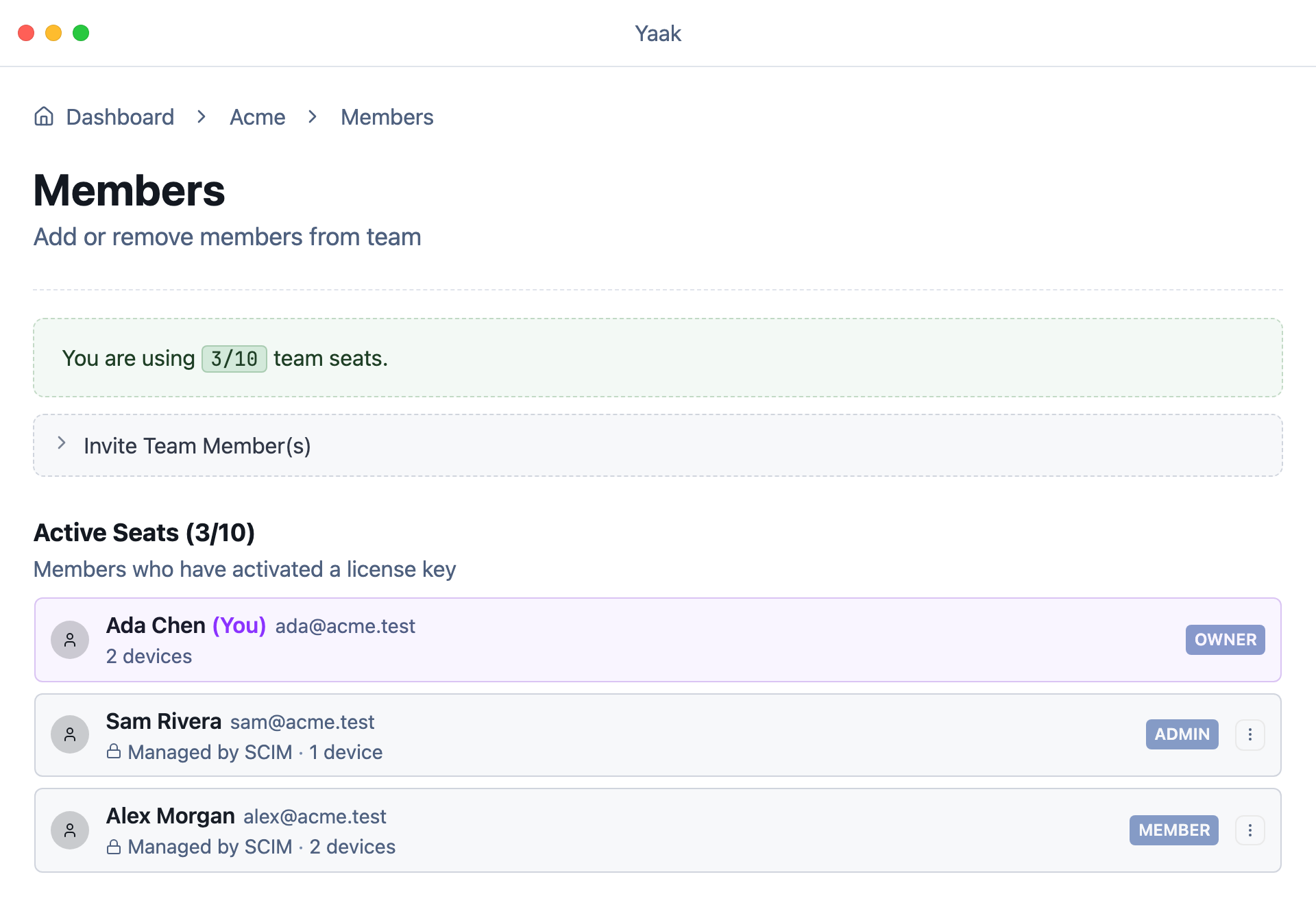
Dashboard showing the User Provisioning panel with Base URL and token controls.
Get the SCIM settings from Yaak
- Open the Yaak Web Dashboard.
- Select your organization.
- Open the Settings page.
- Expand Single Sign-On and save a working OIDC configuration.
- Expand User Provisioning.
- Select SCIM as the provisioning method.
- Copy the SCIM Base URL.
- Generate and copy a bearer token.
The bearer token is only shown once. If you lose it, regenerate the token and update your identity provider.
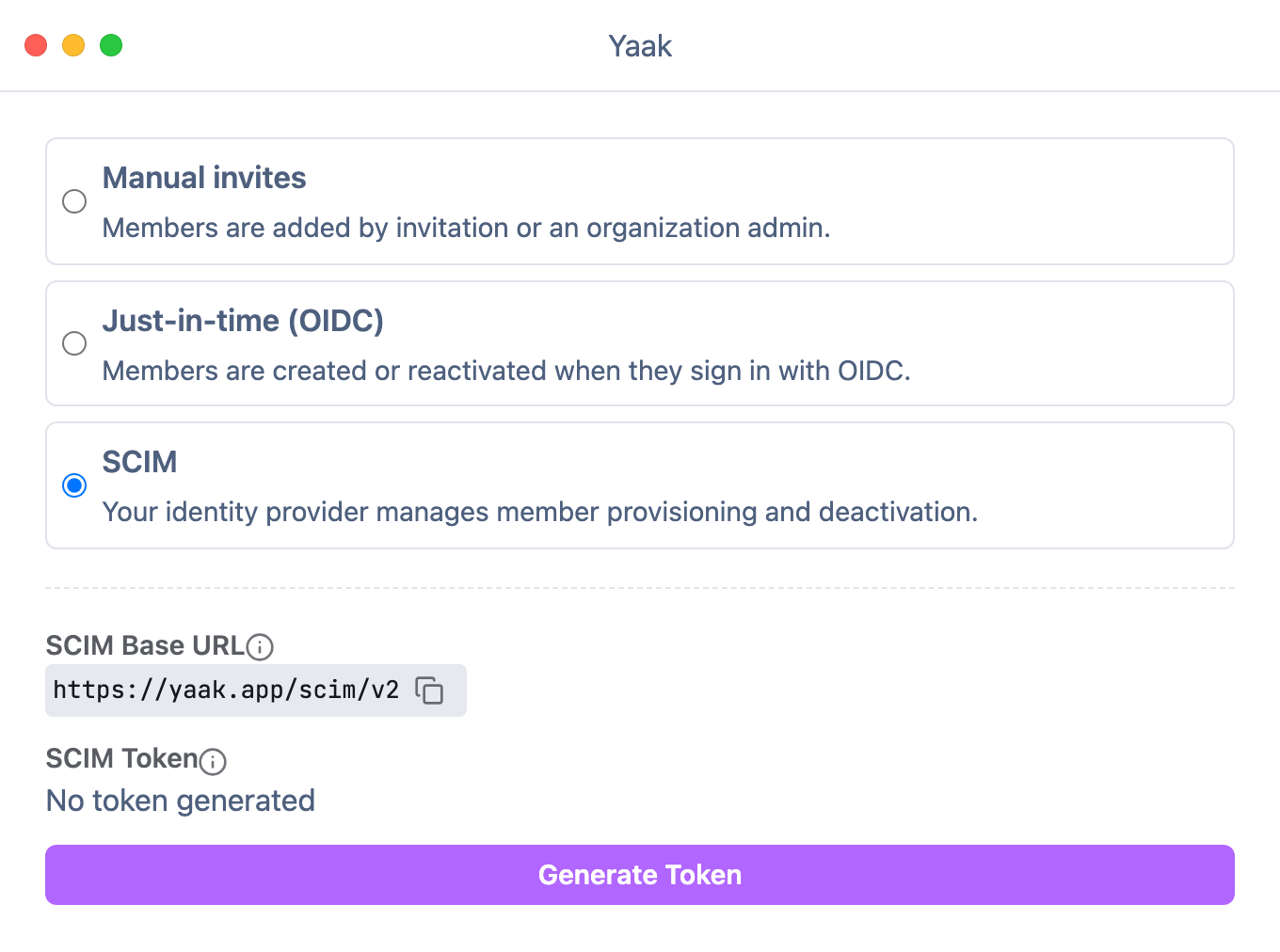
Generate a new token
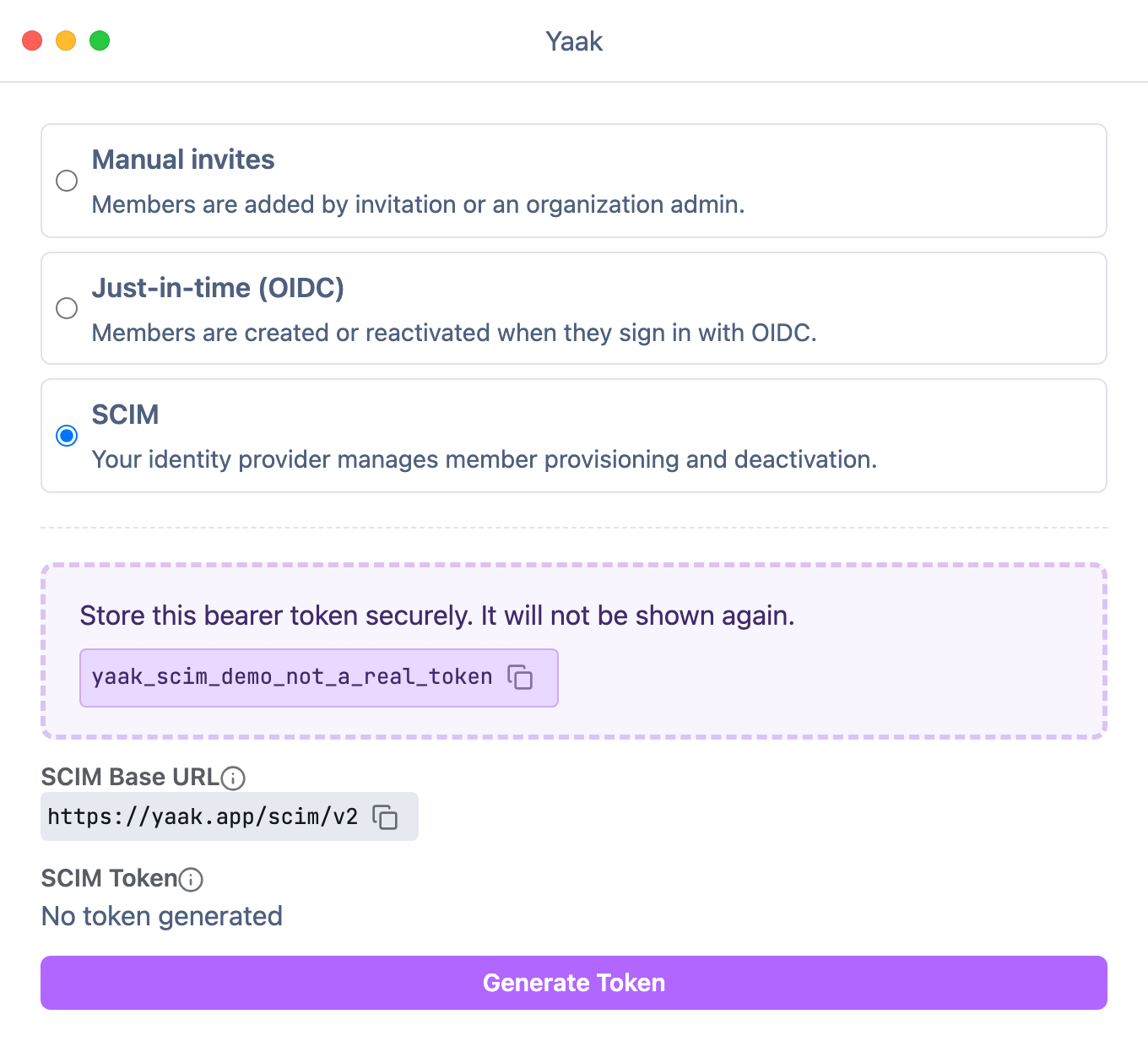
Copy the token
Configure your identity provider
Create a SCIM 2.0 app/integration in your identity provider and use:
| Field | Value |
|---|---|
| Base URL | The SCIM Base URL shown in Yaak |
| Authentication | Bearer token |
| Bearer token | The token generated in Yaak |
Enable user provisioning operations:
- Create users
- Read users
- Update user attributes
- Deactivate users
Groups and password sync are not required.
Assign users
Yaak only receives SCIM events for users assigned to the identity provider app. Assign individual users (or a group) to start provisioning them into Yaak.
To remove access, unassign the user or remove them from the assigned group. Yaak will deactivate the member and free their seat.
Notes
- SCIM-created users are added as Members. Owners and Admins can promote users manually in Yaak.
- Yaak syncs name, email address, and active/inactive status.
- SCIM API requests are accepted only while SCIM is selected as the organization’s provisioning method.
Was this helpful?