
Import OpenAPI & Swagger
Generate Yaak requests from OpenAPI 3.x and Swagger 2.0 specifications
Yaak can import OpenAPI and Swagger specifications to automatically generate requests for your API. This is perfect for quickly exploring a new API or setting up a workspace from existing API documentation.
Supported Formats
Yaak supports importing:
- OpenAPI 3.0 — JSON and YAML
- OpenAPI 3.1 — JSON and YAML
- Swagger 2.0 — JSON and YAML
Under the hood, Yaak converts OpenAPI specs to Postman Collection format using the openapi-to-postmanv2 library, then imports them using the Postman importer. This means you get the same robust import capabilities.
What Gets Generated
When you import an OpenAPI/Swagger spec, Yaak creates:
- Requests for each endpoint — One request per path/method combination
- Folder structure — Requests organized by API tags
- Request parameters — Path, query, and header parameters with example values
- Request bodies — JSON body templates based on schema definitions
- Authentication — Security schemes converted to Yaak auth configurations
Import an OpenAPI Spec
- Open Import Data from the main menu
- Choose a new or existing workspace as the destination
- Select your OpenAPI or Swagger file (JSON or YAML)
- Click Preview Import, review the generated requests, and confirm the import
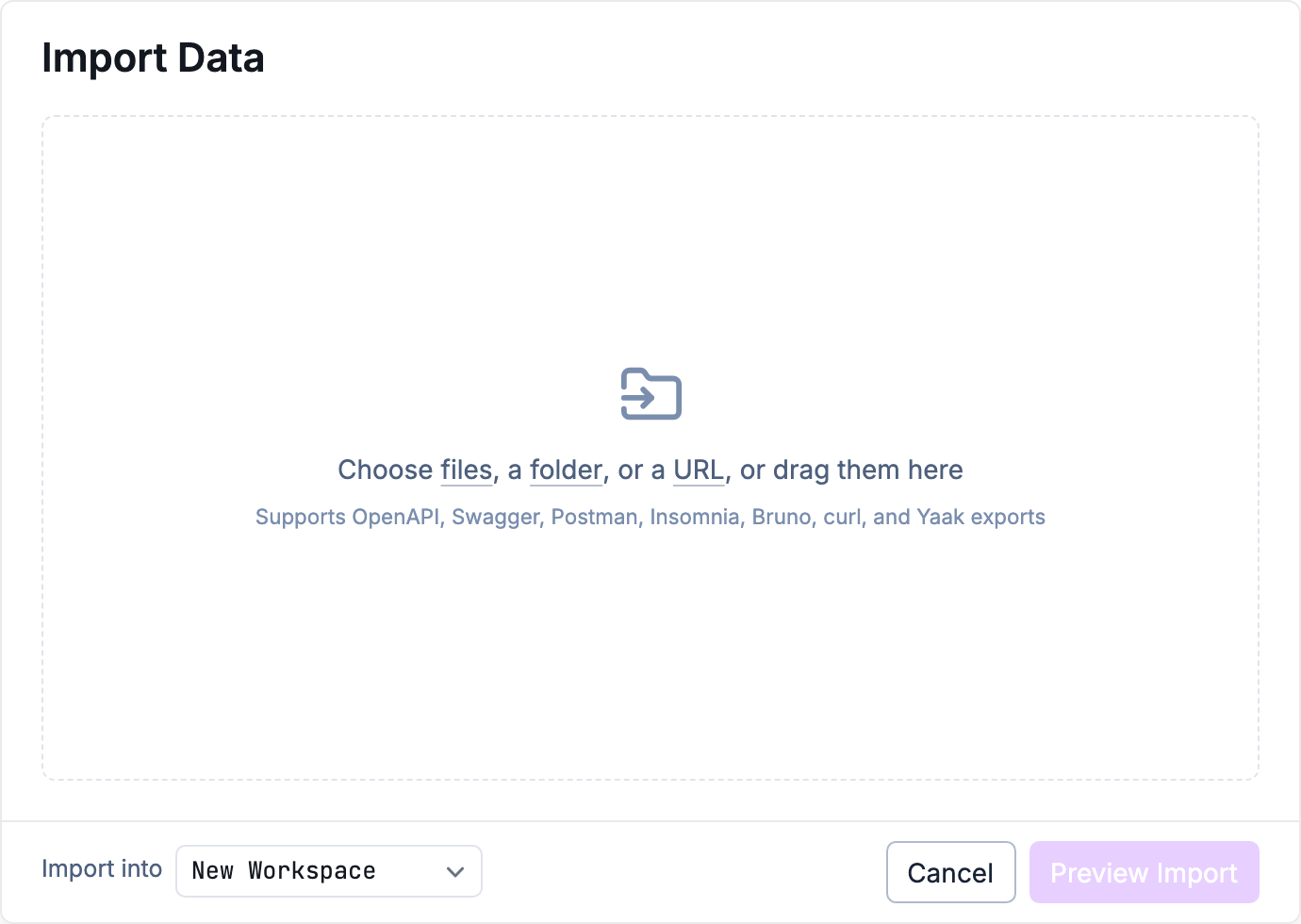
Choose an import source and destination
Import from URL
If your API spec is hosted online, paste its URL into the import dialog, choose a destination, and click Preview Import. You can also download the specification and import the saved file.
Working with Generated Requests
After importing, you’ll have a workspace full of pre-configured requests.
Set Up Your Base URL
Create an environment with your actual API URL to replace any template variables in the imported requests.
Add Authentication
If the API requires authentication:
- Select the workspace or a folder
- Configure authentication that will inherit to all requests
- Common setups include Bearer tokens or API keys
Customize Request Bodies
Generated request bodies are templates based on the schema. Replace placeholder values with real data:
{
  "name": "string",
  "email": "string",
  "active": true
}
Tips for Large APIs
For APIs with many endpoints:
- Use folders — Yaak organizes requests by tags, making large APIs navigable
- Favorite requests — Mark frequently-used endpoints for quick access
- Use search — Press
Cmd/Ctrl + Pto quickly find any request
Popular APIs with OpenAPI Specs
Many services publish OpenAPI specifications:
- Stripe — stripe.com/docs/api
- GitHub — docs.github.com/en/rest
- Twilio — twilio.com/docs/openapi
Search for “[service name] OpenAPI spec” to find downloadable specifications.
Was this helpful?