
gRPC Requests
Send and test gRPC API calls with automatic schema discovery
Yaak supports gRPC alongside REST, GraphQL, and other protocols. Test unary calls, streaming endpoints, and bidirectional communication from the same workspace.
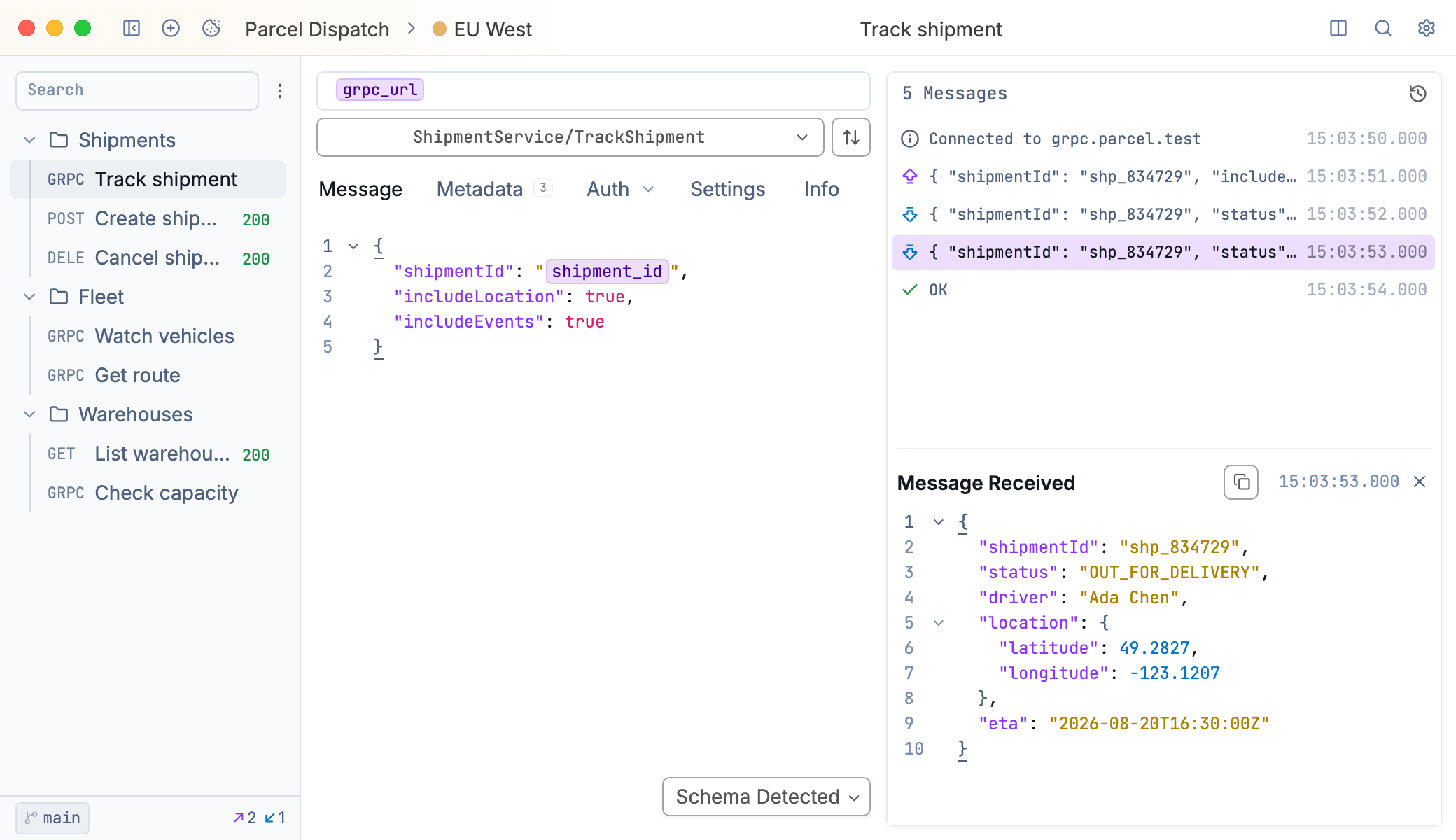
A gRPC request in Yaak
Loading the Schema
gRPC messages do not contain field names or types, so serialization requires knowing the schema. Because of this, Yaak needs service and method definitions before sending requests. Server reflection is the easiest approach—click the refresh button next to the service dropdown and Yaak discovers available methods automatically.
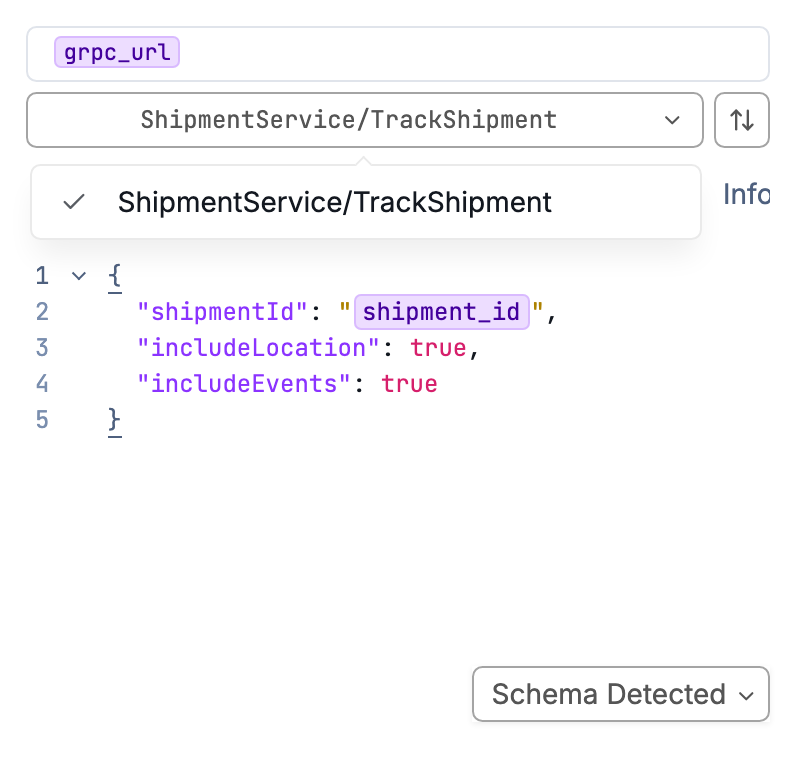
Services discovered via server reflection
For servers without reflection, you can select .proto files manually. Click the schema error message, select your files, and add import directories if needed.
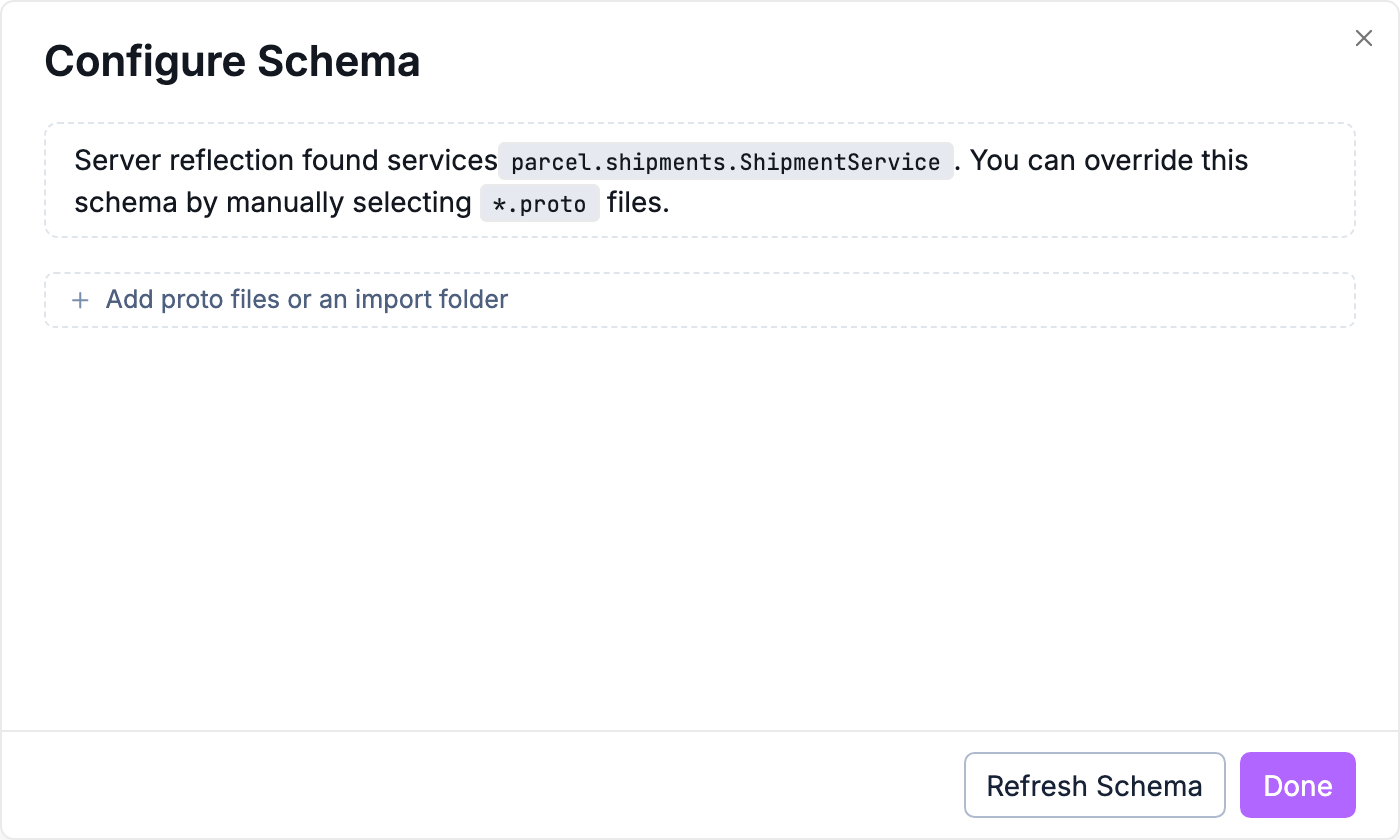
Selecting proto files manually
Selecting a Method
Select a method from the dropdown. Methods display as ServiceName/MethodName. The editor updates to show the expected message structure.
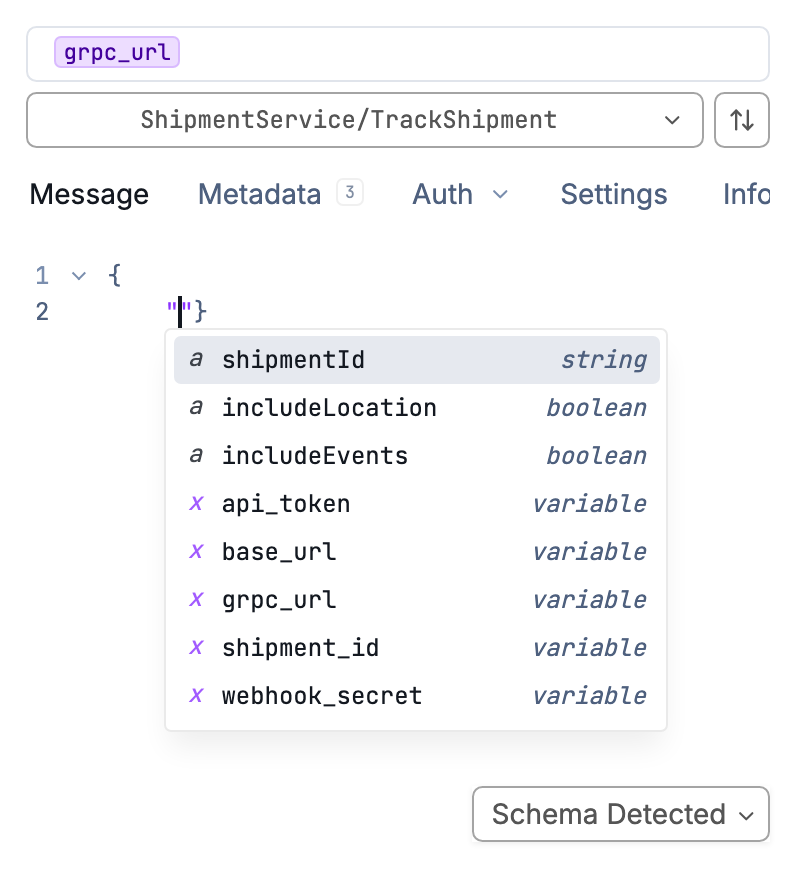
Schema-aware autocomplete in the message editor
The editor accepts JSON with autocomplete from your protobuf schema. Press Ctrl+Space for available fields. Validation errors highlight in real-time.
Environment variables and template functions work in gRPC messages.
Metadata and Authentication
gRPC metadata works like HTTP headers. Add key-value pairs in the Metadata tab. These support template variables and inherit from parent folders and workspaces.
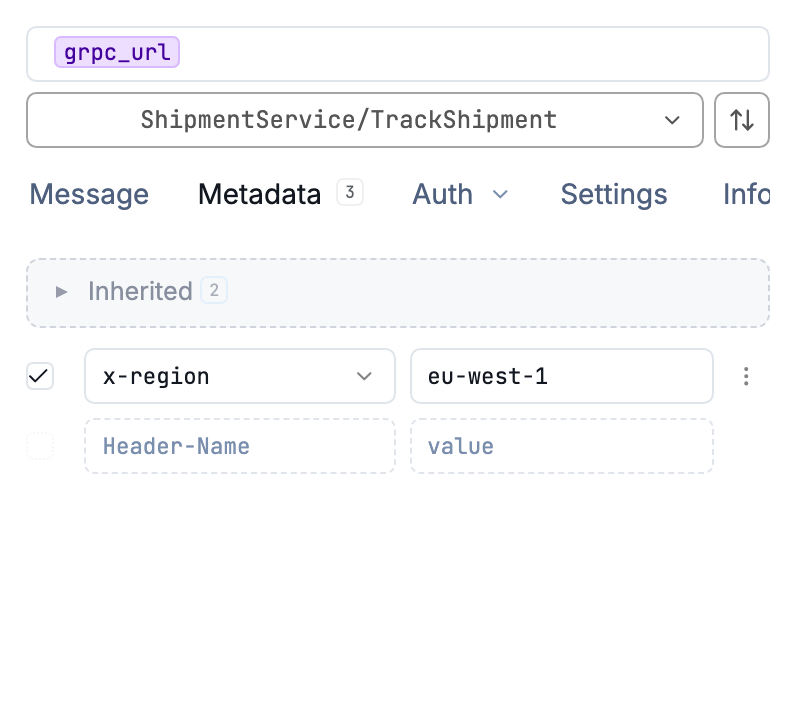
Metadata on a gRPC request
Authentication configuration matches HTTP requests. Bearer tokens, Basic auth, OAuth 2.0, and other methods add appropriate metadata automatically.
Streaming
All four gRPC patterns are supported. Unary calls work with a single Send click.
Streaming methods adapt the interface:
- Server streaming: Send once, responses arrive in the timeline
- Client streaming: Send multiple messages, click Commit to close and receive the response
- Bidirectional: Send messages while receiving responses
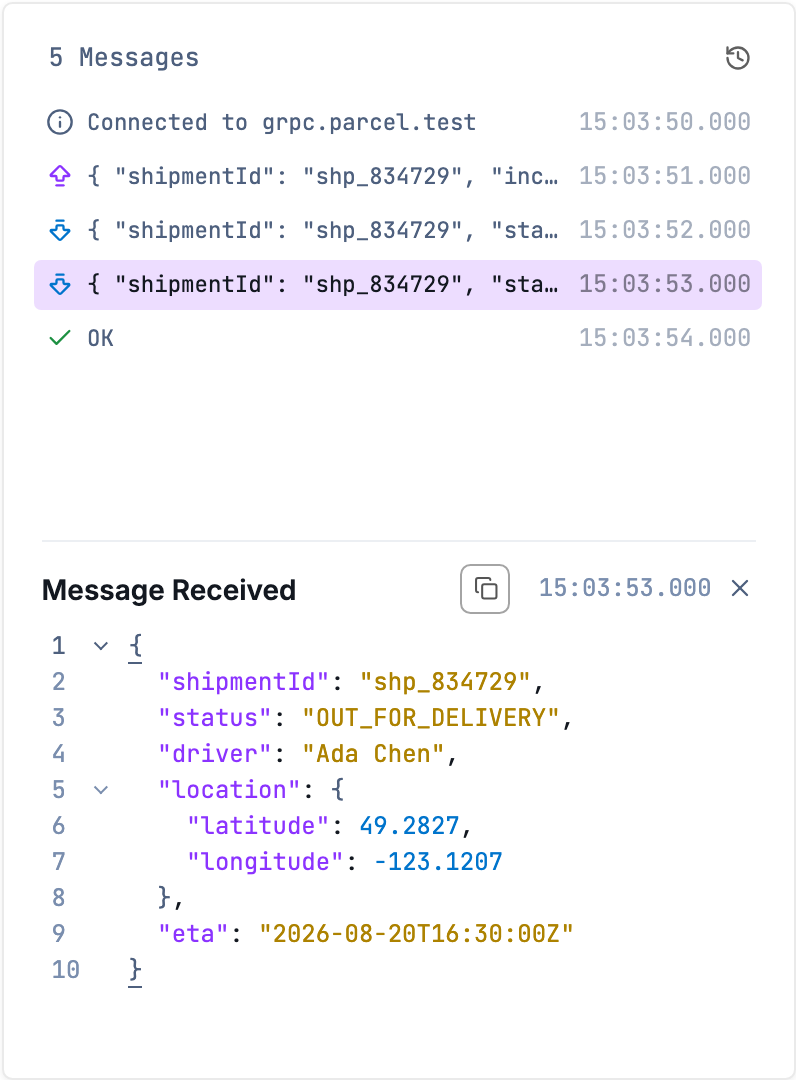
Timeline view of a streaming response
The response pane shows all events—sent messages, server responses, and errors. Click any event for full content.
URL Scheme
gRPC URLs without an explicit scheme default to http://. To connect over TLS, prefix the URL with https://. For example, use https://api.example.com:443 for a TLS-enabled server and http://localhost:50051 (or just localhost:50051) for a plaintext connection.
TLS and Certificates
TLS applies automatically for https:// connections. For mTLS, add client certificates in Settings → Client Certificates. Yaak matches them by hostname.
Disable certificate validation for local development in Workspace Settings.
Was this helpful?