
Migrate from Insomnia
Migrate your Insomnia workspaces and environments to Yaak
Moving from Insomnia to Yaak? This guide covers how to export your Insomnia data and import it into Yaak with minimal friction.
What Gets Imported
Yaak supports Insomnia export formats v4 and v5. When you import from Insomnia, Yaak converts:
- HTTP requests — URLs, methods, headers, query parameters, and body content
- gRPC requests — Including service and method from proto definitions
- WebSocket requests — URL, headers, and message content (v5 only)
- Request groups — Folder structure is preserved
- Environments — Base and sub-environments with all variables
- Authentication — Bearer tokens and basic auth configurations
- Body types — JSON, form-urlencoded, multipart/form-data, GraphQL, and binary files
- Template syntax — Insomnia’s
{{ variable }}syntax is converted to Yaak’s${[ variable ]}syntax
Export from Insomnia
To export your Insomnia workspace:
- Open Insomnia and select the workspace you want to export
- Click the workspace dropdown menu
- Select Import/Export → Export Data
- Choose Current Workspace or All Workspaces
- Select Insomnia v4 (JSON) or YAML format
- Save the file to your computer
Import into Yaak
- Open Import Data from the main menu
- Select your exported Insomnia JSON or YAML file
- Choose a new or existing workspace as the destination
- Click Preview Import, review the changes, and confirm the import
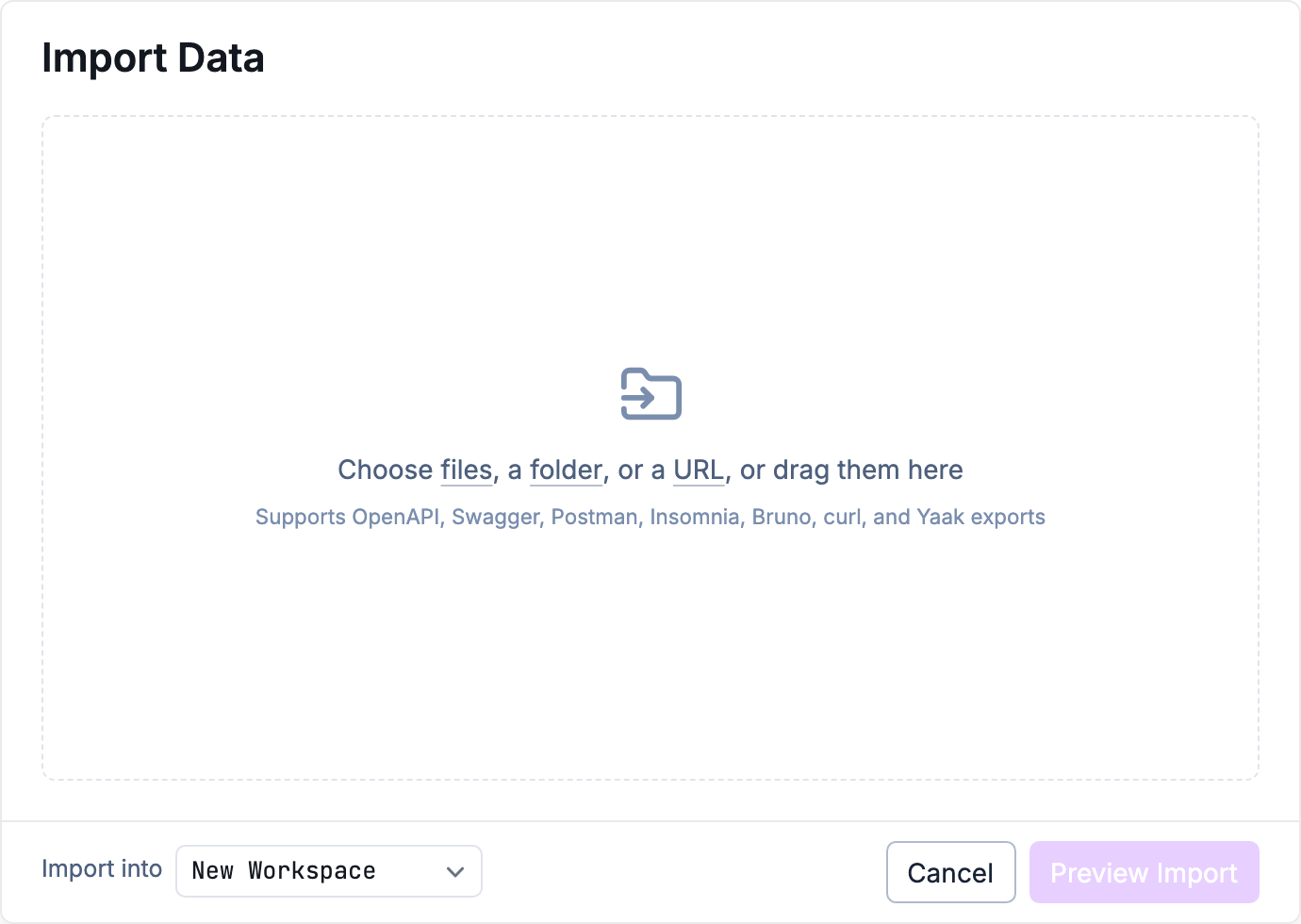
Choose an import source and destination
After Import
Once your data is imported:
- Check environments — Verify your environment variables transferred correctly
- Review authentication — Bearer and basic auth should import, other types may need manual setup
- Test requests — Send a few requests to confirm everything works
- Set up Git sync — Use directory sync to version control your workspace
Was this helpful?