
Team License Management
Inviting your team and managing licenses
Each member of your team is required to have their own unique license.
- 1 license per team member
- Licenses are transferable
- Inactive licenses do not take up a seat
Inviting teammates
You can manage your team by logging into the Web Dashboard with your account email.
Team members can be added by entering a comma-separated or newline-separated list of email addresses.
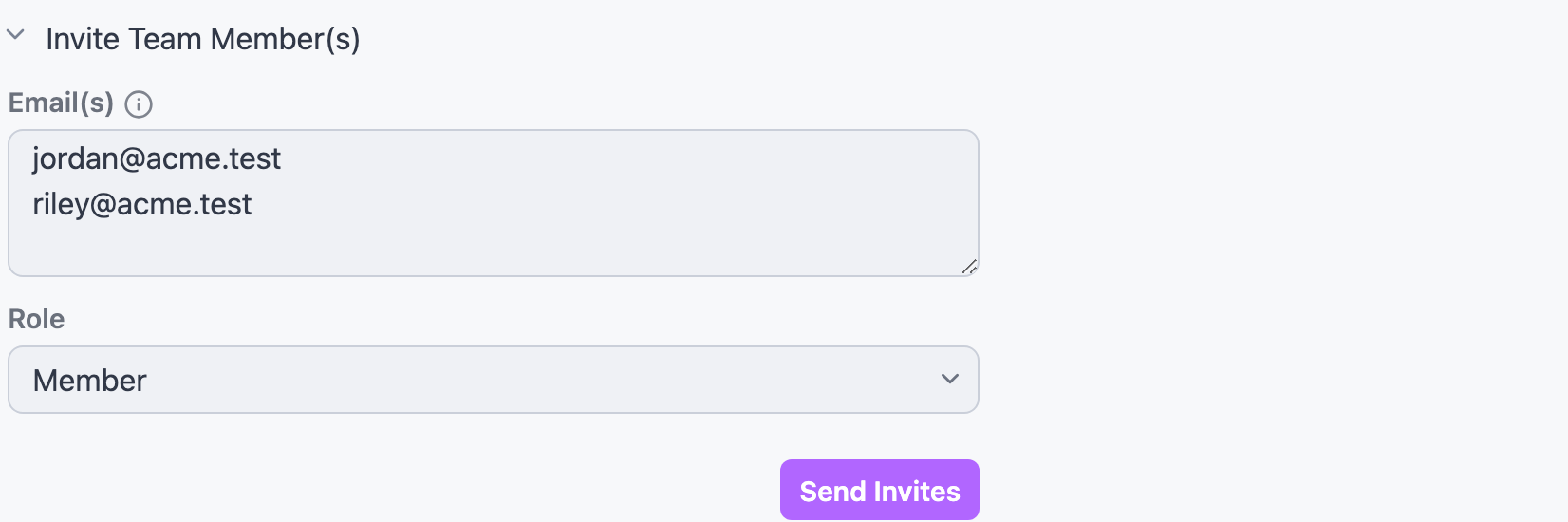
Invite new team members and assign a role (Member or Admin)
Each invitation contains a link to accept the invitation. Each member will need to create a Yaak account to accept the invitation. Once accepted, they will be presented with a unique license key, tied to their account, to be entered into the Yaak desktop application.
Activating a license
A license key can be activated from the Yaak desktop app, by navigating to Settings > License.
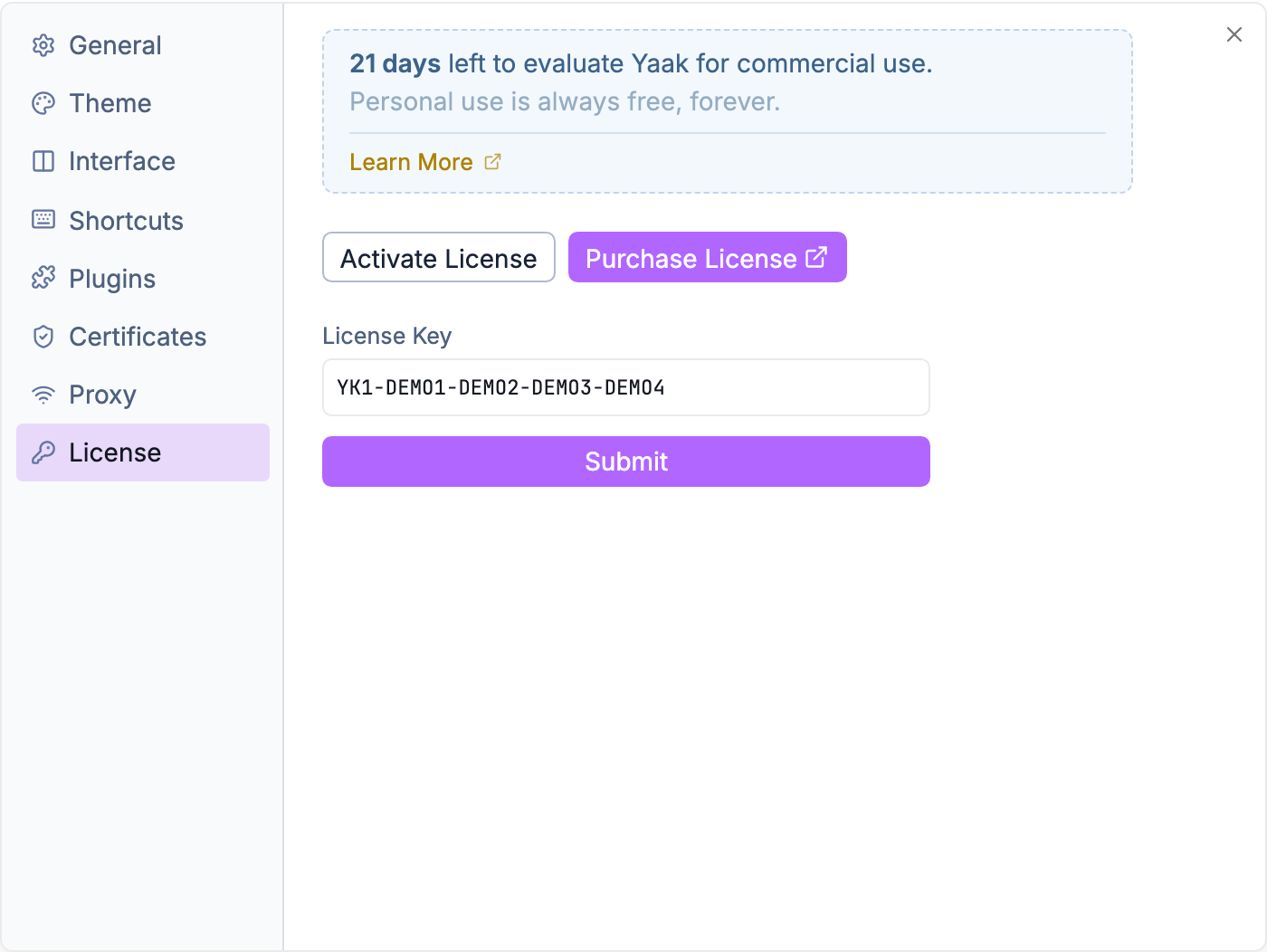
Activate a license key from Yaak Settings > License
Reassigning seats
If someone leaves your team, you can remove them from the dashboard. That seat immediately becomes available for another member.
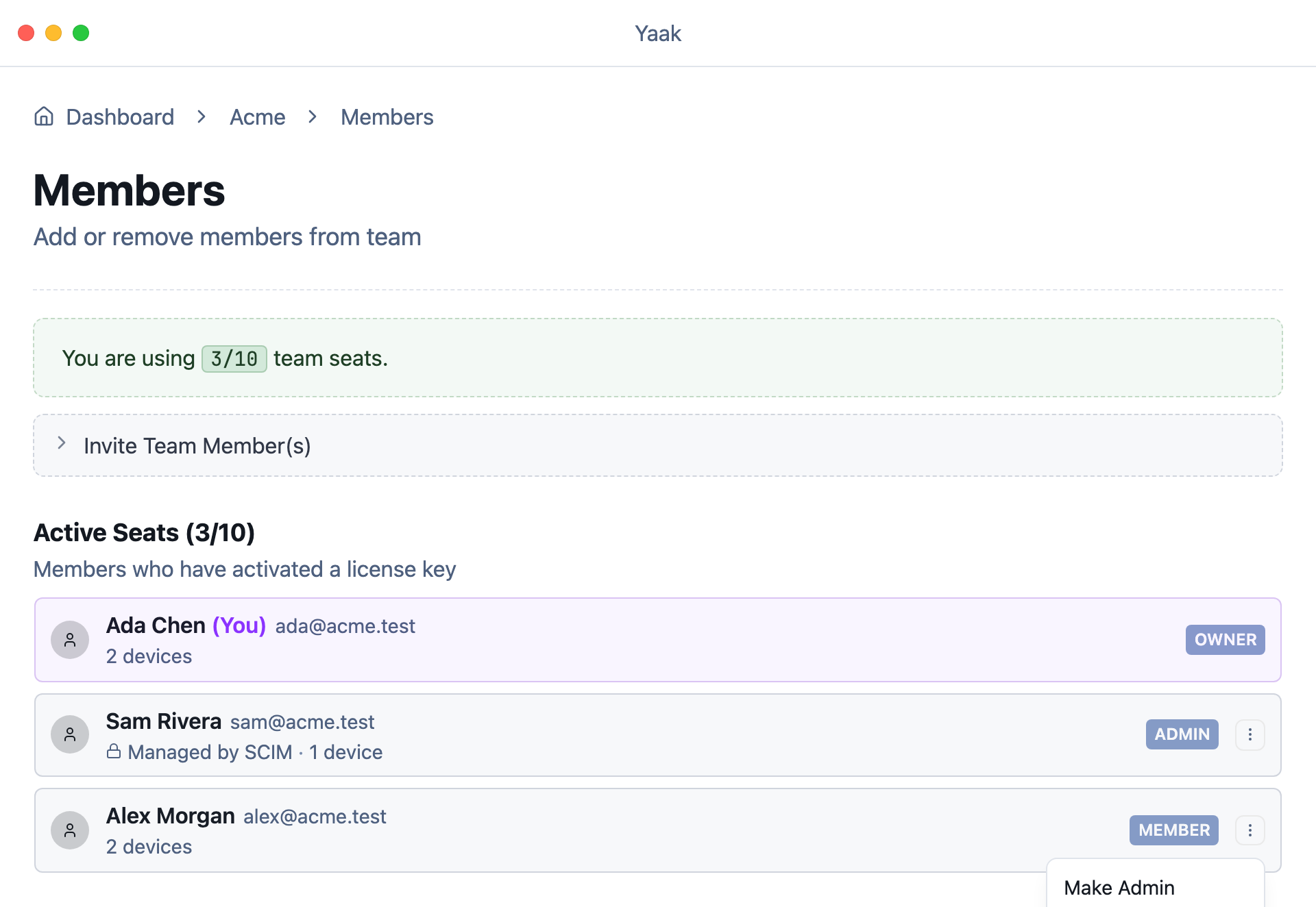
Remove a member from the actions menu
Admins and billing-only members
The person who created the team is automatically the Administrator in charge of inviting members and managing billing. If this member does not activate their license, they won’t take up a seat.
Adjusting quantity
Active licenses are limited to the number of seats purchased when creating your subscription. You can log into the Web Dashboard to adjust your subscription quantity in order to add or remove seats.
Was this helpful?