
WebSocket Connections
Connect to WebSocket servers and exchange messages
Yaak supports WebSocket connections for bidirectional communication with servers.
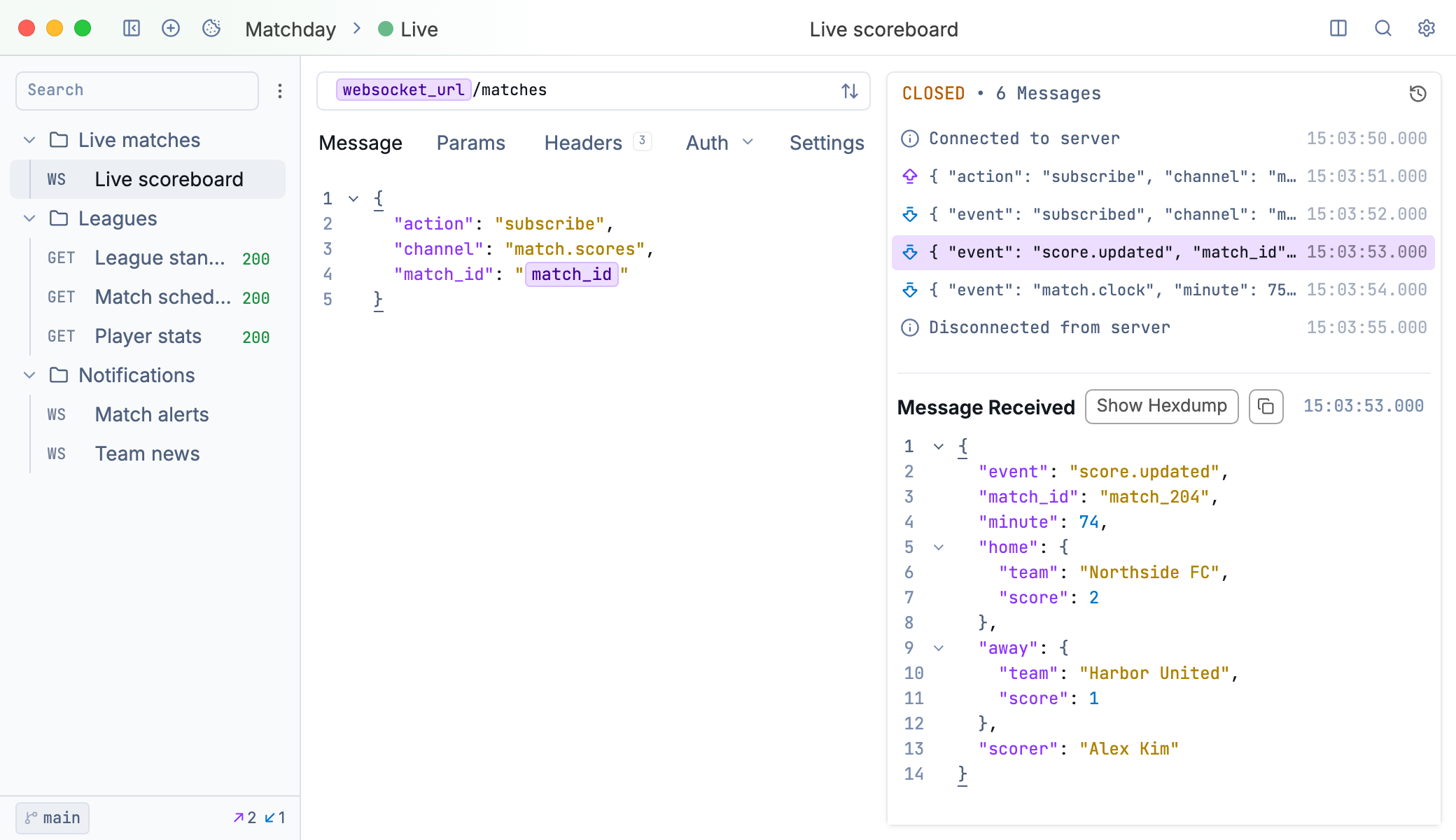
A WebSocket connection showing the message timeline
Creating a WebSocket Request
Create a new request and select WebSocket from the request type dropdown. Enter the WebSocket URL starting with ws:// or wss:// for secure connections.
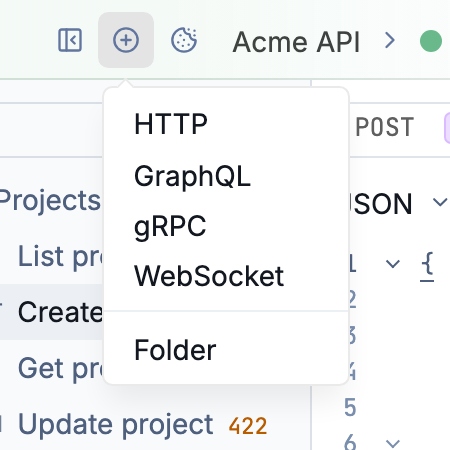
Create a new WebSocket request
Connecting and Sending Messages
Click the connect button in the URL bar to establish a connection to the websocket service. Once connected, the message editor appears with Close and Send buttons.
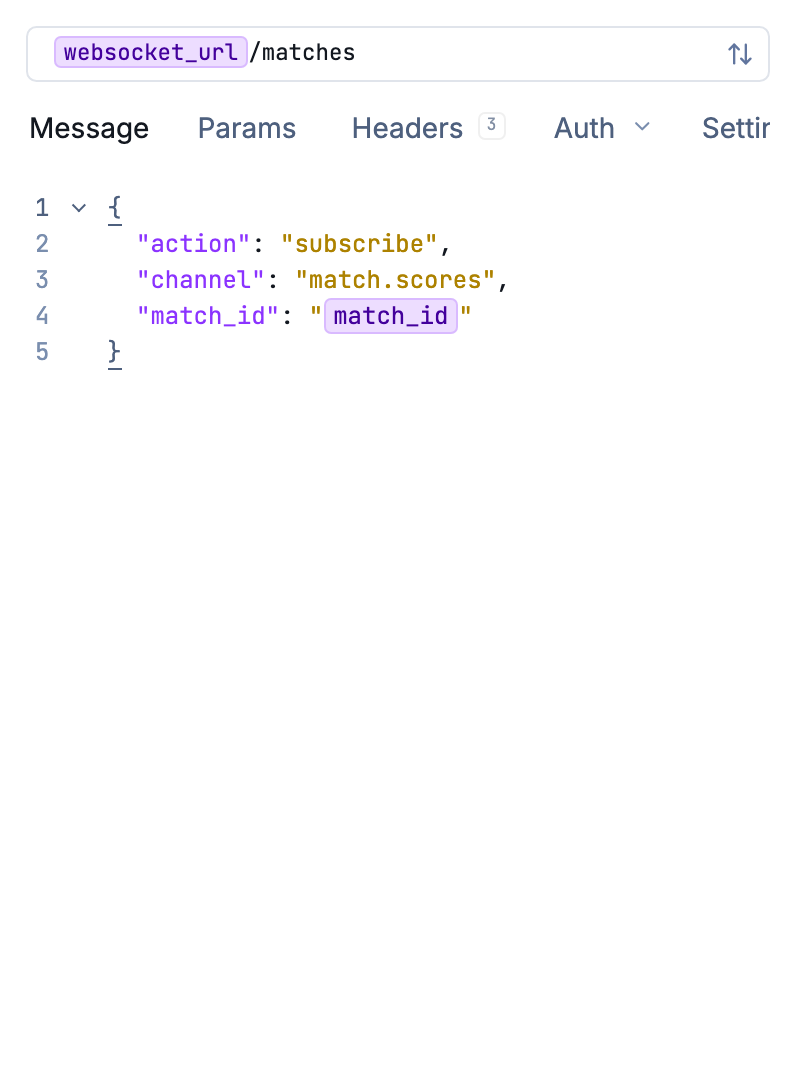
Use close and send buttons to interact with live connections
The connection stays open until you disconnect or the server closes it.
Message Timeline
All activity appears in a timeline:
- Sent messages - Messages you sent to the server
- Received messages - Messages from the server
- Connection events - Connect, disconnect, and errors
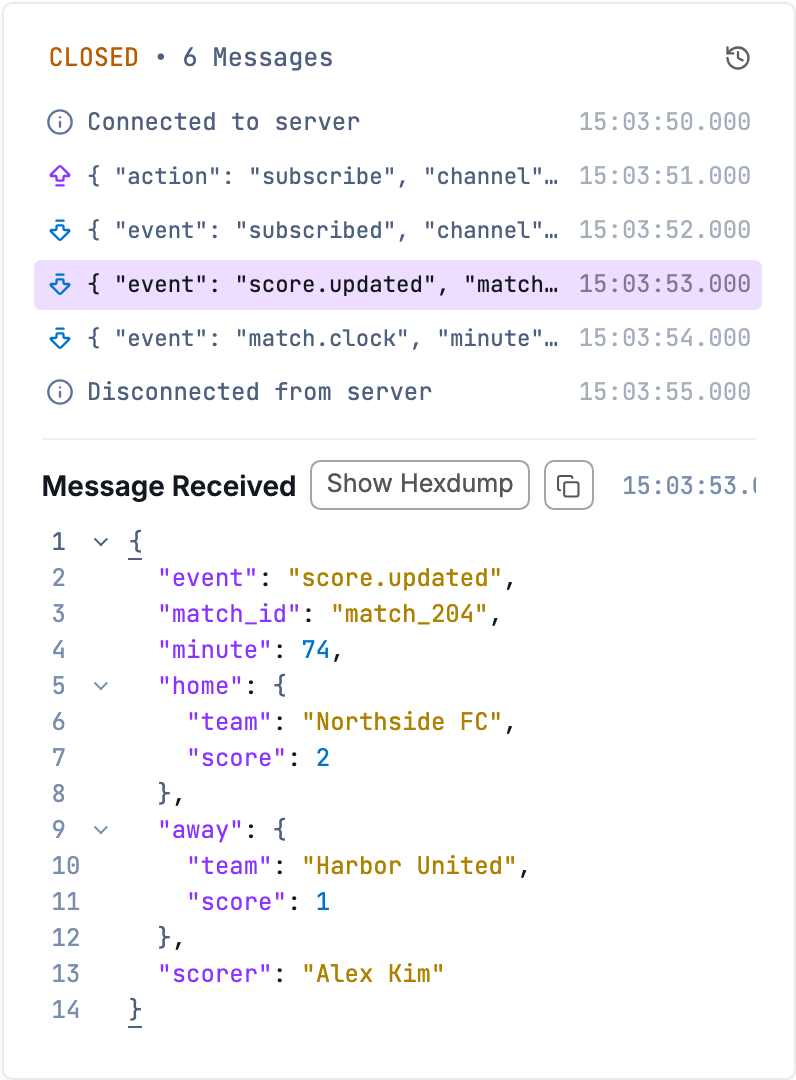
Click any message to view its full content.
Hex Dump View
For binary messages, switch to hex dump view to inspect raw bytes alongside their ASCII representation.
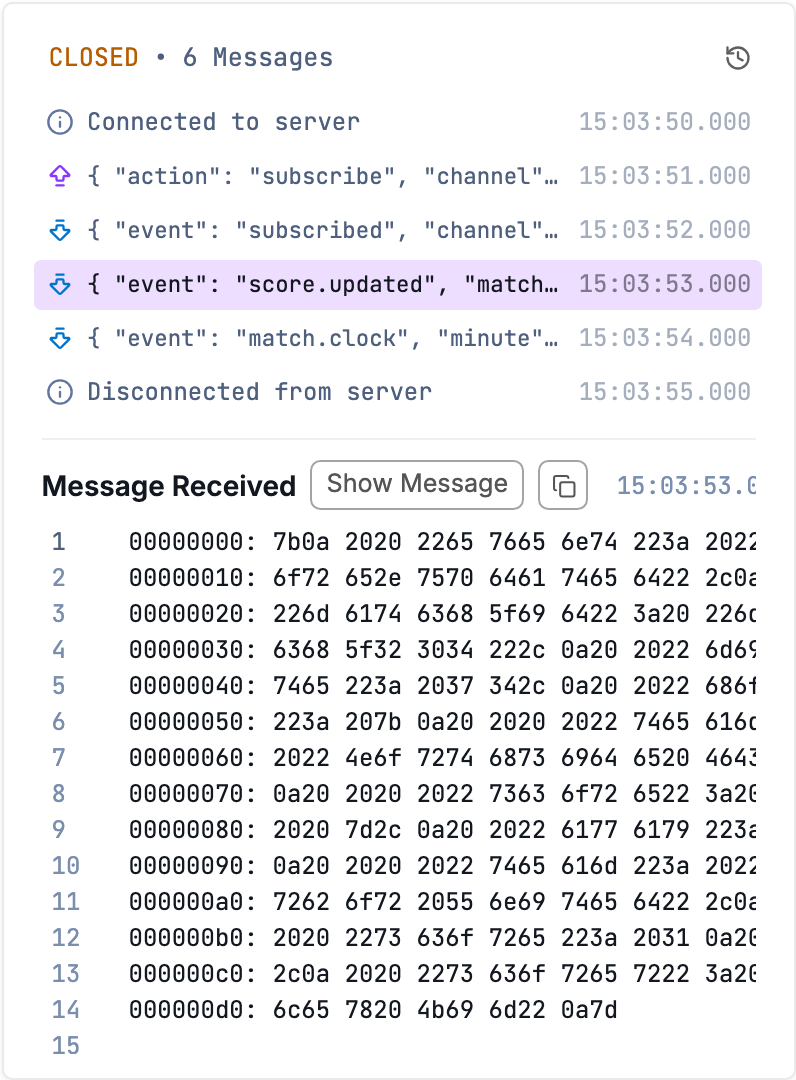
View hex dump for any websocket event
Was this helpful?