Compare six API clients by how you work: local files, team collaboration, testing, or quick requests. This page is maintained by Yaak and written from experience: I've been building API clients since 2014, first Insomnia and now Yaak.
For a closer look: Yaak vs Postman, Yaak vs Bruno, or Yaak vs Insomnia.
For years, the two biggest complaints about Postman were the same: data had to live in its cloud, and there was no real Git workflow.
Postman 12 (March 2026) fixed both, adding native Git support and offline file storage. Two other reasons to switch remain:
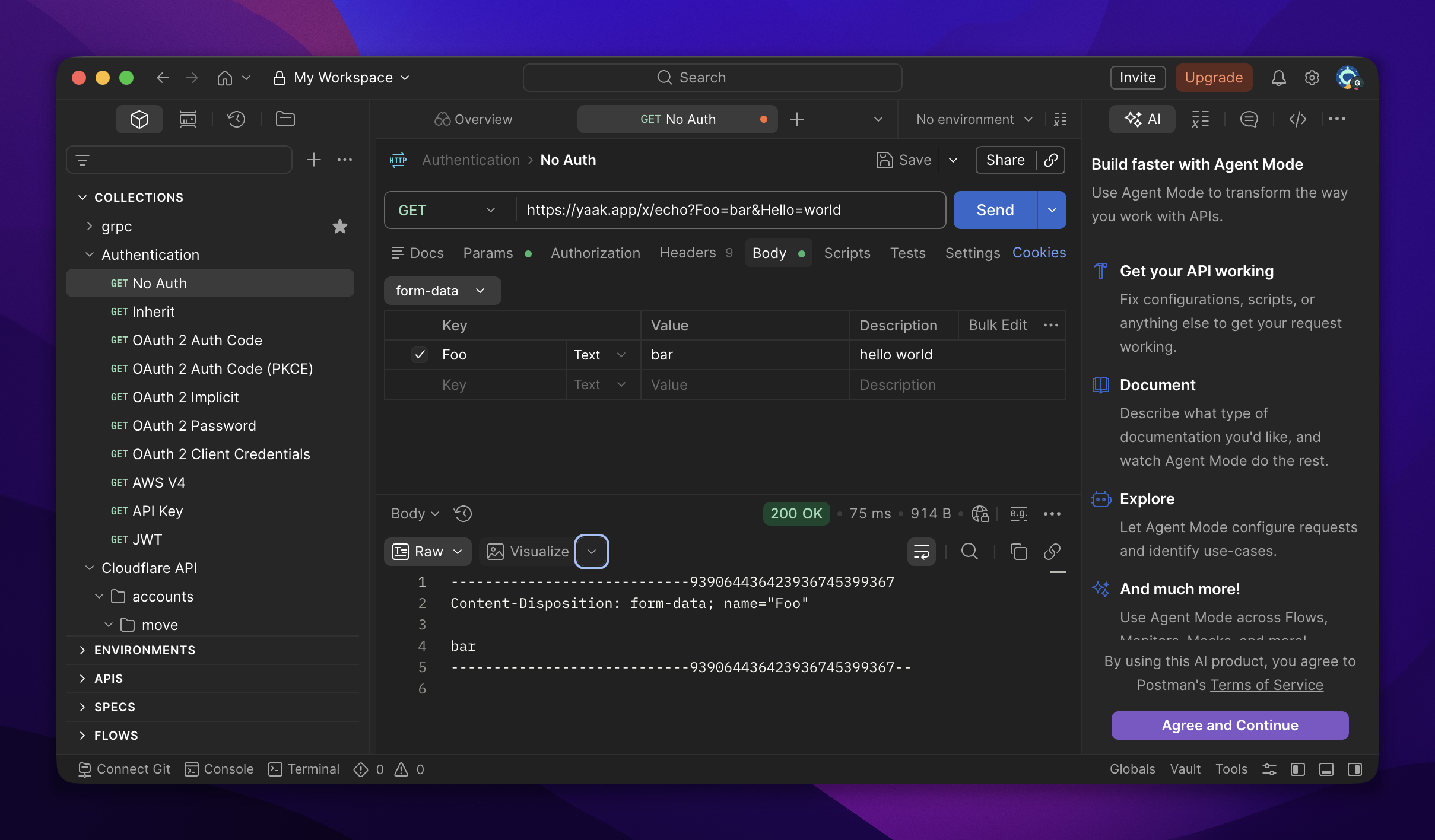
| Feature | Yaak | Bruno | Insomnia | Kreya | Hoppscotch | HTTPie |
|---|---|---|---|---|---|---|
| Open source |
CLI only | |||||
| Works offline |
login required | |||||
| No account required |
Scratch Pad only | |||||
| Git-friendly storage |
Git UI paid |
3 users free |
JSON export | |||
| GraphQL | ||||||
| gRPC | ||||||
| WebSocket | ||||||
| Server-sent events | ||||||
| Request scripting |
templating instead |
Pro | ||||
| CLI |
Pro | |||||
| MCP server |
community |
client only | ||||
| License | MIT · paid commercial use | MIT (app) · paid team features | Apache-2.0 (app) · proprietary cloud | Proprietary | MIT (app) · paid enterprise | BSD-3 (CLI) · proprietary desktop |
| Pricing | Free for personal use. Commercial use requires a license after the trial. See pricing | Pro $10/user/month, billed annually See pricingChecked September 18, 2026 |
Prices exclude tax and add-ons. Competitor prices include their billing period, source, and last checked date. Spot an error? Email help@yaak.app.
https://yaak.app · macOS, Windows, Linux
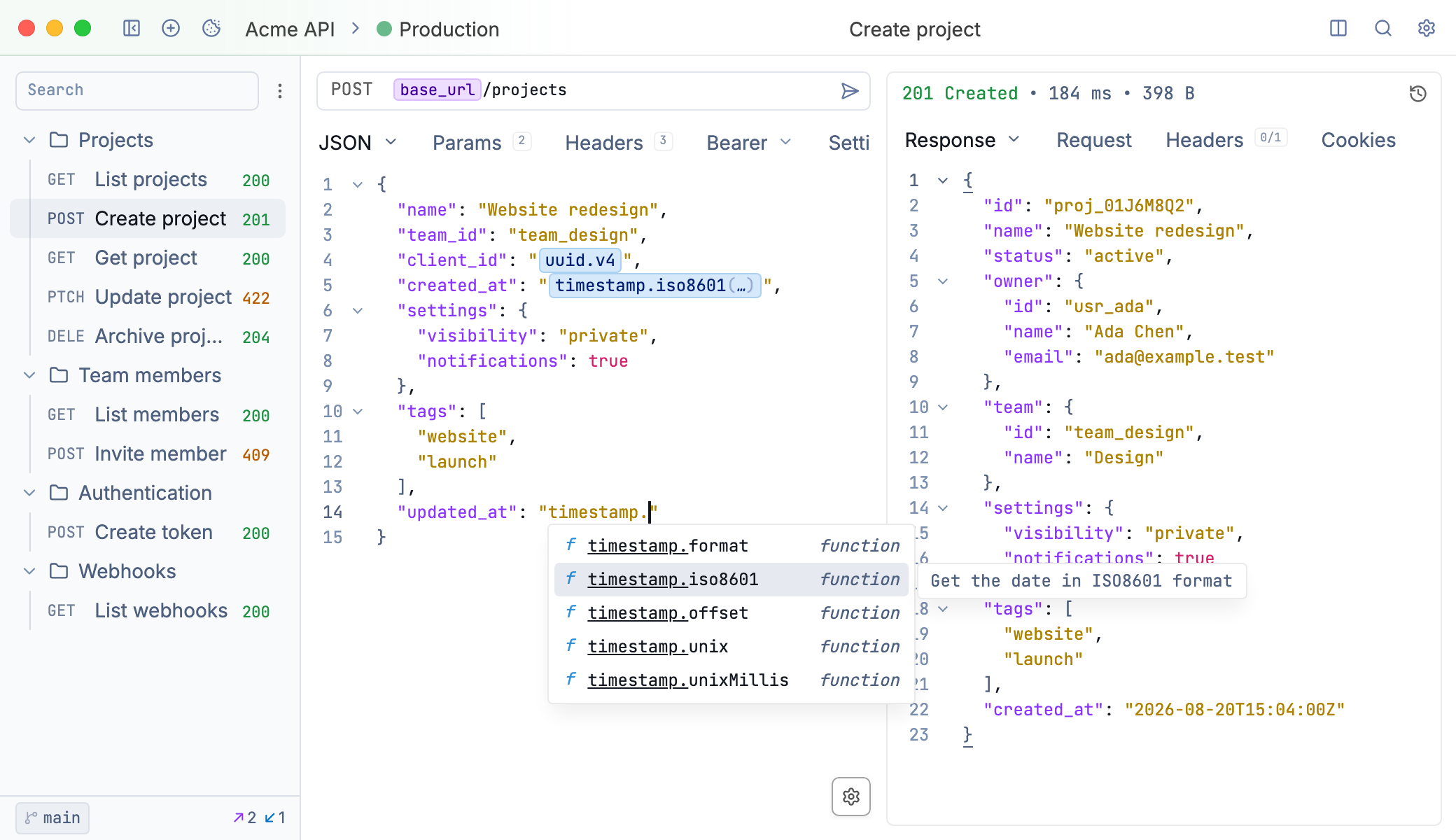
Yaak is an MIT-licensed desktop client that stores everything locally, requires no account, and syncs workspaces as plain files you can commit to Git when you enable directory sync.
Templating is the core workflow: chain requests by pulling values from other responses, reference environment variables anywhere, and generate dynamic data with template functions. When the built-ins aren't enough, a custom template function is a few lines of TypeScript as a plugin, with full Node.js access.
Plugins also cover custom auth flows and themes, and a CLI and MCP server let terminal agents and AI assistants drive the same workspaces.
Commercial use requires a license after a 30-day trial. Personal use is free, full-featured, forever.

Yaak is the best Postman alternative if you're looking for a polished, secure, and extensible API client.
https://www.usebruno.com · macOS, Windows, Linux · CLI
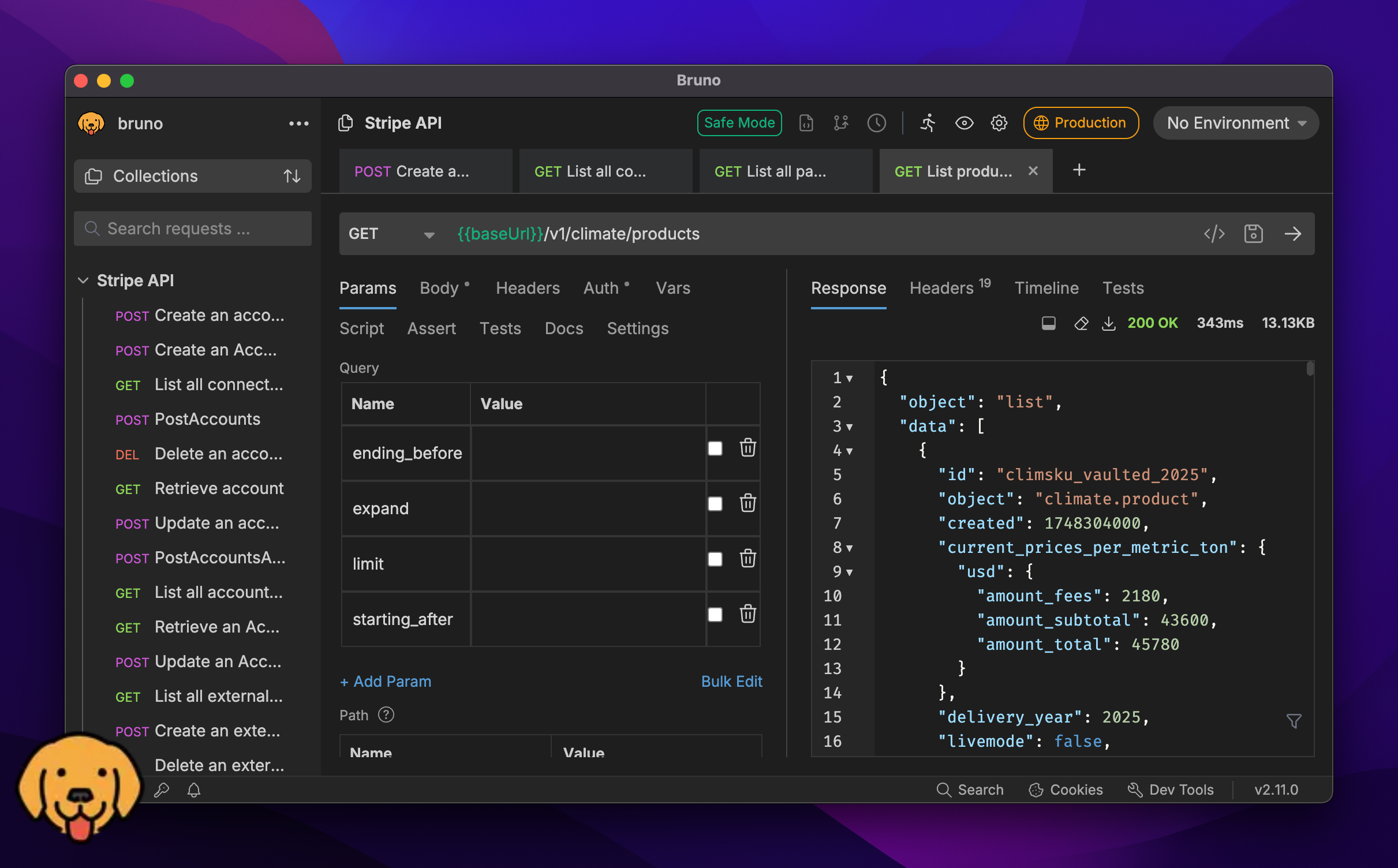
Bruno stores collections as plain-text .bru files on your filesystem, the most aggressive local-first design on this list. There is no cloud sync product at all, no account, and the MIT-licensed app includes gRPC, WebSocket, MQTT, and SSE support.
Bruno follows an open-core model: the MIT app covers individual work, while the built-in Git UI, team workspaces, and enterprise features sit in paid tiers. The one-time Golden Edition license was discontinued in favor of these subscriptions.
Releases land multiple times a month, and mid-2026 versions added official GitHub Actions and Docker images for running collections in CI.
https://insomnia.rest · macOS, Windows, Linux · CLI
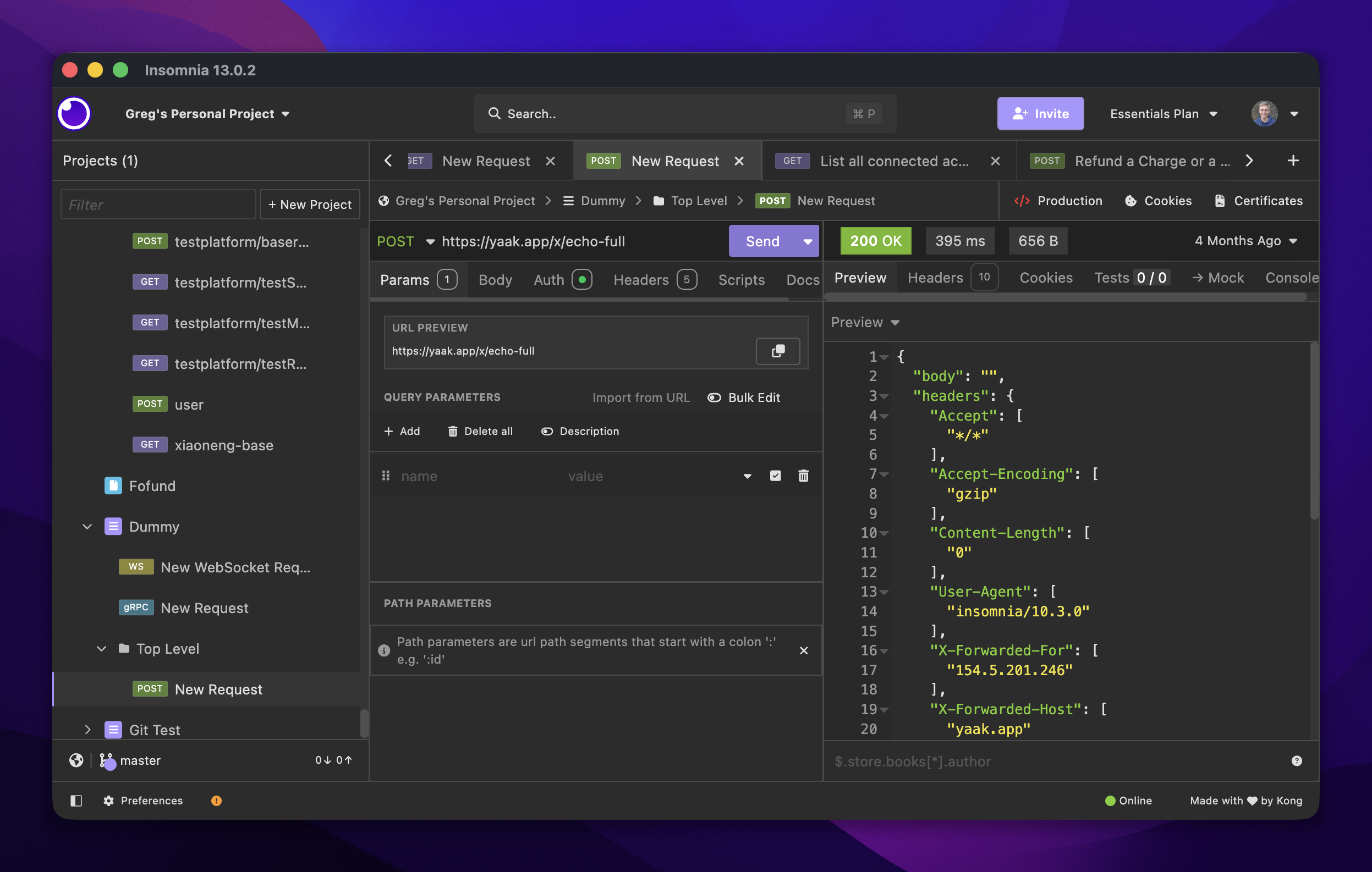
Insomnia is the veteran of this list: an Apache-2.0 desktop client owned by Kong since 2019, with broad protocol support (REST, GraphQL, gRPC, WebSocket, SSE) and Postman-compatible scripting.
The tradeoff is account coupling. Since version 8.0, using the app beyond the limited Scratch Pad requires logging in, even for projects stored in the fully-local vault. Git Sync works well but caps at 3 users per project on the free tier.
Recent releases lean into Kong's platform: version 12 added MCP clients and AI features, and version 13 embeds Insomnia into Kong Konnect.
https://kreya.app · macOS, Windows, Linux · CLI
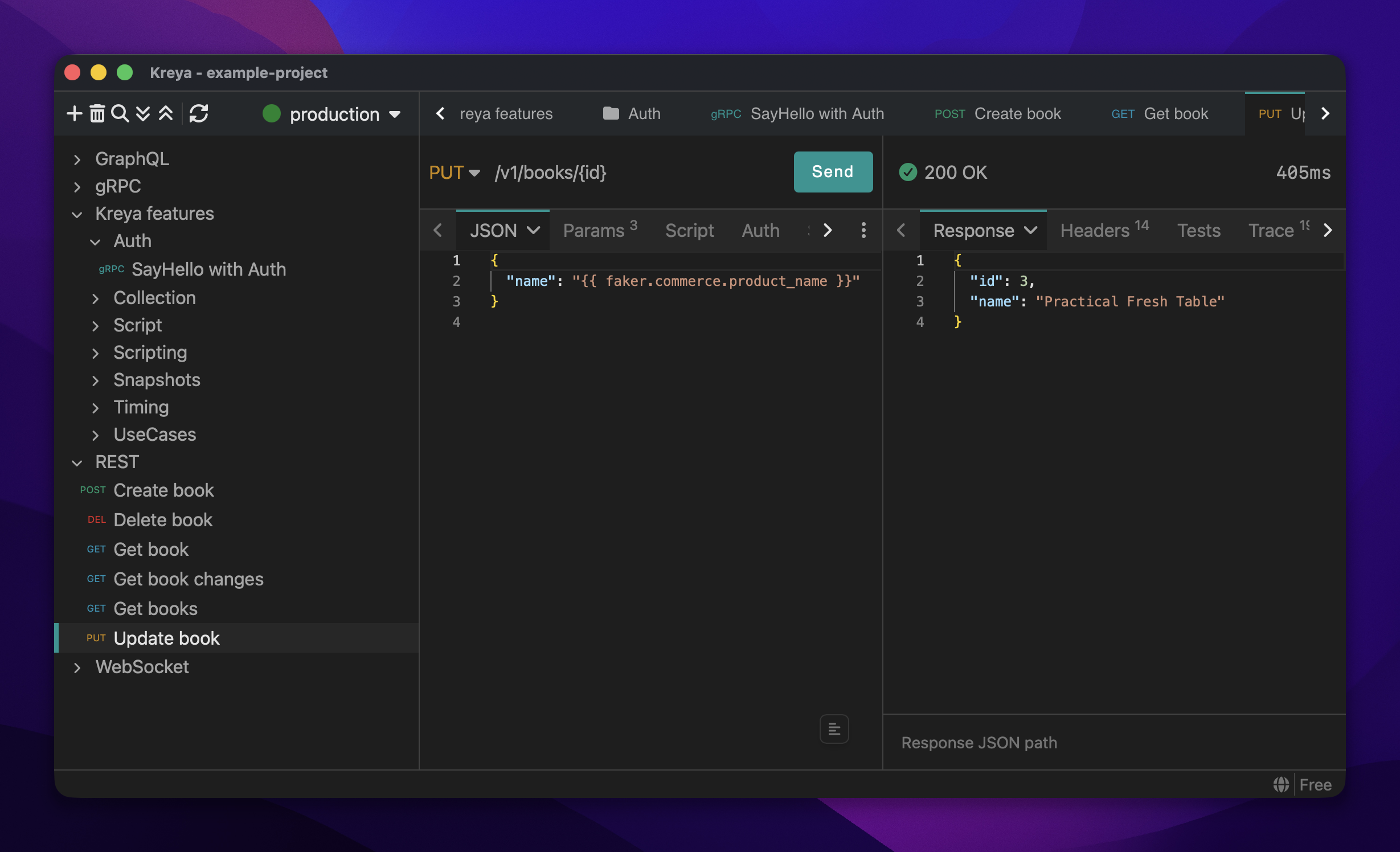
Kreya is a closed-source desktop client from a small Swiss company that started as a gRPC tool and grew outward: server reflection, all streaming modes, and protobuf-first project setup, with REST, GraphQL, WebSocket, and SSE added over time, over HTTP/1.1 through HTTP/3.
Projects are stored as git-diffable JSON files on disk with no cloud sync and no account. The free tier covers core protocol work; scripting, testing, and full request history sit in the inexpensive Pro tier.
Releases land every few weeks; GraphQL support arrived in early 2026, with HTTP/3 everywhere shortly after. The main tradeoff is the closed source: you're trusting a vendor, not a codebase you can read.
https://hoppscotch.com · Web, desktop, self-hosted · CLI
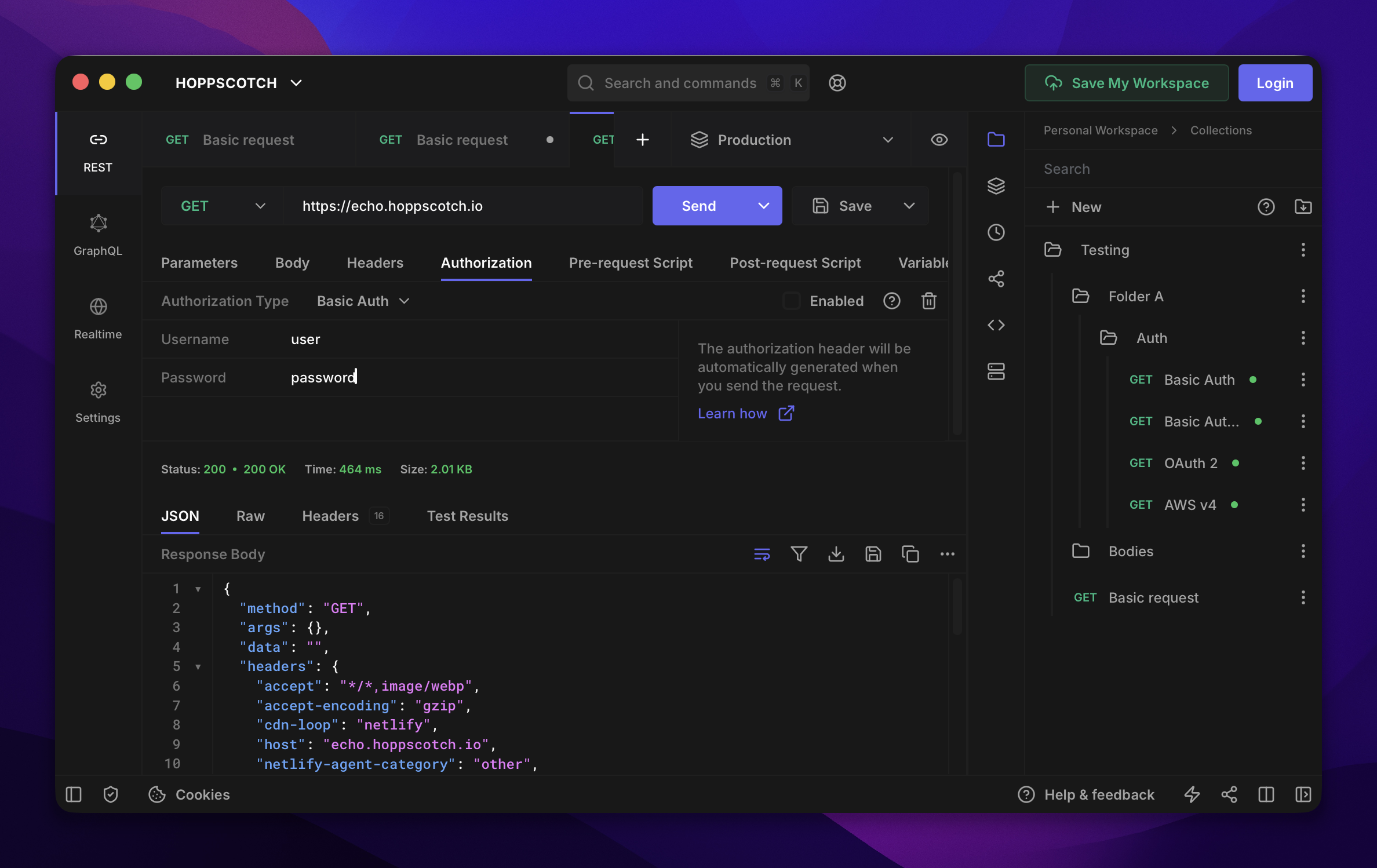
Hoppscotch is the web-first option: an MIT-licensed app that runs in the browser with full guest mode (no account, data in local storage). A Tauri-based desktop app and free Docker self-hosting round out the deployment options, and teams can pay for cloud workspaces or a self-hosted enterprise edition.
Protocol coverage is broad for a web app (REST, GraphQL, WebSocket, SSE, Socket.IO, MQTT), but there's no gRPC, and no file-based or Git-native storage; collections move via manual JSON export.
Releases ship monthly, and the project is one of the most active open-source API clients.
https://httpie.io · CLI · web · desktop
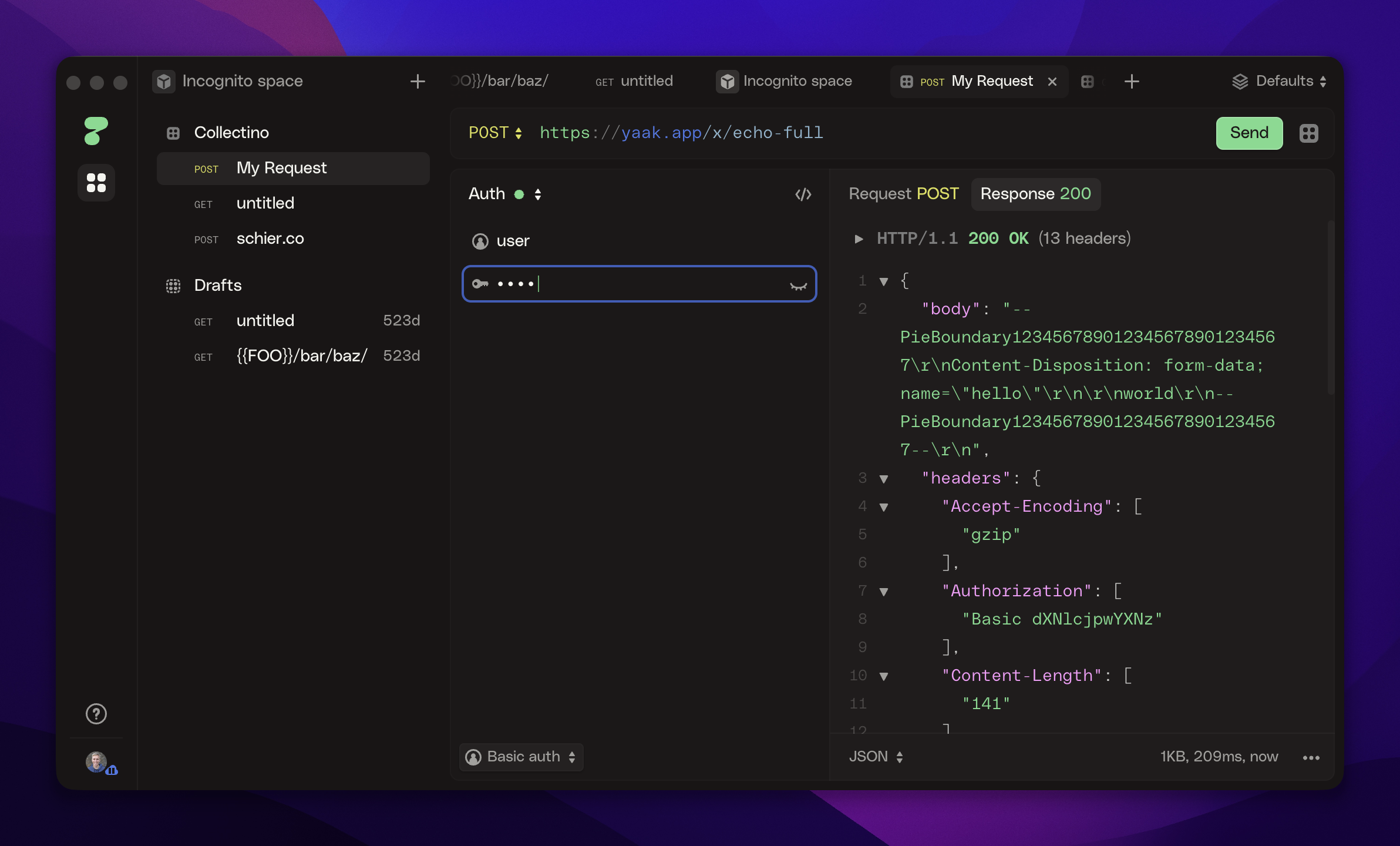
HTTPie's BSD-licensed CLI is a classic for a reason: the most pleasant way to fire an HTTP request from a terminal. The newer desktop and web apps carry the same design taste into a GUI, free while in public beta, with local-first storage and an account-free incognito mode.
The gaps are real, though. The desktop app is closed source, covers only HTTP and GraphQL (no WebSocket, gRPC, or SSE), and has no request scripting. Development has also slowed: as of mid-2026, the CLI hasn't shipped a release since late 2024 and the desktop app since early 2025.
No. The Postman app and platform are proprietary. Several alternatives on this list are open source, including Yaak (MIT), Bruno (MIT), Hoppscotch (MIT), and Insomnia (Apache-2.0).
The Insomnia desktop app is open source under the Apache-2.0 license, and is developed by Kong. Some platform features, like cloud sync, rely on Kong's commercial services.
Yaak, Bruno, and Kreya are local-first: collections live on your machine and nothing requires a network connection or account. Hoppscotch works offline as a PWA or desktop app, and can be self-hosted.
Most tools on this list import Postman collection exports. Yaak imports Postman collections and environments directly; see the migration guide at yaak.app/docs/migration/postman.
Postman retired Scratchpad, the no-account offline mode, and replaced it with the Lightweight API Client, which can send requests without signing in but can't save collections. Yaak and Bruno work the way Scratchpad did: collections are files on your machine, no account is ever required, and nothing leaves your computer.
For a desktop app: Yaak is free for personal use; commercial use requires a license after the trial. Bruno also offers a free edition. For the browser: Hoppscotch. For the terminal: HTTPie or curl.
Yaak is the best Postman alternative if you're looking for a polished, secure, and extensible API client.
