
Request Inheritance
Apply authentication or headers to an entire workspace or folder
When working with APIs, it’s common to include similar authentication or headers across many requests. Some of this duplication can be made easier with Variables but this approach still requires setup for each new request.
Workspace or Folder Inheritance
Request inheritance allows defining authentication or headers via the workspace or folder settings dialogs. All child requests will automatically inherit these settings.
When sending requests, the settings defined at the lowest level will take precedence. For example, if authentication is defined at both workspace and folder level, the folder authentication will override the workspace. This also means you can override any inherited settings by defining them at the request level, as well.
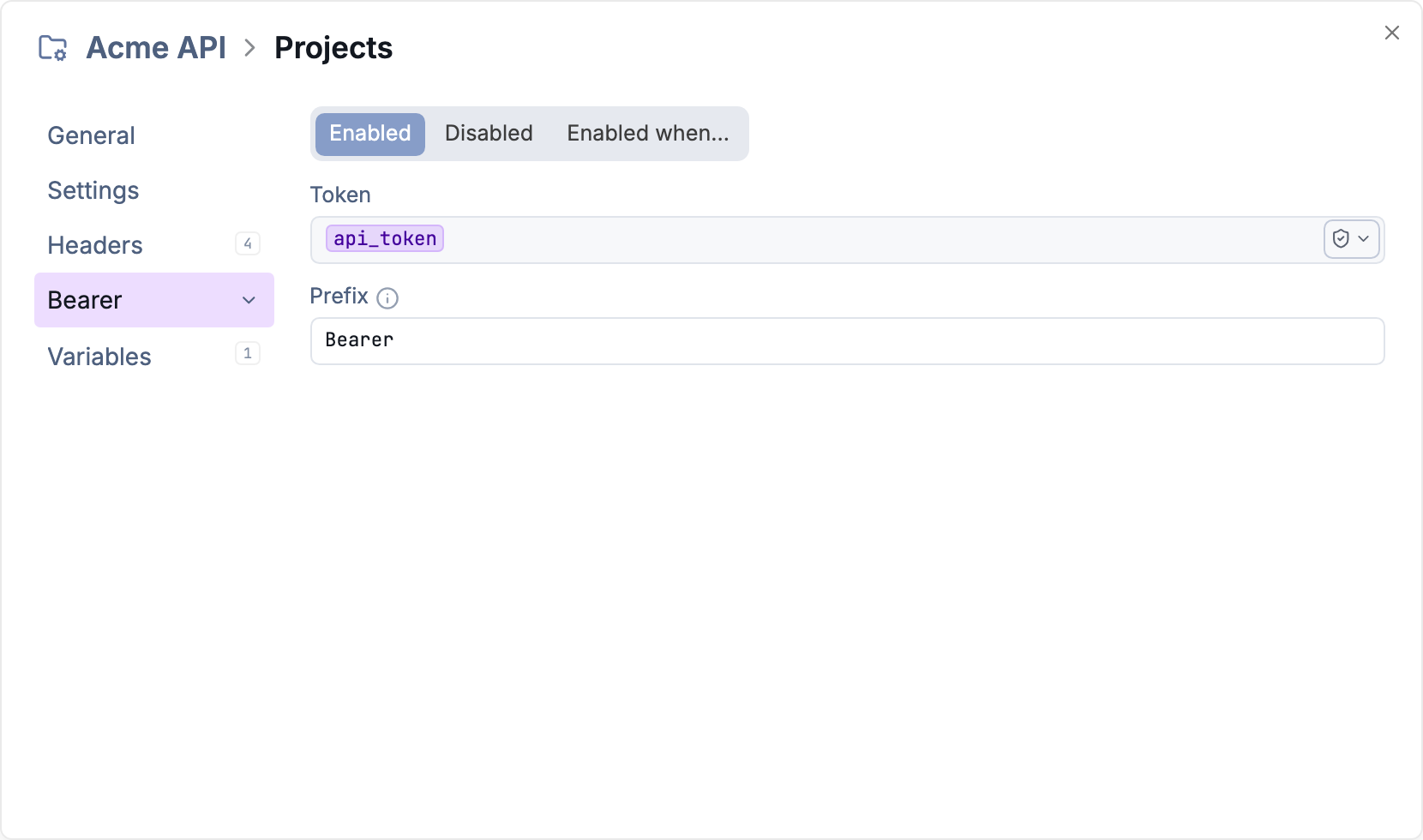
Set authentication once for requests in a folder.
Authentication Inheritance
The default authentication setting for new requests is to inherit from the parent. To override the inheritance setting, explicitly set the authentication or choose “No Auth.”
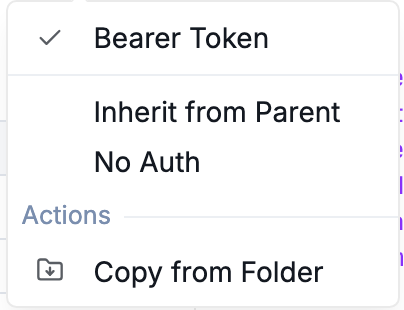
Choose to inherit authentication from the parent folder or workspace.
Header Inheritance
Header inheritance works slightly differently than authentication because there can be multiple values defined.
Header prioritization works the same as the headers of an individual request: Headers defined at the bottom take precedence. With inheritance, folder-level headers are added to the top of the headers list, and workspace headers above that. This means that inherited headers can be overridden by defining a header with the same name at the request level.
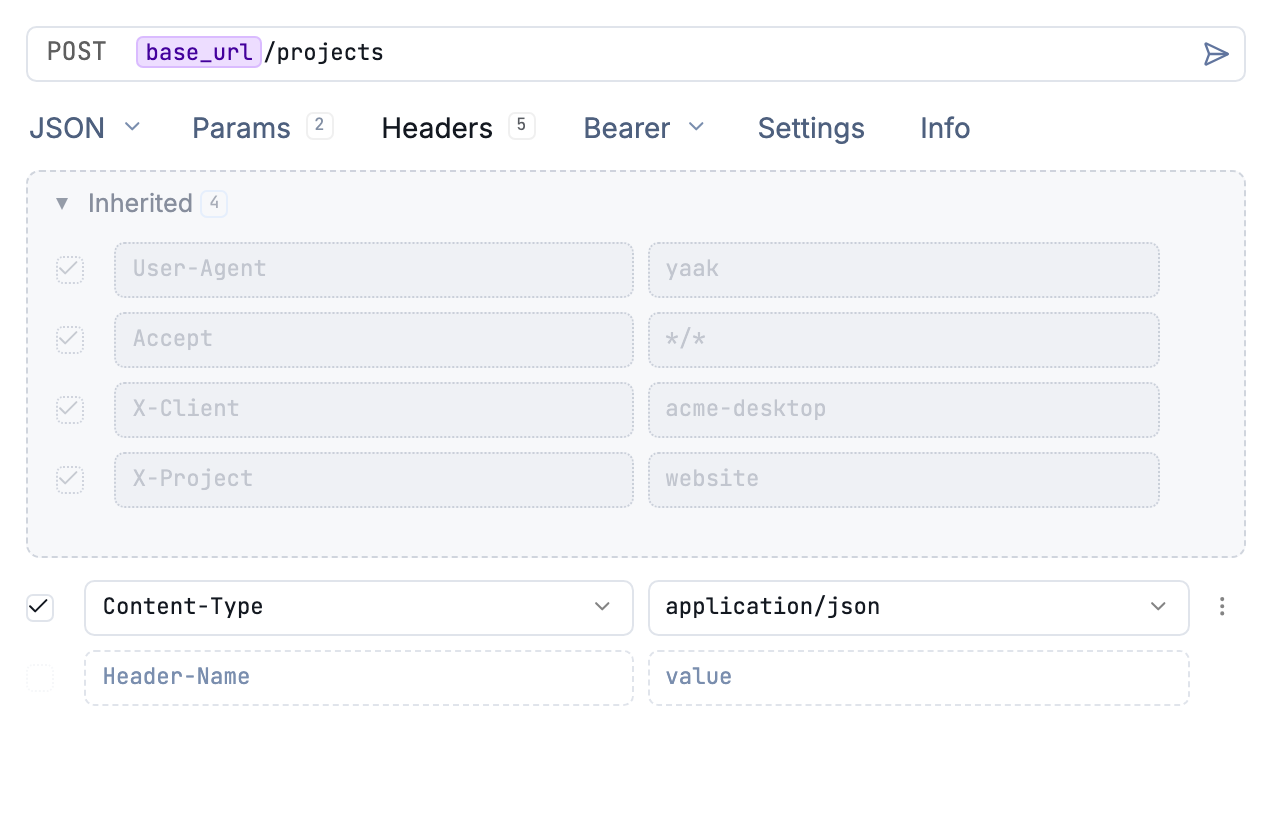
Workspace and folder headers are inherited by the request.
Was this helpful?