
Environments and Variables
Reference values across multiple requests
When working with APIs, it’s common to reference the same values across many different types of requests. To make this easier, you can define things like API keys, ids, or domain names within an “Environment” and reference these values in (almost) any text input within Yaak.
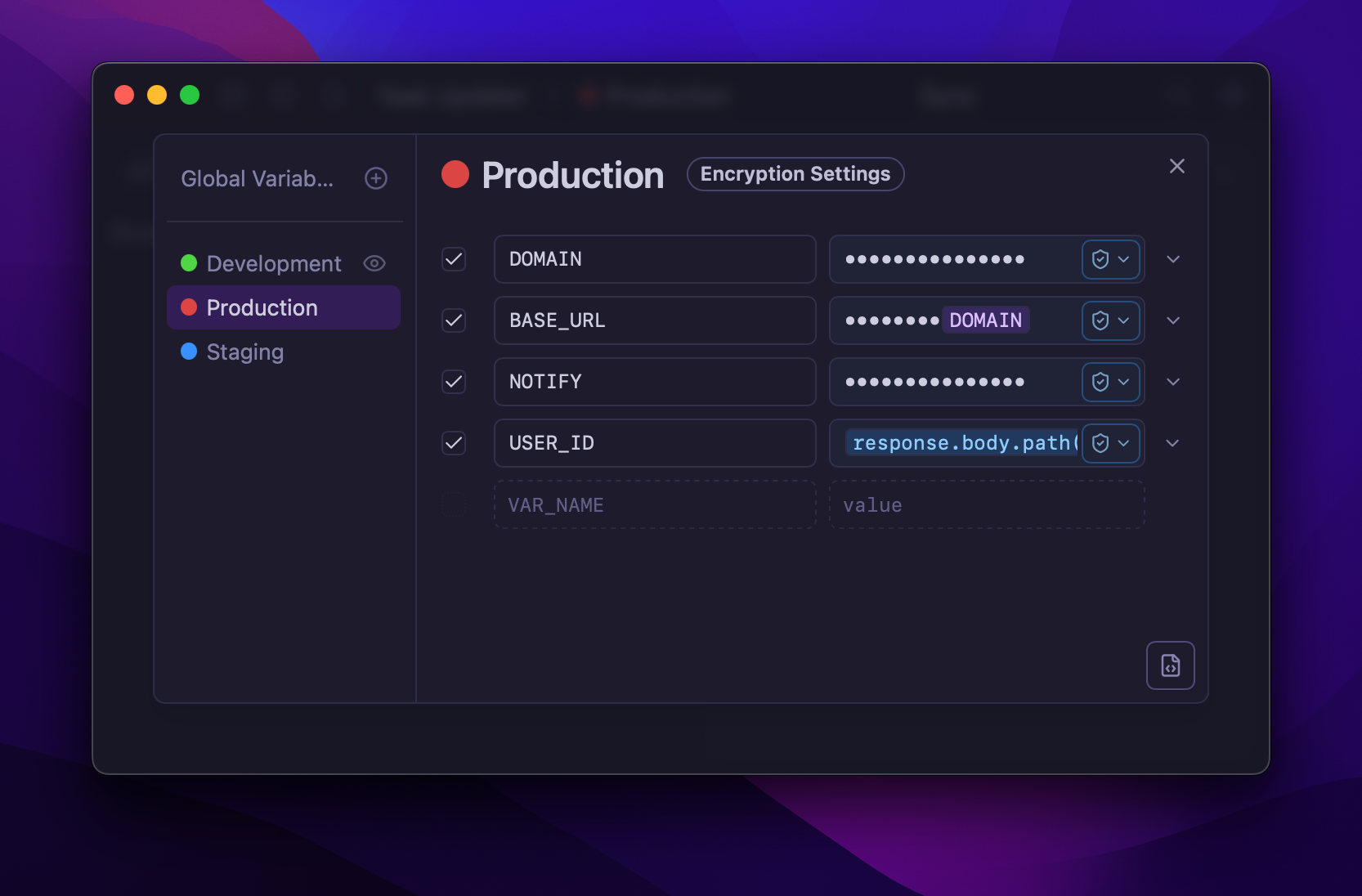
Once defined, start typing the name of a variable or trigger the autocomplete menu using Ctrl+Space, then select the desired variable.
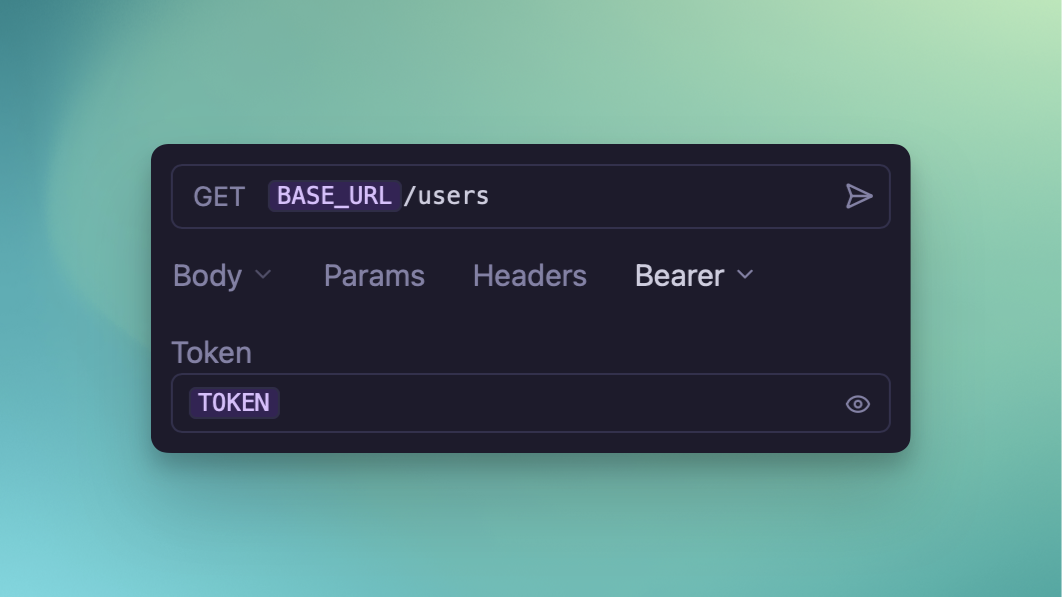 All variables will be rendered before the request is sent.
Global and Sub Environments
By default, each Yaak Workspace has a global environment. Variables defined here are always available no matter what.
Sometimes, however, it’s convenient to define multiple environments to switch between. The most common use-case for this is for declaring different values for development, staging, and production.
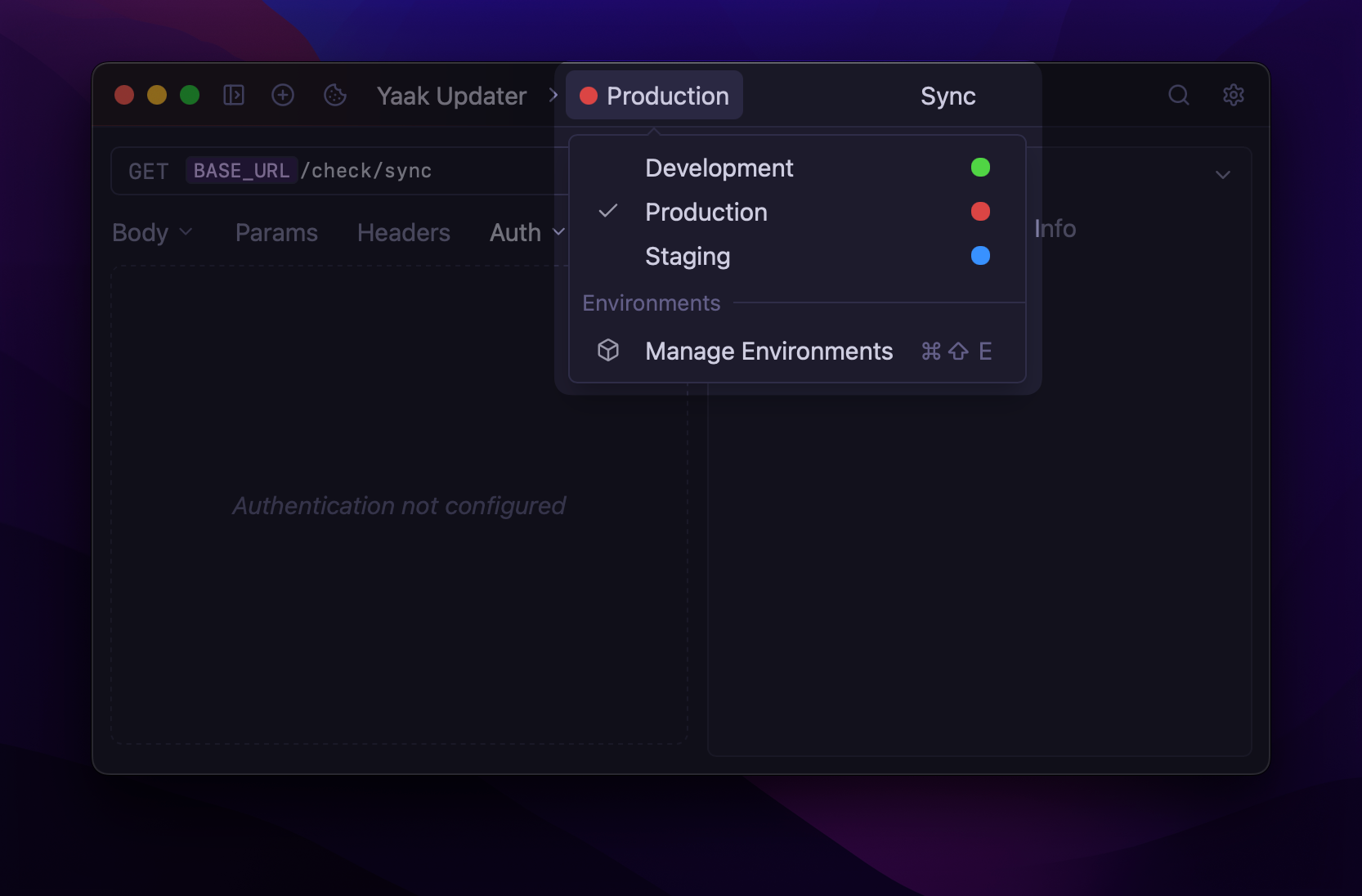
Once sub-environments are created, they can be activated from the dropdown menu in the application header. Note that variables within sub-environments are only available if the sub-environment is the active one.
Folder Environments
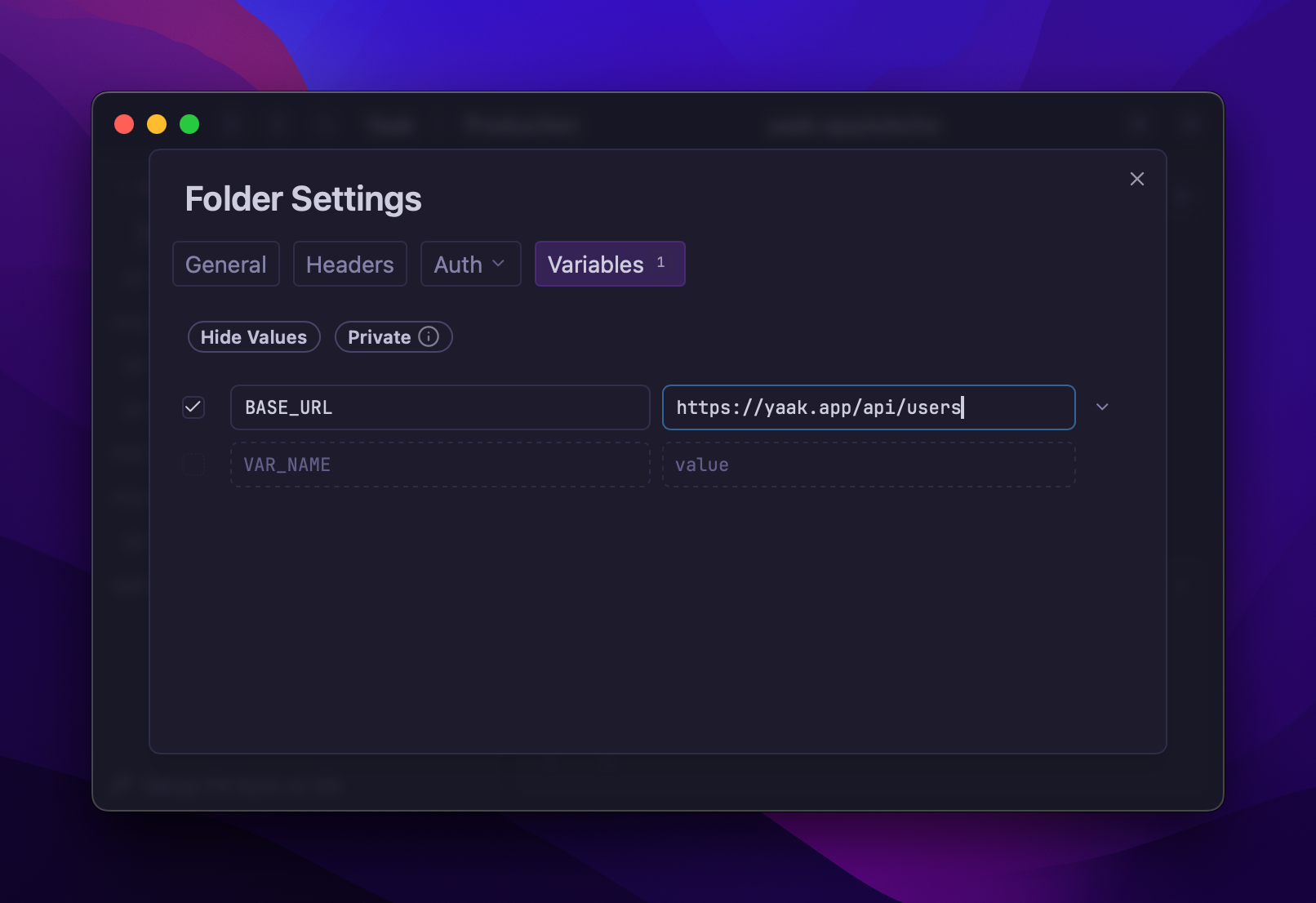
It is possible to override or add variables within a folder for certain niche use cases. For example, if you were building URLs with BASE_URL, you may want to change the root path for all endpoints within a folder. Or you may want to do something like assign USER_ID to something else.
Folder environments can be created from Folder > Settings > Variables.
Colored Environments
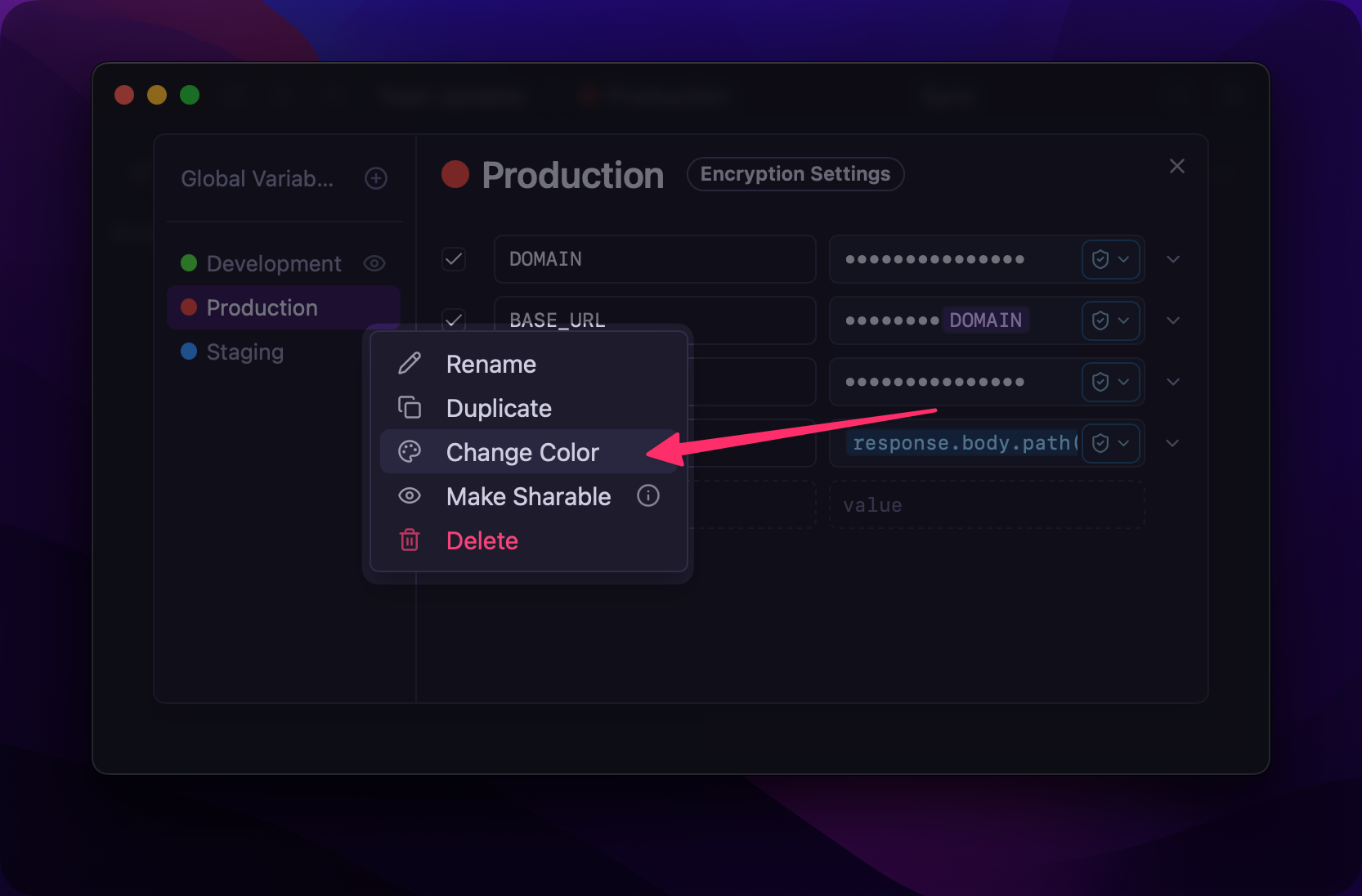
To better distinguish between active environments, it is possible to assign a color to each sub environment. This can be done by right-clicking an environment within the environment edit dialog.
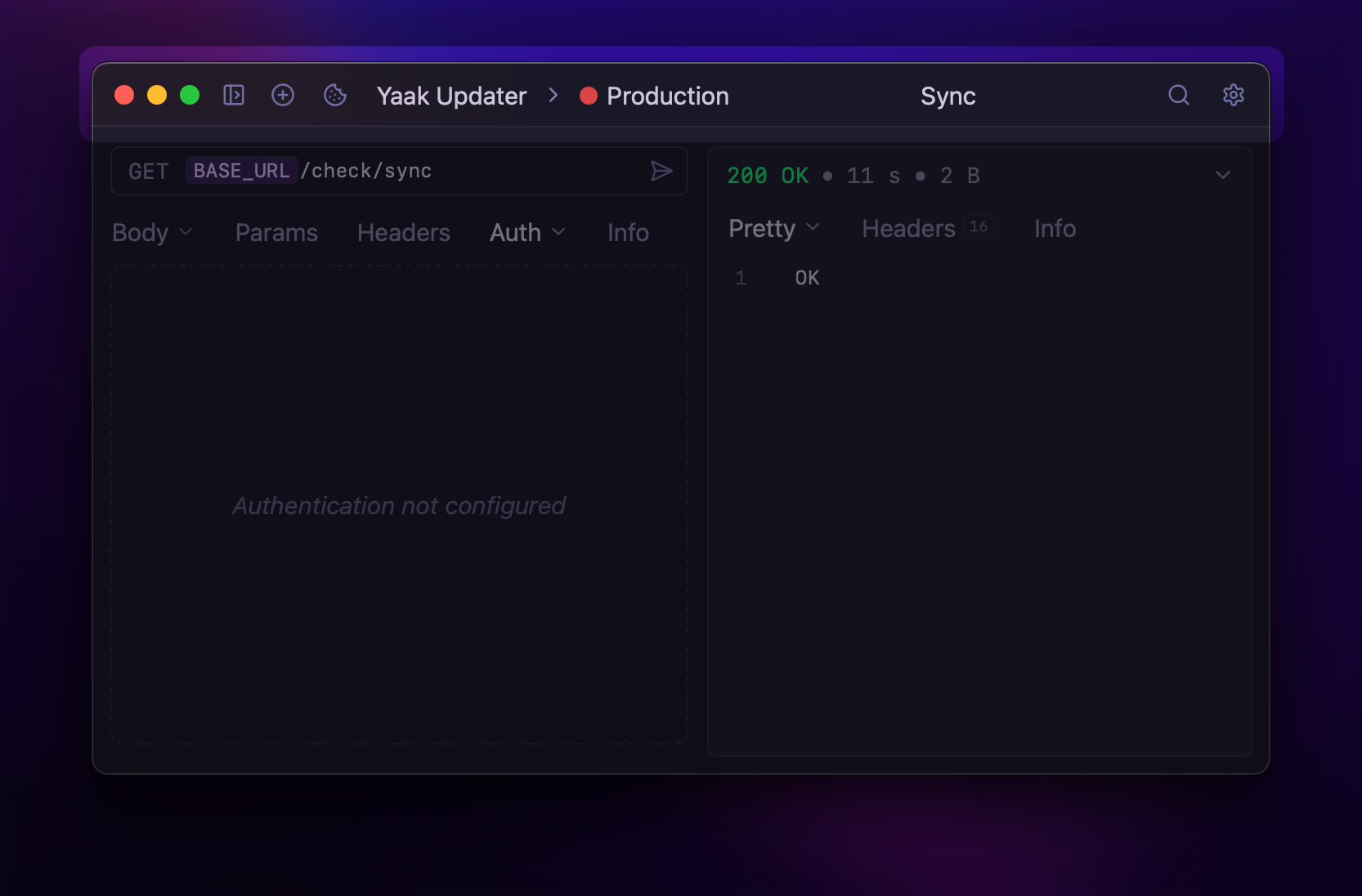
 When active, this color will be displayed in the main app header.
Was this helpful?