
Import cURL Commands
Convert cURL commands to Yaak requests instantly
Found a cURL command in documentation or a tutorial? Yaak makes it easy to convert cURL commands into fully-configured requests with a single paste.
Paste cURL into URL Bar
The fastest way to import a cURL command:
- Copy a cURL command to your clipboard
- Click in Yaak’s URL bar (or create a new request)
- Paste the cURL command
- Yaak automatically converts it to a request
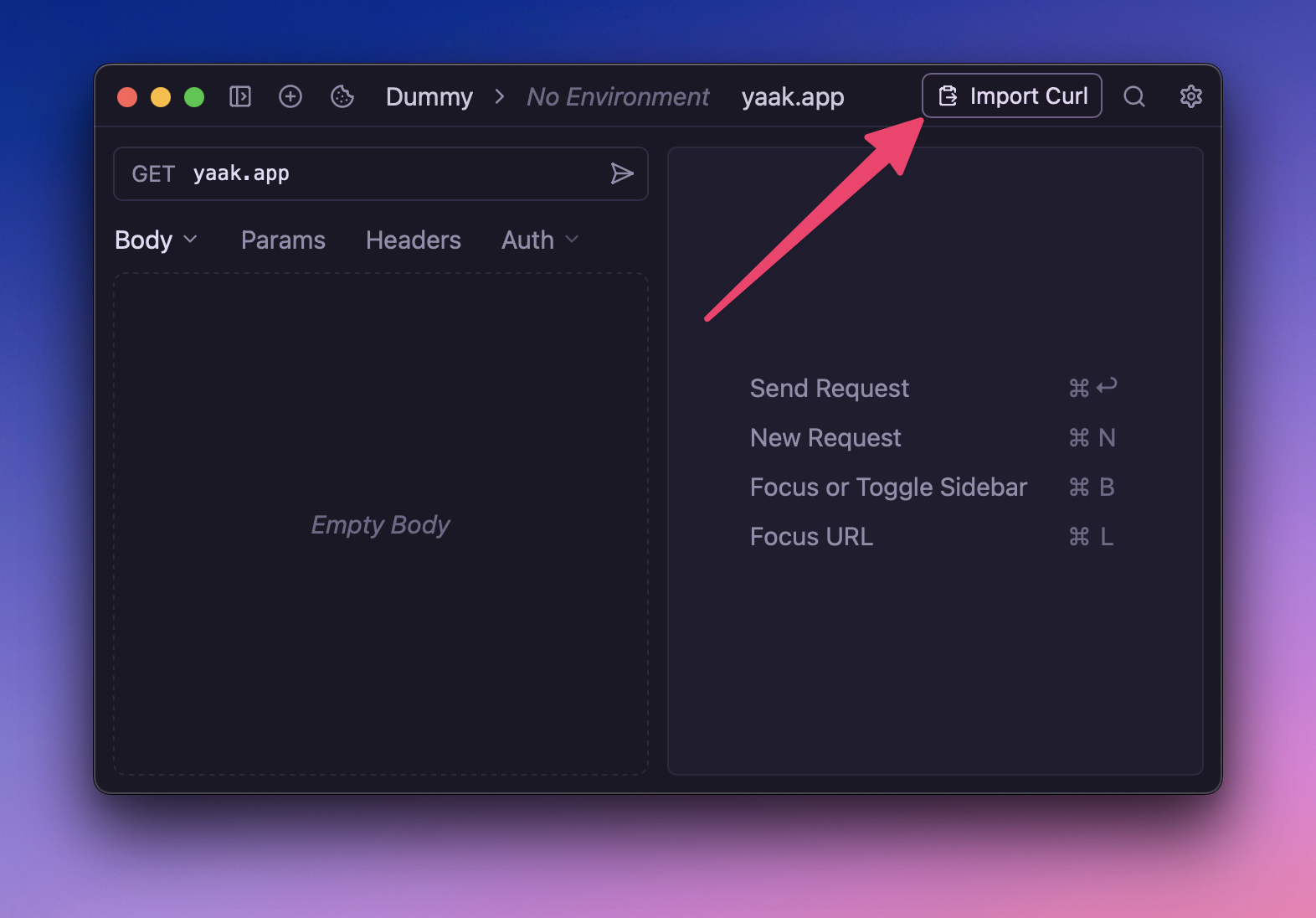
Yaak parses the cURL command and populates:
- HTTP method
- URL and query parameters
- Headers (including cookies)
- Request body (form data, JSON, multipart)
- Basic and digest authentication
Import Multiple cURL Commands
To import many cURL commands at once:
- Create a text file with cURL commands (one per line, or separated by newlines)
- Go to Settings → Import/Export → Import
- Select the text file
- Yaak creates a request for each cURL command
Supported cURL Options
Yaak recognizes these common cURL flags:
| cURL Flag | What It Does |
|---|---|
-X, --request |
HTTP method (GET, POST, etc.) |
-H, --header |
Request headers |
-d, --data |
Request body data |
--data-raw |
Raw request body |
--data-binary |
Binary body data |
--data-urlencode |
URL-encoded body data |
-u, --user |
Basic authentication (username:password) |
--digest |
Use digest authentication |
-F, --form |
Multipart form data |
-b, --cookie |
Cookie header |
-G, --get |
Send data as query parameters |
--url |
Explicit URL |
--url-query |
Additional query parameters |
Examples
Simple GET Request
curl https://api.example.com/users
POST with JSON Body
curl -X POST https://api.example.com/users \
  -H "Content-Type: application/json" \
  -d '{"name": "John", "email": "john@example.com"}'
Request with Authentication
curl -H "Authorization: Bearer your-token-here" \
  https://api.example.com/protected
Request with Basic Auth
curl -u username:password https://api.example.com/auth
Multipart Form Upload
curl -X POST https://api.example.com/upload \
  -F "file=@/path/to/file.pdf" \
  -F "description=My document"
Copy from Chrome DevTools
Yaak handles cURL commands exported from Chrome DevTools, including complex multipart form data with boundaries:
- Open Chrome DevTools → Network tab
- Right-click any request
- Select Copy → Copy as cURL
- Paste into Yaak
Copy as cURL
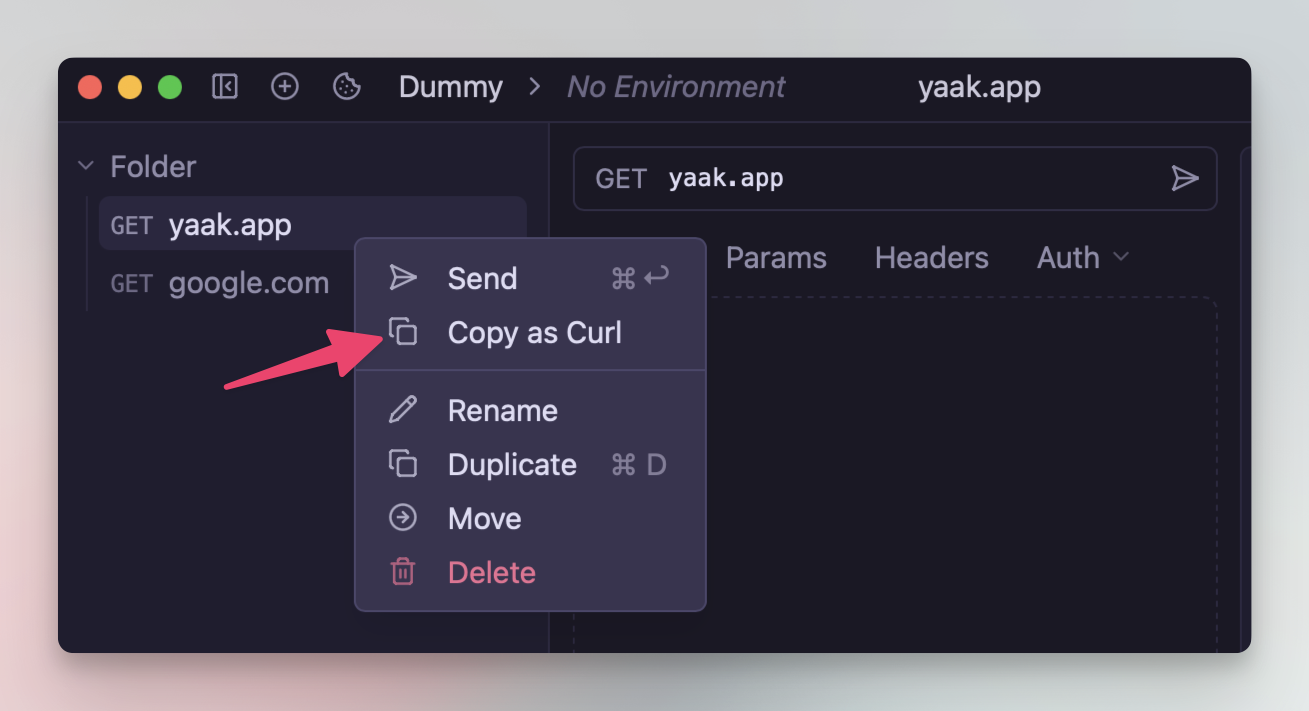
Yaak also lets you copy any request as a cURL command to share with others:
- Right-click a request in the sidebar
- Select Copy as cURL
- Paste the command anywhere
Tips
- Multi-line cURL — Yaak handles cURL commands with backslash line continuations
- Escape sequences — Unicode (
\uXXXX) and hex (\xXX) escapes are decoded automatically - Shell quoting — Both single and double quotes are supported, including
$'...'syntax
Need Help?
If a cURL command doesn’t import correctly, check our troubleshooting guide or report the issue on GitHub.
Was this page helpful?