
Troubleshooting
How to debug and troubleshoot issues
Yaak is a Tauri application, meaning it consists of two parts: The frontend webview (provided by host OS) and the “backend” logic (written in Rust).
When encountering an issue or crash, we need to check both places
Viewing Web Inspector
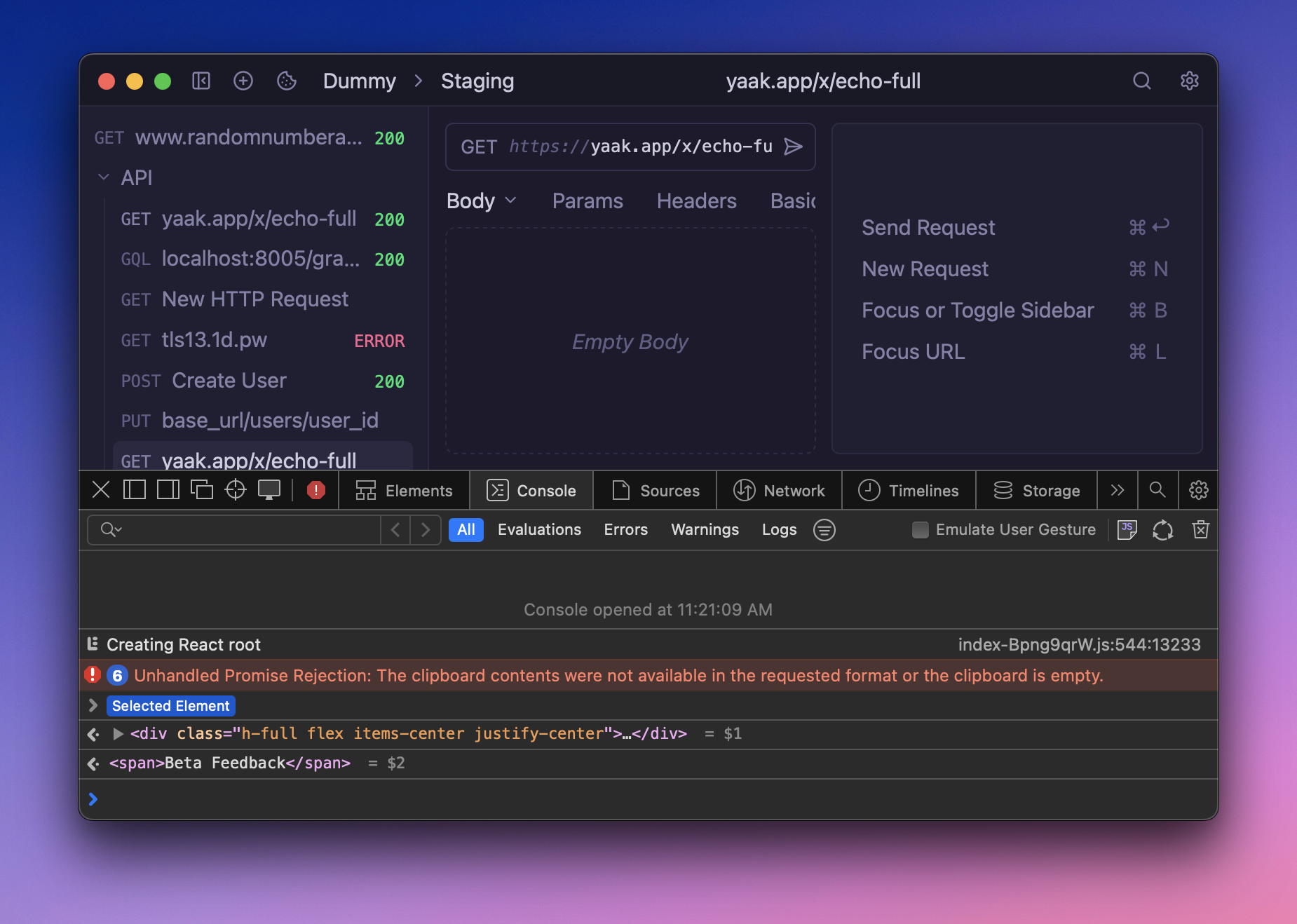
The web inspector can be opened by:
-
Right-click somewhere in the app (not the sidebar)b
-
Click the Console tab
Any frontend logs and exceptions will be displayed there.
 ## Viewing Application Logs
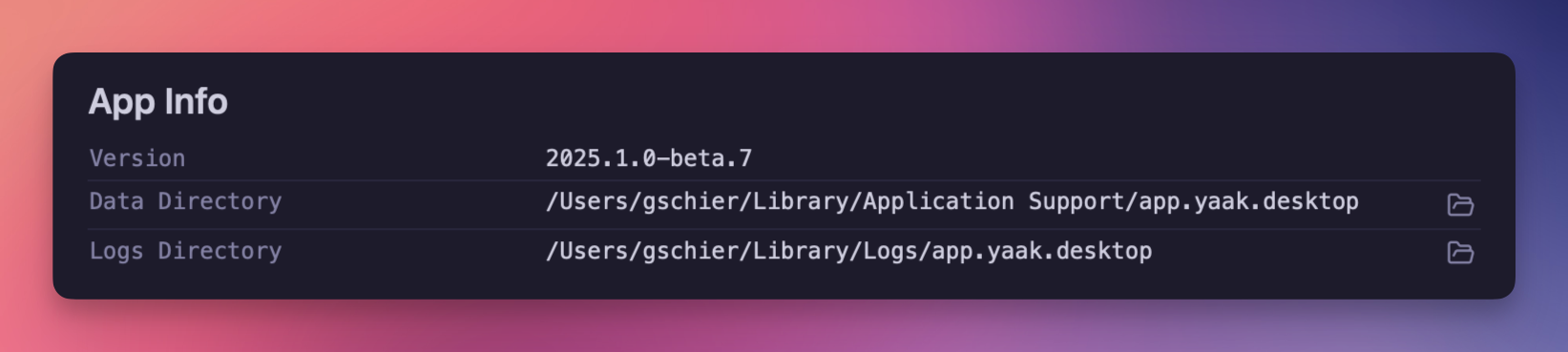
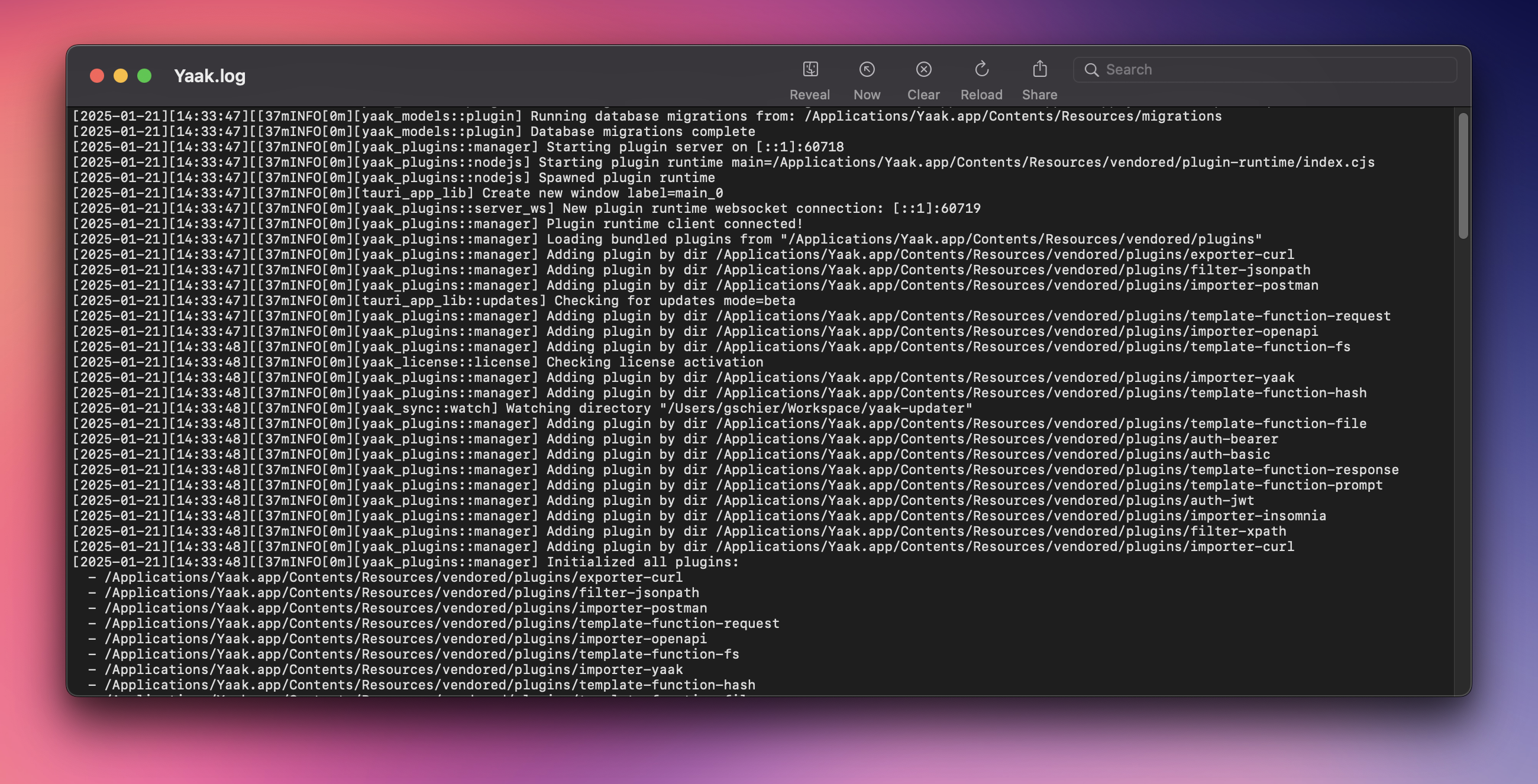
App logs (generated by Rust) are also written to a file, which the location of can be found in the Yaak Settings window. It will differ depending on operating system and host environment.
To debug an issue, it may be useful to first delete the yaak.log file and then restart the application.
 ## Deleting Response Bodies
Yaak tries to do its best to prevent bad responses from causing crashes, but it can happen from time to time. Response data is stored in the main SQLite database and the response bodies are stored in <DATA_DIRECTORY>/responses as plain files. It is safe to delete (or rename) the responses directory. Yaak will maintain the response metadata but fail to show the response preview.
The data directory can differ depending and is listed in the app settings. If the app settings cannot be accessed, here are the possible data directories, depending on host environment:
-
macOS:
$HOME/Library/Application Support/app.yaak.desktop -
windows:
{FOLDERID_RoamingAppData}/app.yaak.desktop -
Linux:
$XDG_DATA_HOME/app.yaak.desktopor$HOME/.local/share/app.yaak.desktop
Linux Driver Issues
Yaak is built on Tauri, which and uses the built-in webview from the host OS. Unfortunately, this can cause issues in various software and hardware setups.
If Yaak crashes on launch or shows a white screen, try launching Yaak with the following environment variables:
-
WEBKIT_DISABLE_COMPOSITING_MODE=1forces accelerated compositing off in WebKitGTK. -
WEBKIT_DISABLE_DMABUF_RENDERER=1disables the newer DMA-BUF renderer, which is the default in recent WebKitGTK and is generally the right path—except it’s been flaky with NVIDIA proprietary drivers(white/blank screens, flicker).
Some users have also had better performance by using the following instead:
__NV_DISABLE_EXPLICIT_SYNC=1makes the driver / EGL-Wayland layer turn off or ignore the explicit sync path and fall back to older (less strict) synchronization paths
Was this page helpful?