
1Password Vault Integration
Access 1Password secrets directly from Yaak
Starting in 2025.9.0, it is now possible to use 1Password secrets directly in Yaak via the 1password.item(...) template function.
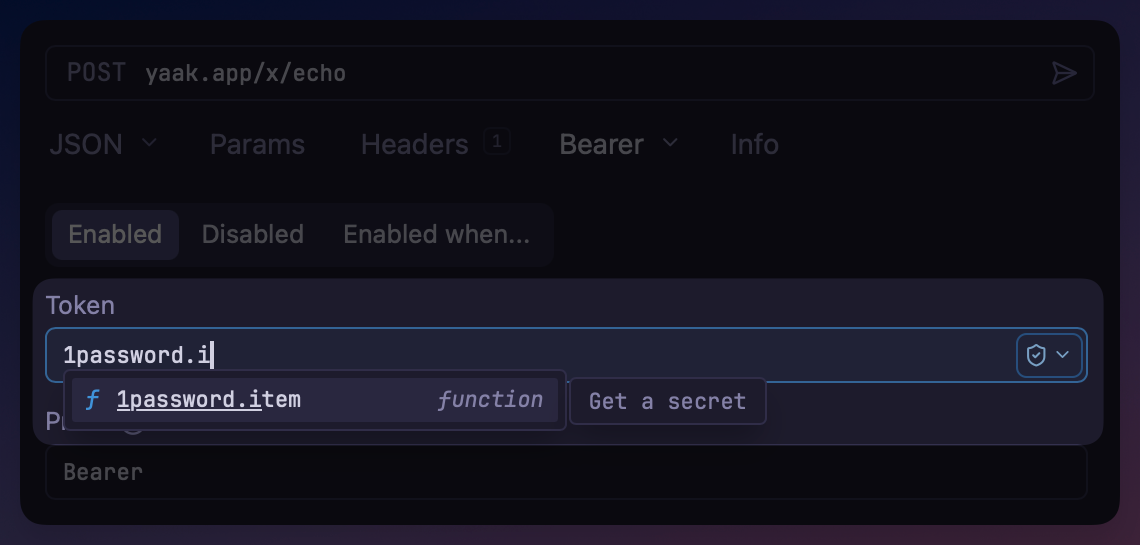
Include the template function
The 1password.item(…) template function can be used anywhere Yaak supports template syntax (ie. variables). Simply start typing 1pa… or use Control+Space to trigger the autocomplete.
 ## Configure the template function
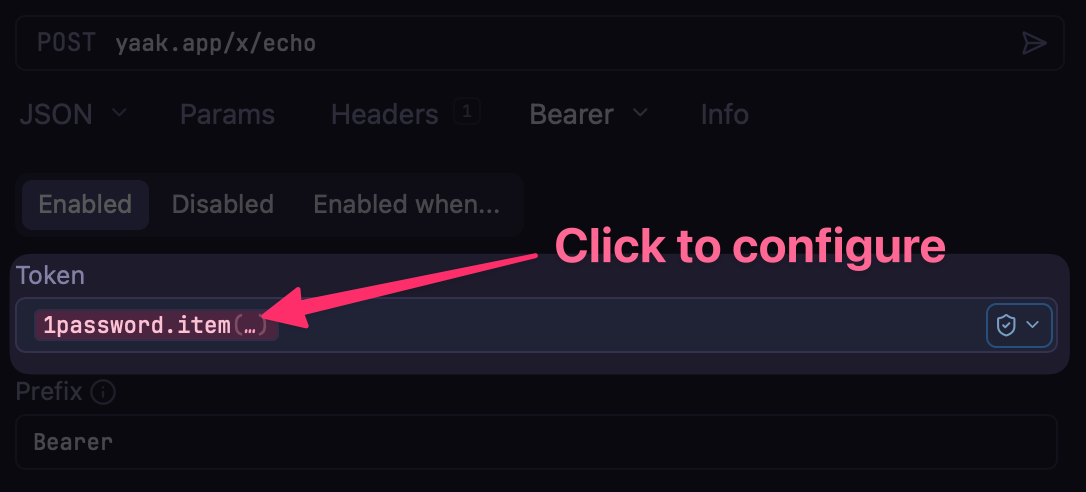
Once the function is inserted, click the tag to configure it.
 To securely authenticate with 1Password, you will need to create a service account and generate a token. By default, the template function will use the token located in the
 1PASSWORD_TOKEN environment variable.
Once this token is provided, options to select the vault / item / field will be presented.
 Once the function is configured, the value of the secret will be extracted directly from 1Password whenever the request is rendered.
Was this page helpful?