
Import and Export Data
Share workspaces with one-time data import and export
For team collaboration, it is recommended to use Directory / Git Sync
Import Data
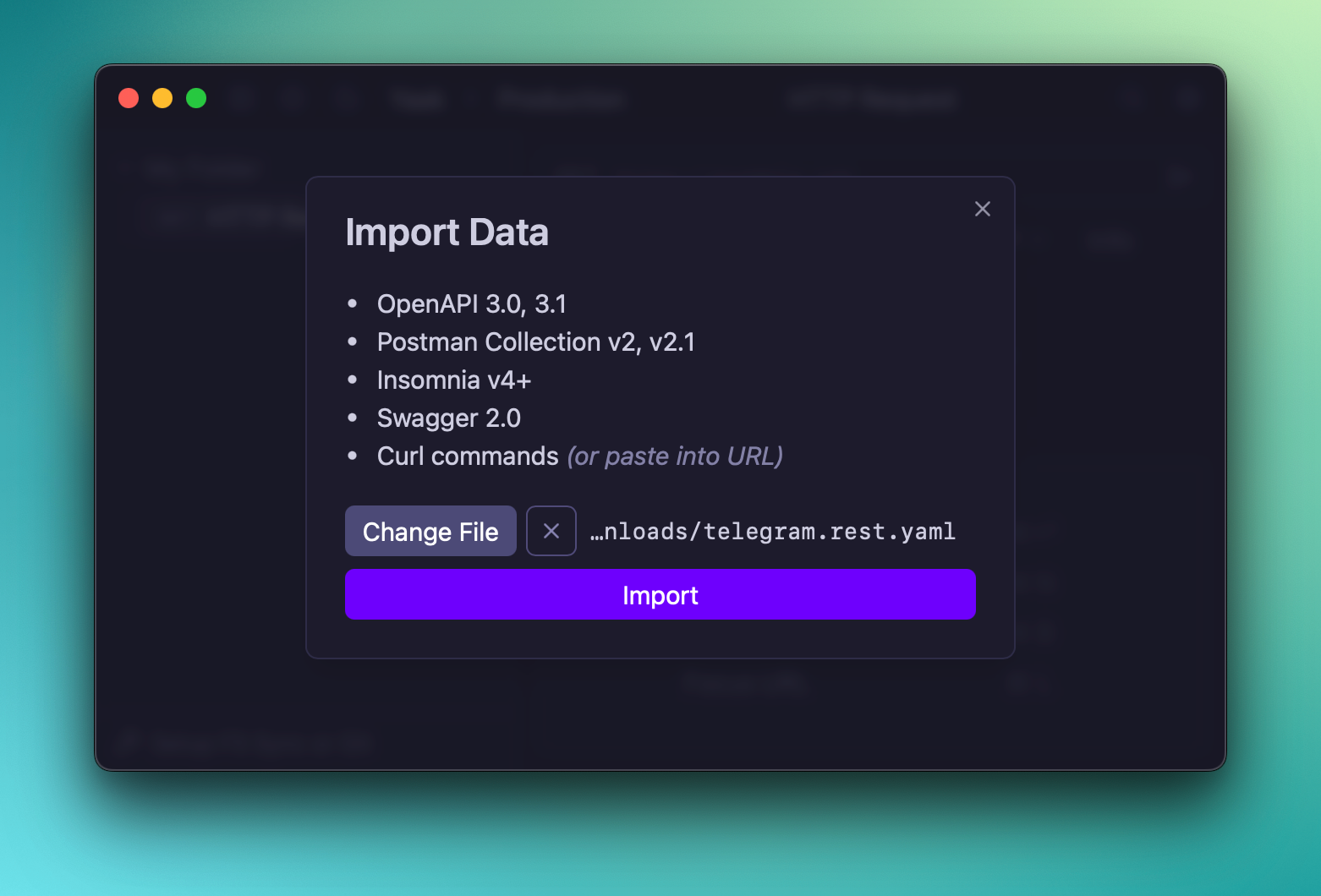
Yaak supports importing data from a number of formats:
-
OpenAPI 3.0, 3.1
-
Postman Collection v2, v2.1
-
Insomnia v4+
-
Swagger 2.0
-
Curl commands (new-line separated)
Data can be imported via the main settings menu.
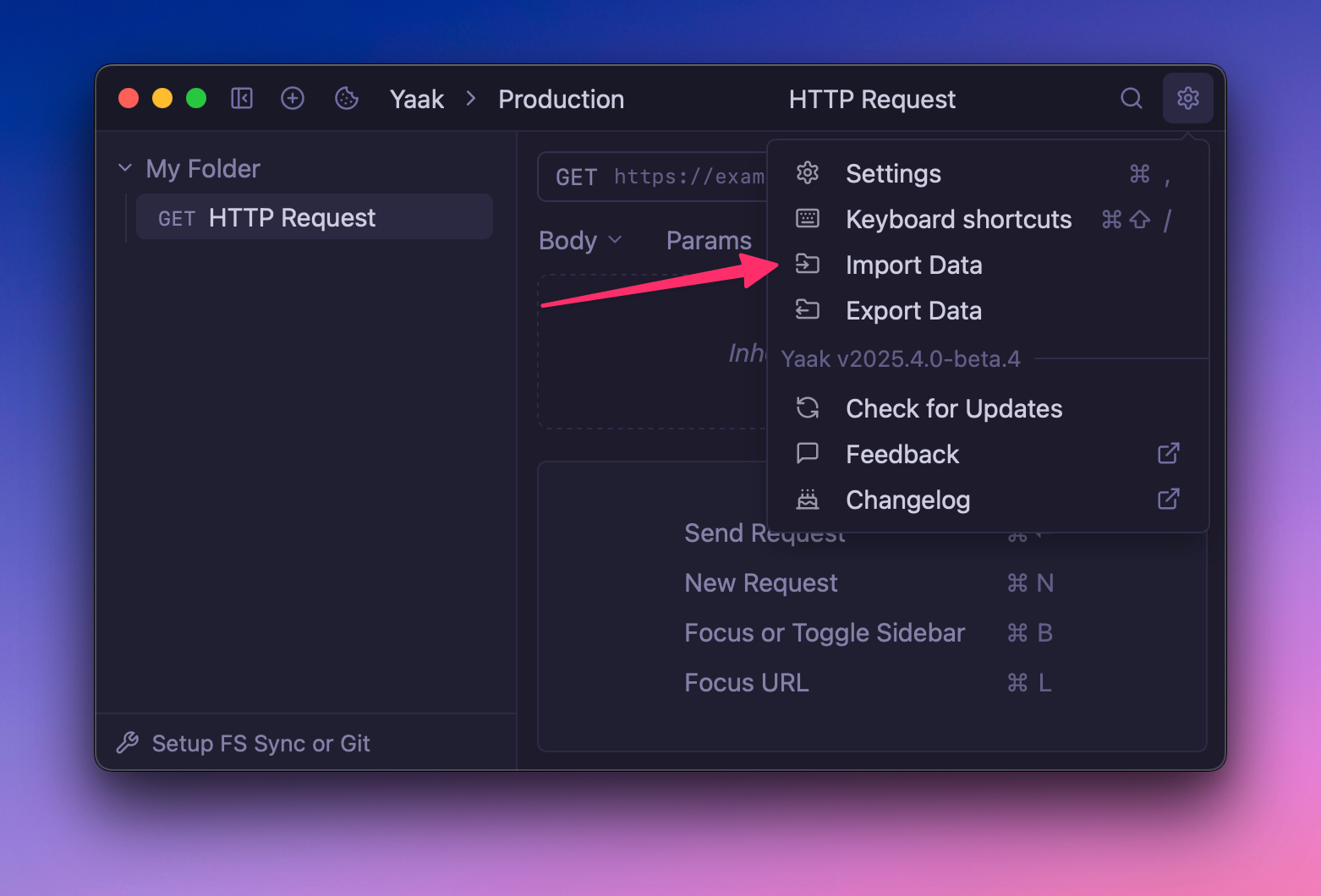 From here, simply select the file you would like to import.
 ## Import cURL from Clipboard
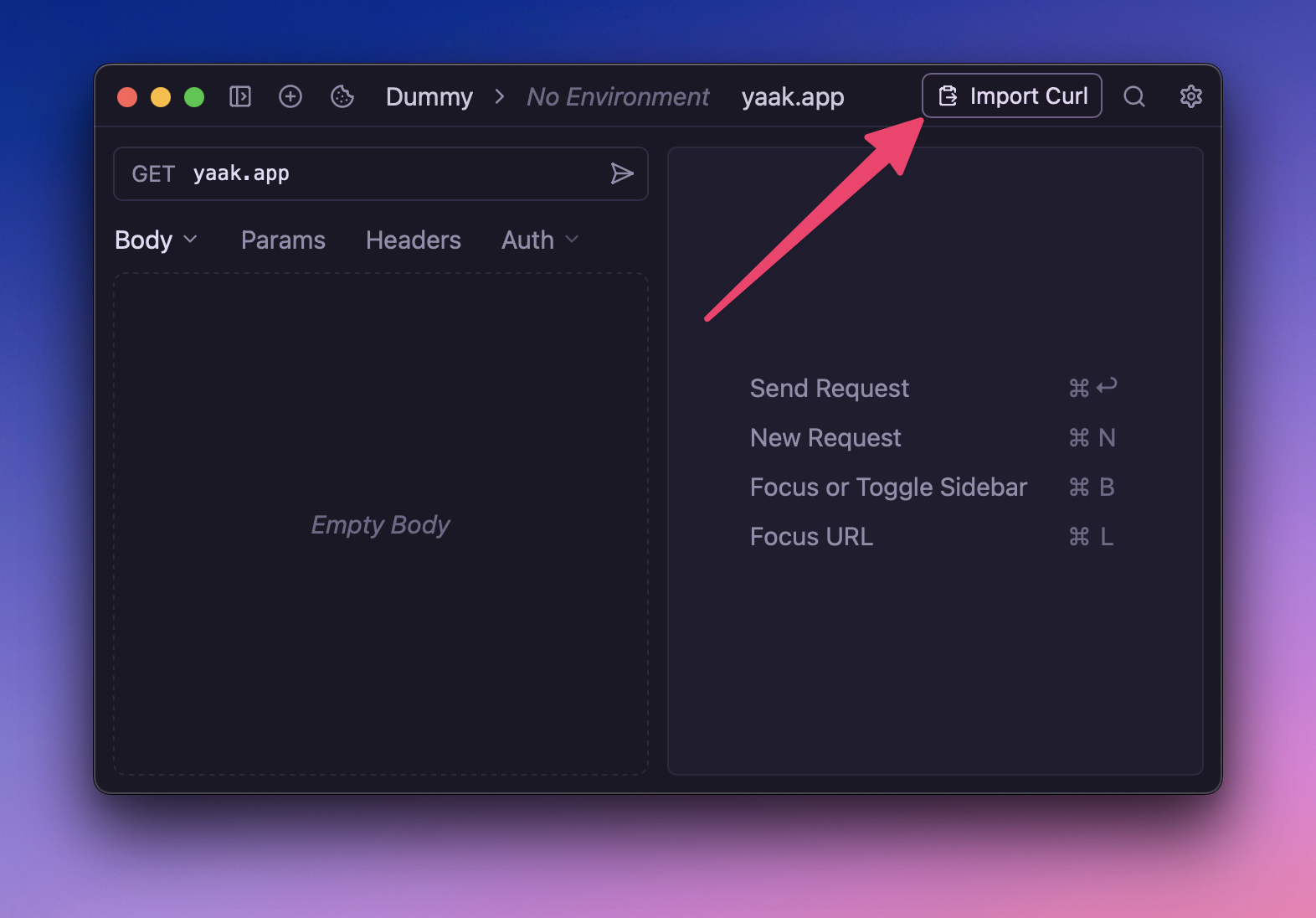
It is also possible to quickly import cURL commands by pasting into the URL bar. Yaak will also present a helpful import button when it detects there is something to import from your clipboard.
 ## Export Data
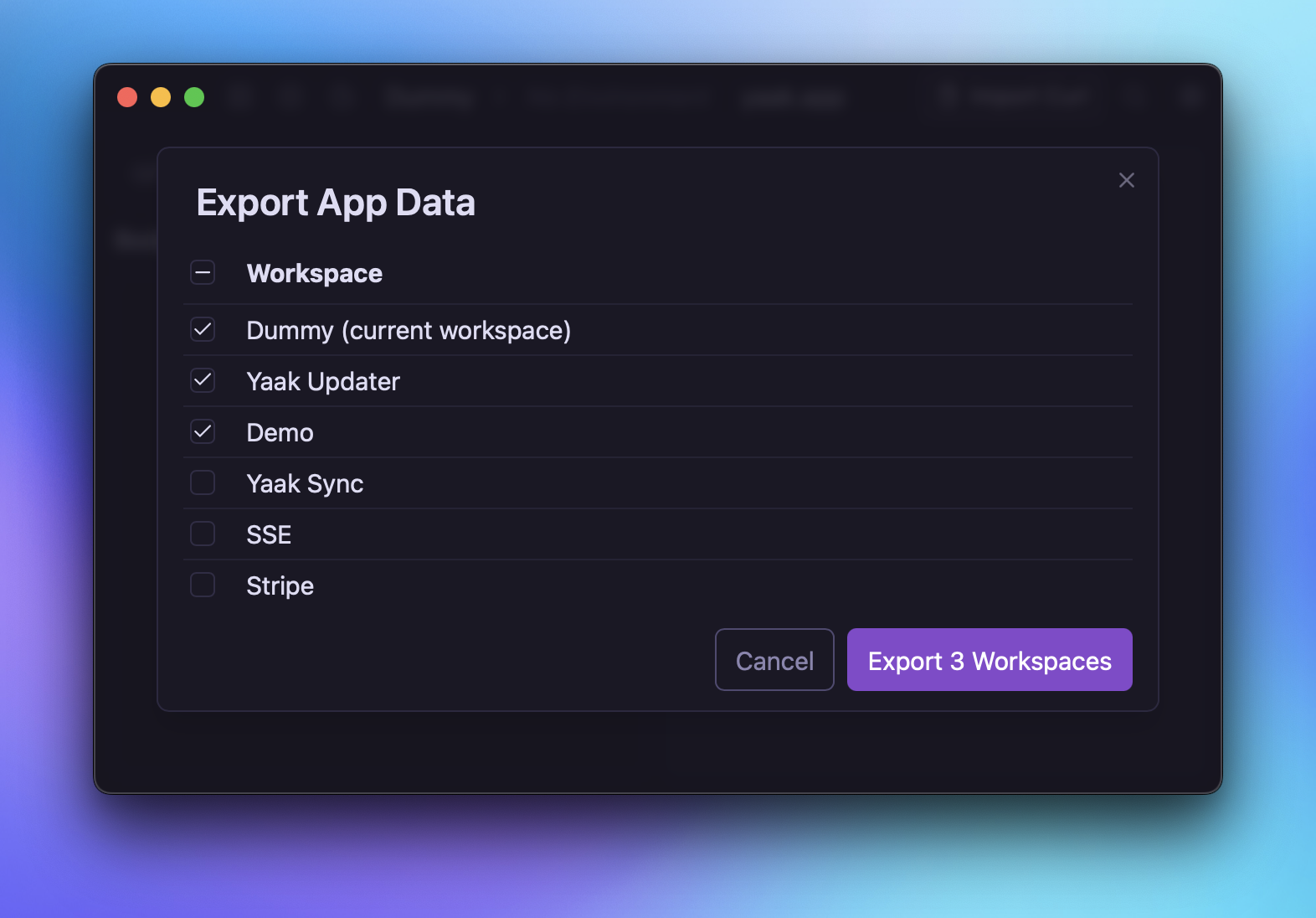
Yaak allows exporting workspaces into a single JSON file, which can be backed up or shared. You can access the export feature from the global settings menu.
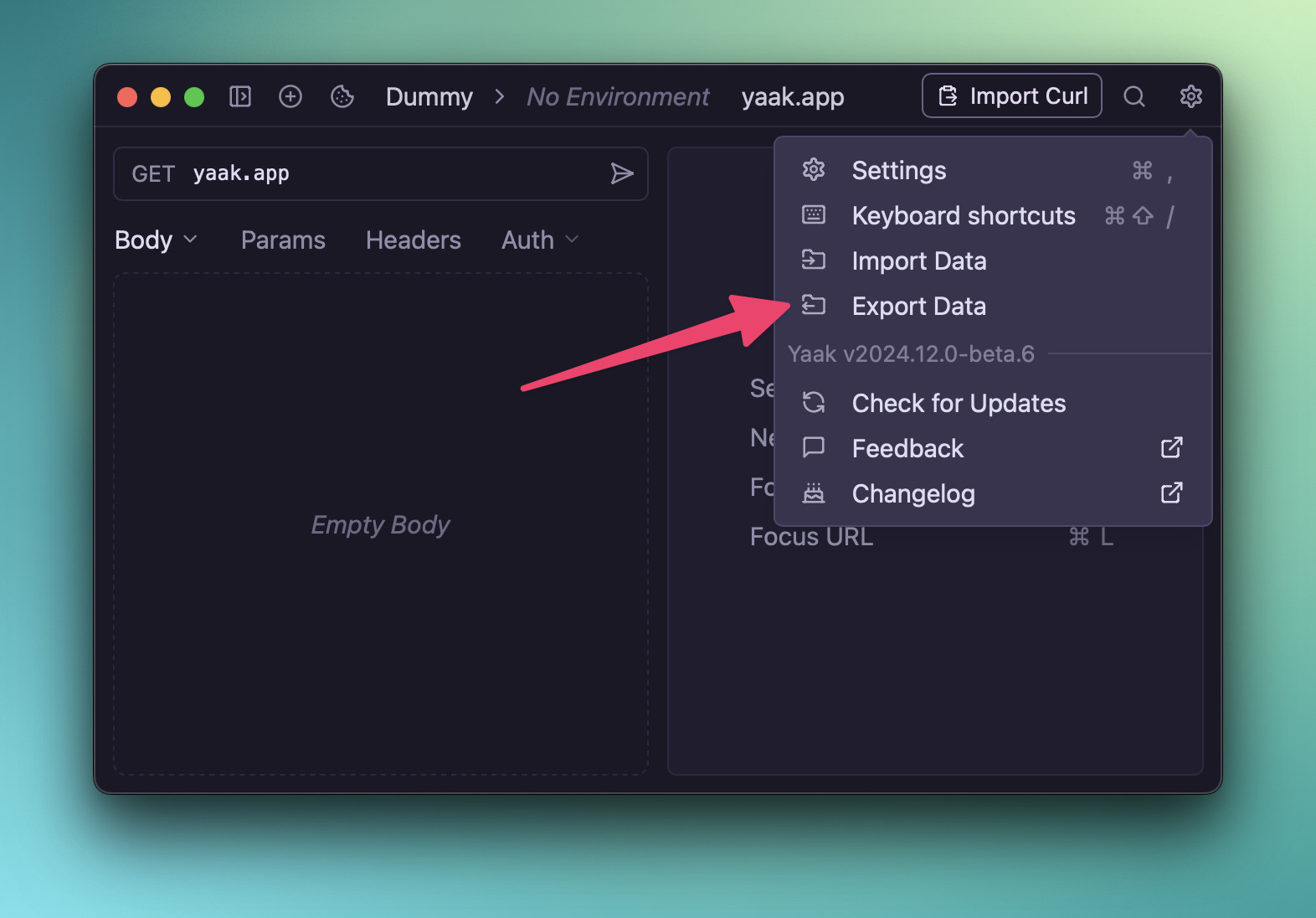 Select the workspaces you want to be included in the export, then you’ll be prompted to select a folder on your filesystem to save it.
 ## Copy as Curl
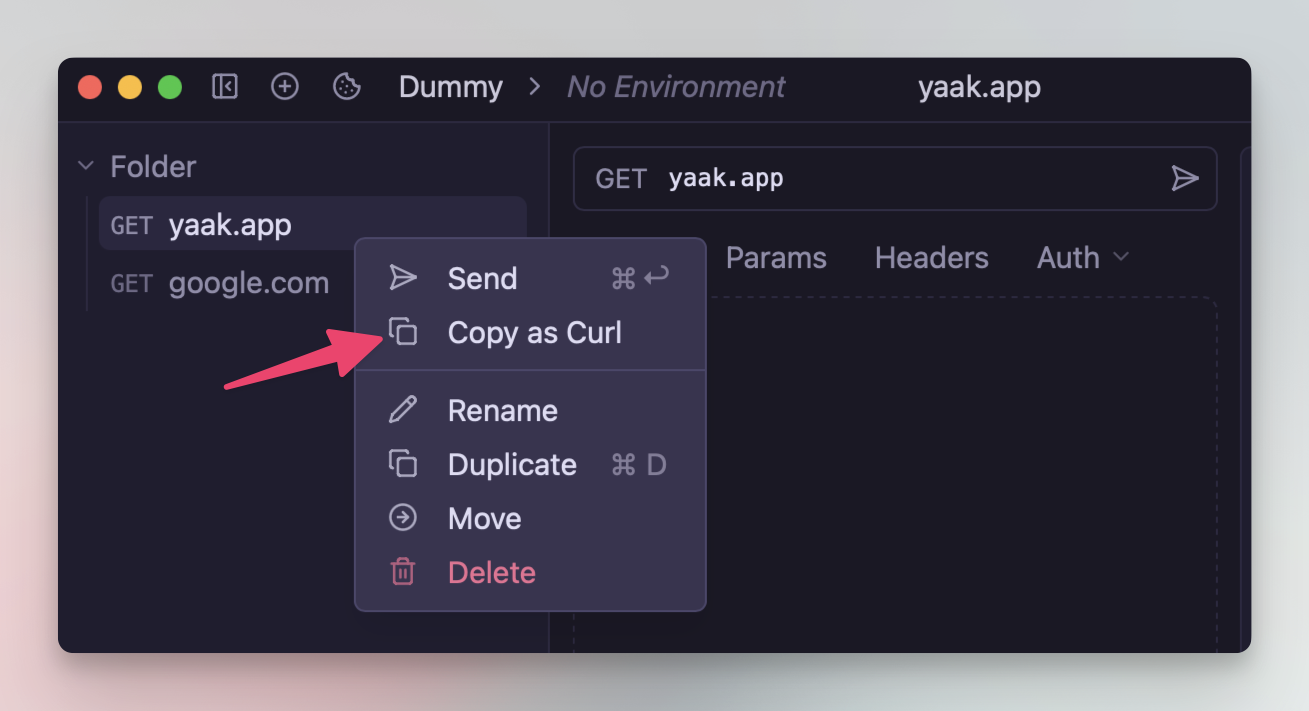
Quickly copy the current request as a cURL command from the right-click context menu of any HTTP request in the sidebar.
Was this page helpful?