This release brings huge performance gains for large workspaces, collapses base64 values into media previews, adds dropdowns for header names and values, and ships an agent skill for the Yaak CLI.
Import Cloudflare’s OpenAPI schema and you get 3,286 requests in a single workspace. Typing, scrolling the sidebar, and switching requests are all instant now, no different from a brand new workspace.
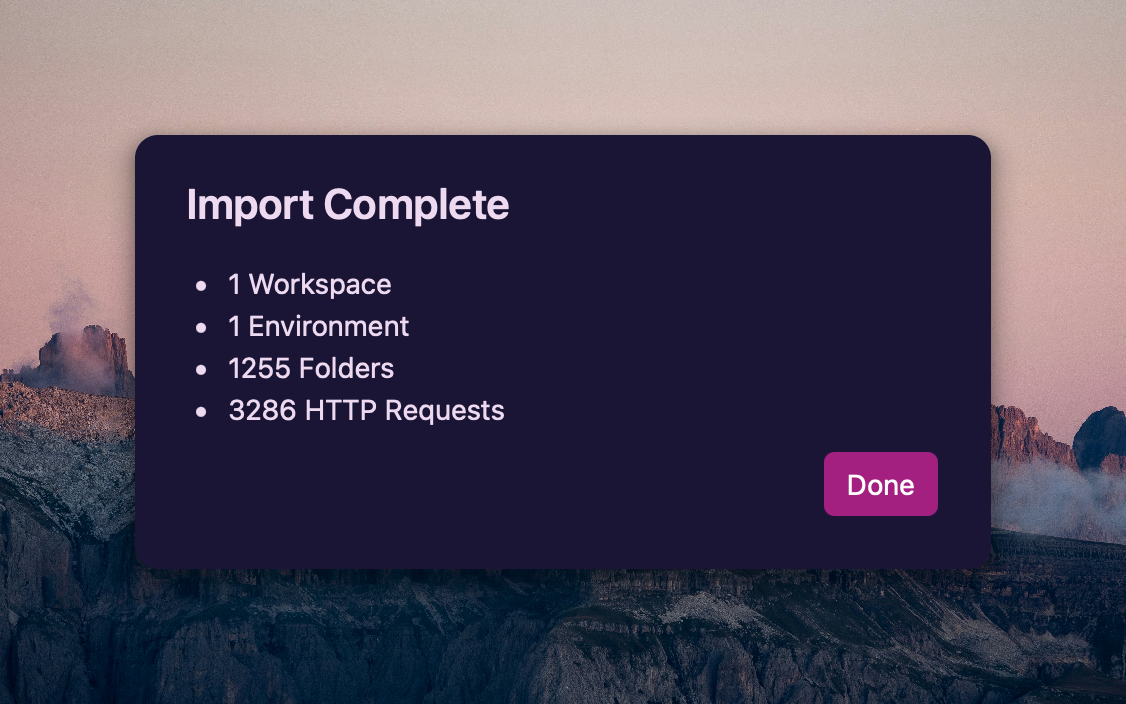
One import, 1,255 folders and 3,286 requests
Until now, a workspace that size meant a frozen UI while the import ran, followed by multi-second delays on the basics. Database writes are debounced instead of firing on every keystroke, model changes arrive in batches instead of one event per record, the sidebar only renders the rows on screen, and a handful of other optimizations got it the rest of the way.
Yaak now auto-detects base64 values in responses and collapses them into a tag showing the type and size, with a thumbnail preview for images. Click the tag to open the full value in the image, audio, video, or PDF viewer.
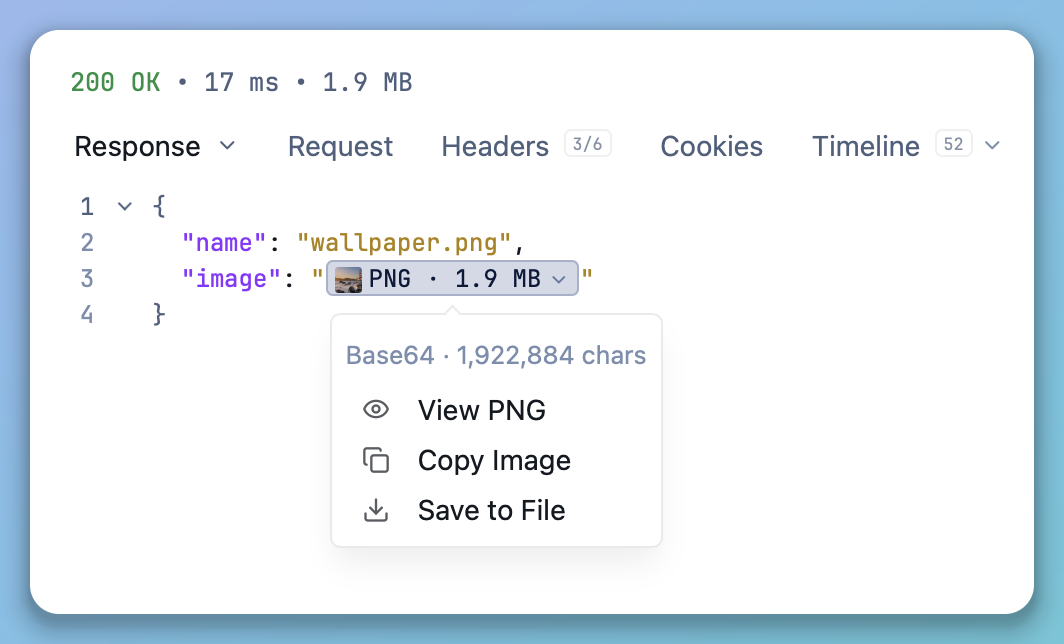
A base64 image in a JSON response, collapsed to a tag with a thumbnail
Part of the performance win above came from optimizing Yaak’s use of CodeMirror. It’s usually quite snappy, but it’s really bad at rendering documents with extremely long lines of text, like responses containing base64-encoded images or other binary data.

The same value opened in the in-app viewer
See also: #533
Paste an image into a JSON request body and you see PNG · 2.7 KB with a thumbnail instead of a wall of characters. The body still sends the full base64, and pasting over the tag replaces it.
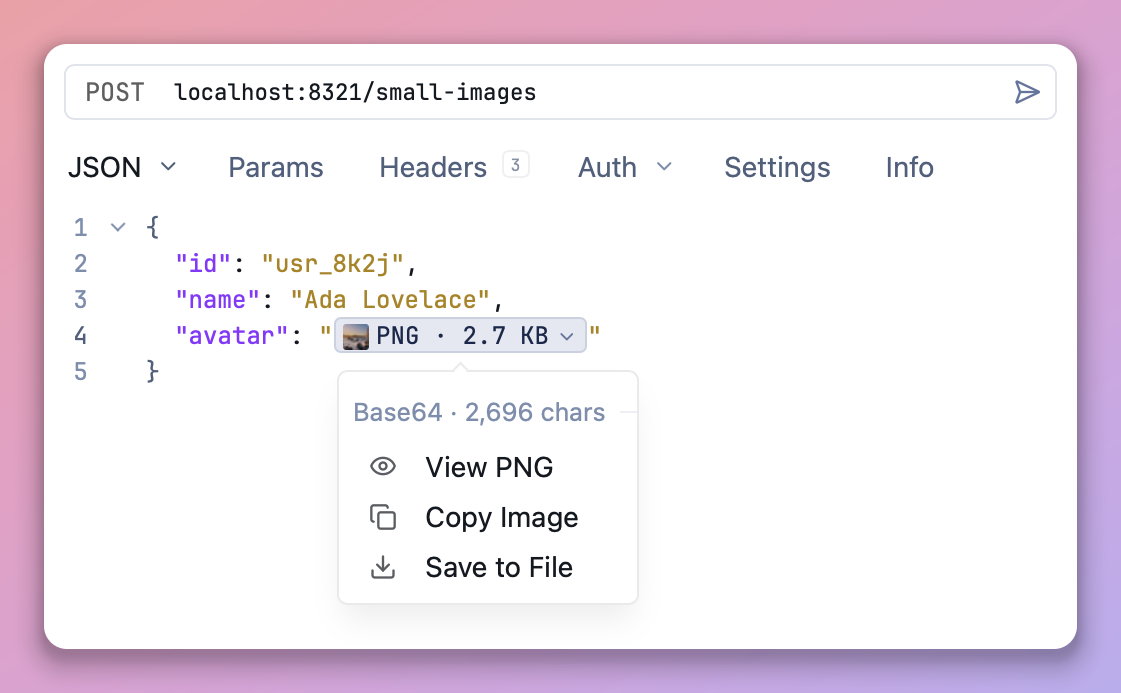
A pasted PNG standing in for its base64 in a JSON request body
See also: #534
Header names and values already autocompleted as you type. Now a chevron on each input opens the same suggestions as a dropdown, so you can pick one without knowing the exact string up front.
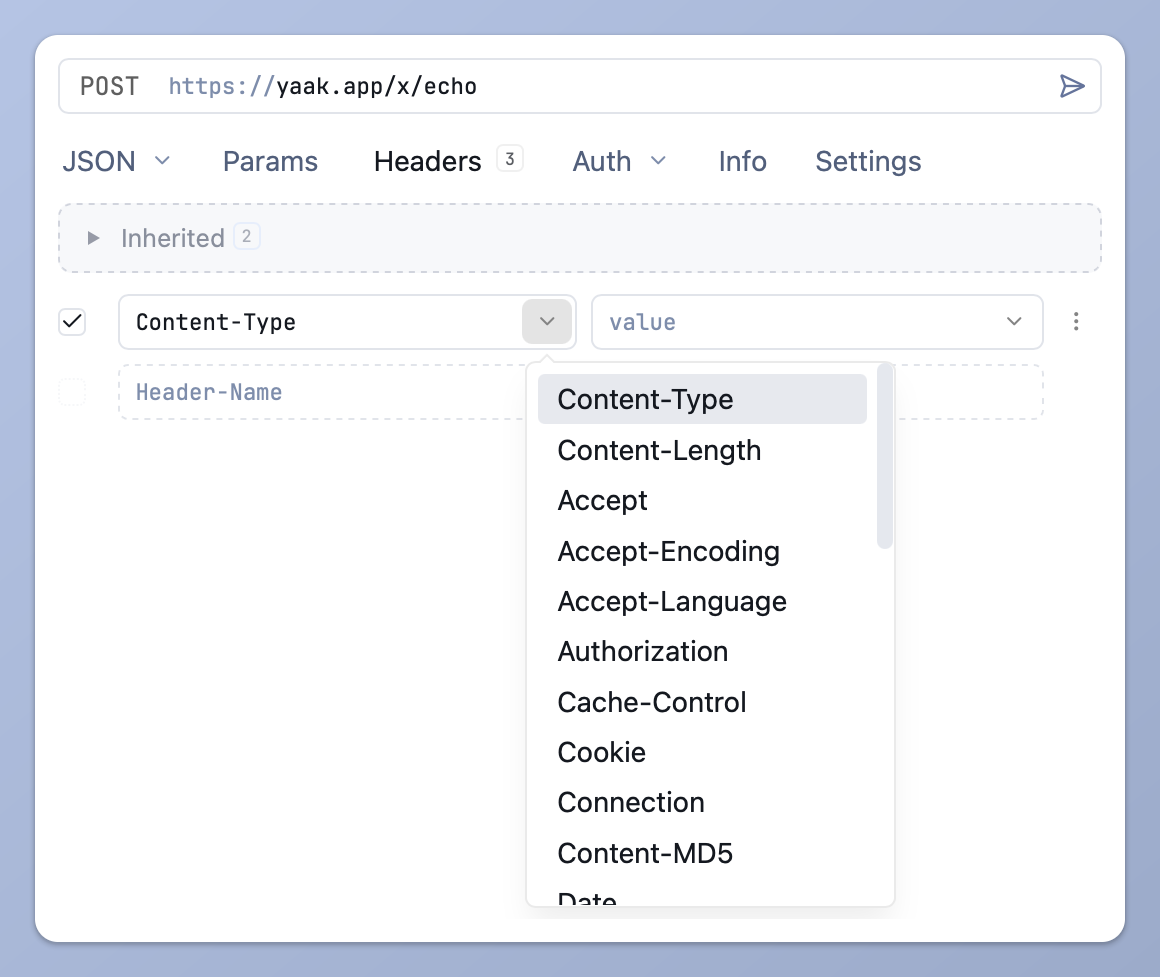
Picking a header name from the dropdown
Long values show a readable label and insert the full string, so picking Chrome 120 - Windows inserts the entire User-Agent.
The new yaak agent install command writes a Yaak skill into ~/.agents/skills, plus any tool directory it finds (.claude, .cursor, .codex, .opencode). It removes the guesswork around templating, request chaining, and plugin-provided features. The CLI was already built to be agent-friendly without it.
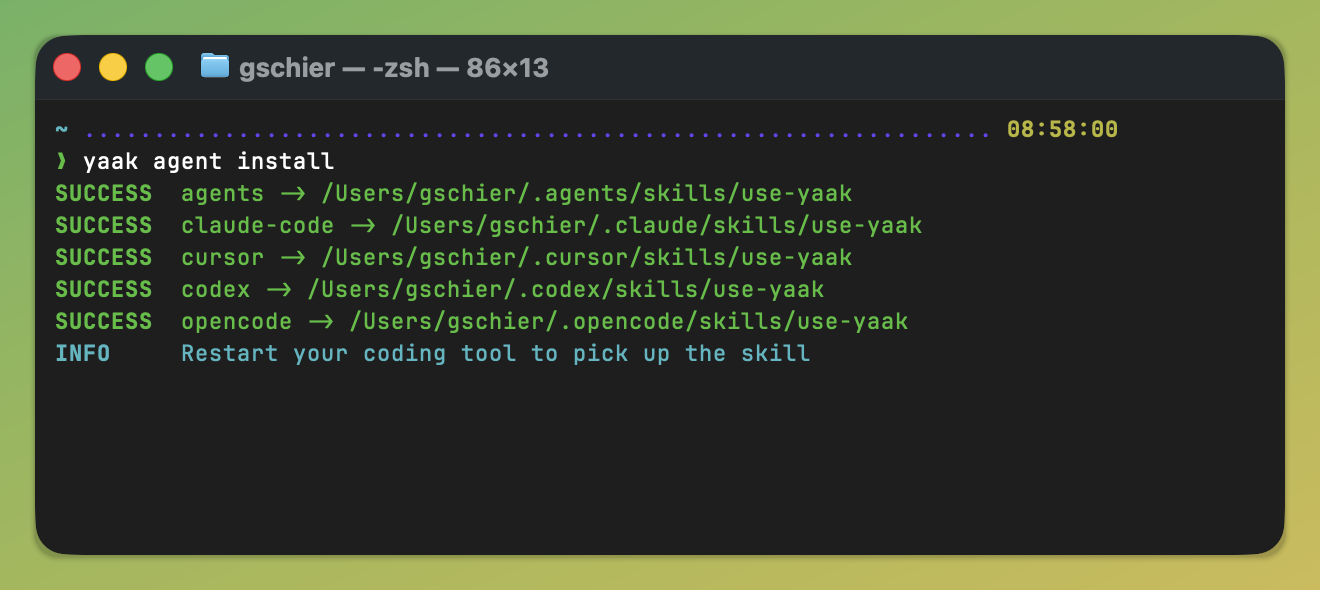
One command installs the skill into every coding tool it finds
See also: #535
timestamp.format help text(feedback
, #527
)Community-purchased licenses are what power new features and fixes like this. Supporting Yaak means more updates to come, for you and your team.

 Gregory Schier