PAYOK Signature Generator plugin for Yaak HTTP Client
Yaak plugin to generate and verify PAYOK RSA-SHA256 digital signatures directly inside your requests.
| Feature | Description |
|---|---|
payok.signature |
Generate the sign header for outgoing PAYOK API requests |
payok.timestamp |
Generate a consistent ISO8601 timestamp for requestTime fields |
payok.uuid |
Generate a consistent UUID for fields like merchantOrderId |
| Export Signature Code | Export standalone signing (and webhook verification) code in 6 languages |
| Verify Incoming Signature | Verify a received signature live inside Yaak — no external tools needed |
payok.signatureGenerates the sign header value. The plugin reads the request body automatically — no need to copy it into the arguments.
Setup:
signpayok and select payok.signature from autocomplete/api-pay/payment/V3.2/order/create-api (must match the path PAYOK expects for signing, independent of the request URL)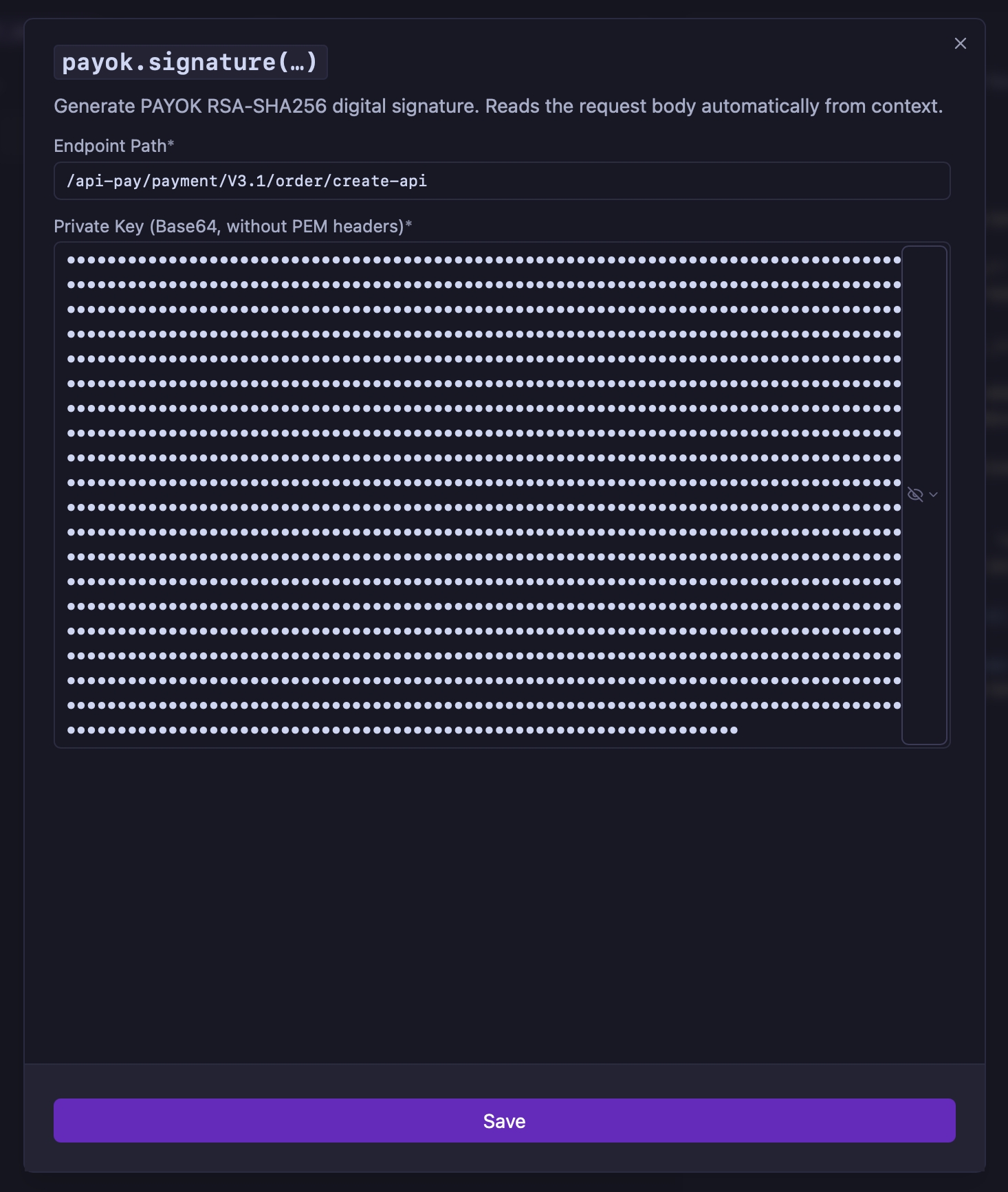
payok.timestamp / payok.uuidPlace your cursor in a field, type payok, and select the tag from autocomplete:
{ "requestTime": "${[ payok.timestamp() ]}", "merchantOrderId": "${[ payok.uuid() ]}" }
payok.signature expires both caches before rendering the body, so every send gets a fresh UUID/timestamp while still signing the exact body that gets sent.
Both Base64-only and PEM-wrapped keys are accepted. If your key starts with -----BEGIN RSA PRIVATE KEY----- (PKCS#1), convert it first:
openssl pkcs8 -topk8 -nocrypt -in rsa_private.pem -out pkcs8_private.pem
Right-click any request in the sidebar and select Export Signature Code to generate a standalone snippet — JavaScript (Node.js), Python, Java, Go, PHP, or C# (.NET) — that reproduces the PAYOK signature algorithm. Pick a language from the dropdown, then click Copy to Clipboard.
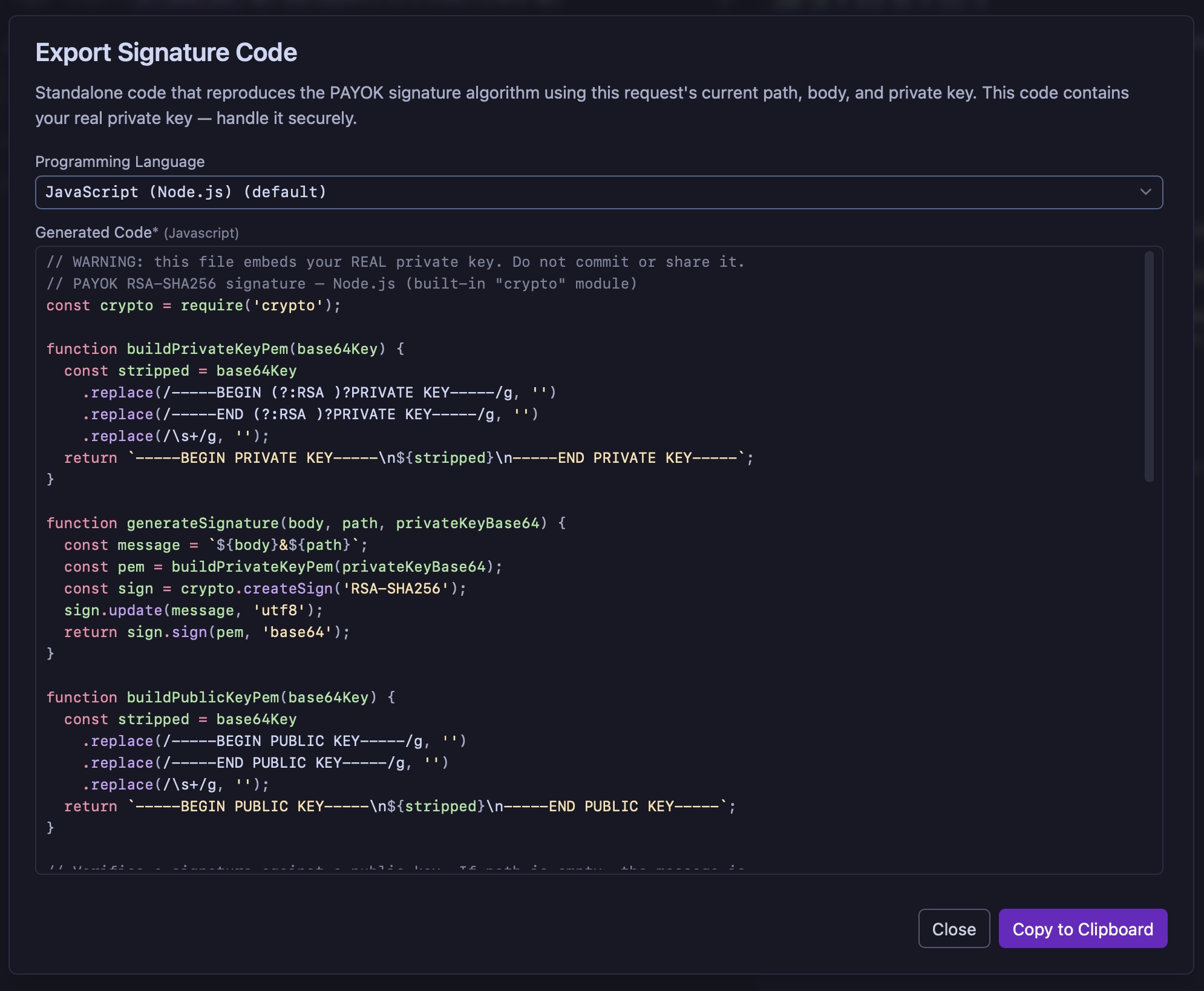
It captures the current request’s body (template tags resolved), path (from the URL), and the private key used by the sign header’s payok.signature(...) tag. If none is configured yet, a PASTE_YOUR_BASE64_PKCS8_PRIVATE_KEY_HERE placeholder is used instead.
Note:
payok.signatureuses the Endpoint Path you enter in its dialog, while Export Signature Code derives the path from the request URL. Make sure both match the path PAYOK expects when signing outgoing requests.
Each snippet is fully standalone (only using each language’s standard library, plus cryptography for Python and openssl for PHP) and:
-----BEGIN/END (RSA) PRIVATE KEY----- headers from the Base64 key and rewraps it as PKCS#8 PEM.<body> + "&" + <path>.⚠️ Security note: when a real key is found, the exported code — and your clipboard — contains your actual private key in plaintext. Don’t paste it into shared chats, tickets, or commit it to version control.
Every snippet also includes a verifySignature function that validates a signature against an RSA public key (X.509 / SubjectPublicKeyInfo, Base64 or PEM), rebuilding the message as <body> + "&" + <path> (or just <body> if no path is given) and checking it with RSA-SHA256.
A ready-to-run webhook verification example is included at the bottom of every snippet — paste your real values over the PASTE_RECEIVED_WEBHOOK_BODY_HERE, PASTE_RECEIVED_SIGNATURE_HERE, and PASTE_PAYOK_BASE64_PUBLIC_KEY_HERE placeholders. It calls verifySignature with an empty path, since PAYOK signs notifications/webhooks over the body alone.
Right-click any request in the sidebar and select Verify Incoming Signature to check, directly inside Yaak, whether a signature you received (e.g. on an incoming PAYOK notification/webhook) is valid — no exported code or external tools needed.
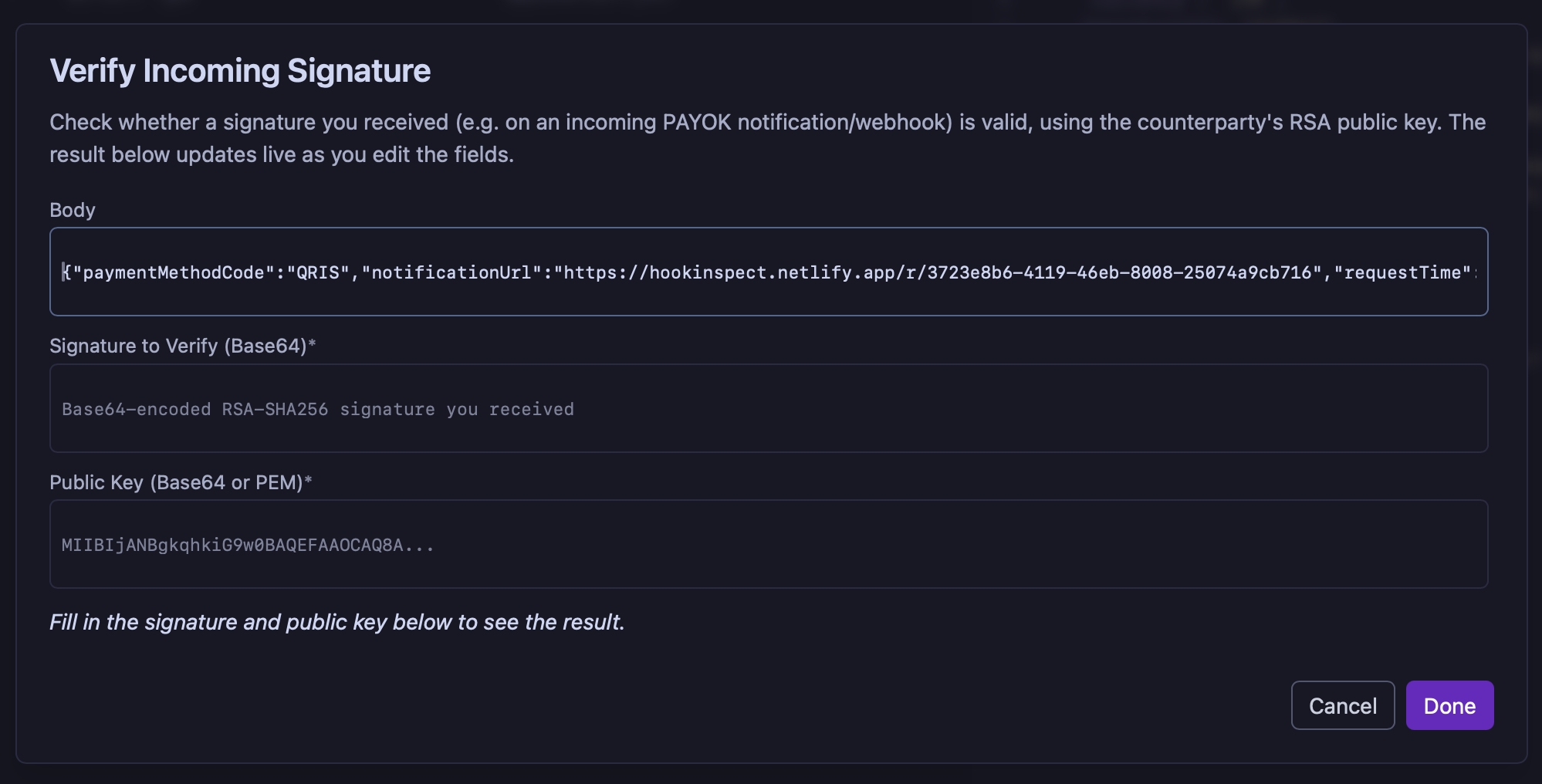
Paste in the Body, the Signature to Verify (Base64), and the Public Key (Base64 or PEM). The result — ✅ Valid, ❌ Invalid, or ⚠️ an error message — updates live as you edit the fields.
This checks the signature over the body alone, matching how PAYOK signs incoming notifications/webhooks — different from outgoing requests to PAYOK, which are signed over
body + "&" + path. Verification only succeeds if the public key matches the private key that produced the signature.
Outgoing requests (you → PAYOK):
message   = <request_body_string> + "&" + <endpoint_path>
signature = Base64( RSA-SHA256-sign(privateKey, message) )
Incoming notifications/webhooks (PAYOK → you):
message   = <request_body_string>
signature = Base64( RSA-SHA256-sign(PAYOK_privateKey, message) )
Verification uses the same message format as signing — body + "&" + path for outgoing, body alone for incoming webhooks.
