
Unable to make HTTP requests (HTTP specifically, HTTPS is not affected)

For local dev, I rarely use HTTPS, probably like most. But today I noticed Yaak has been unable to make any HTTP requests at all. Note that HTTPS requests do work.
Curiously, I’ve tested a few domains:
http://localhost:4000(fails - time out, debugging it shows the endpoint is never hit, no logs either. This was executed using Oauth2, token was successfully obtained over HTTPS from my externally hosted identity server for local dev)http://icanhazip.com(fails - with error after about 15s with error)http://httpforever.com(fails - with error after about 1 min)http://google.com(fails - with error after 4 mins)
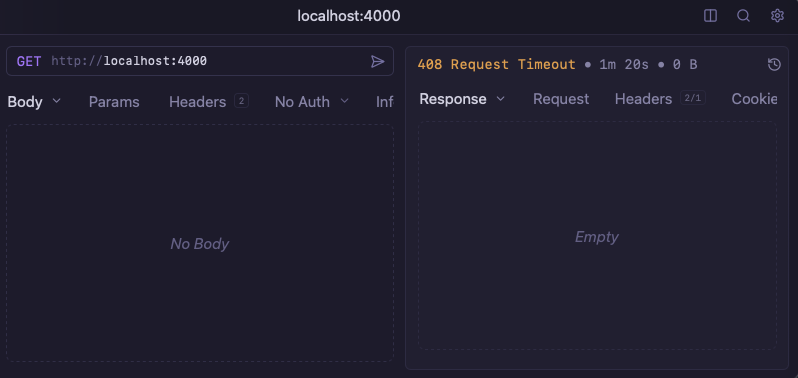
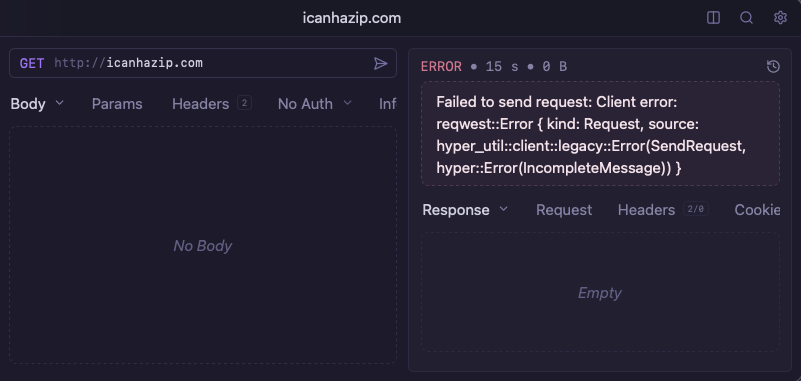
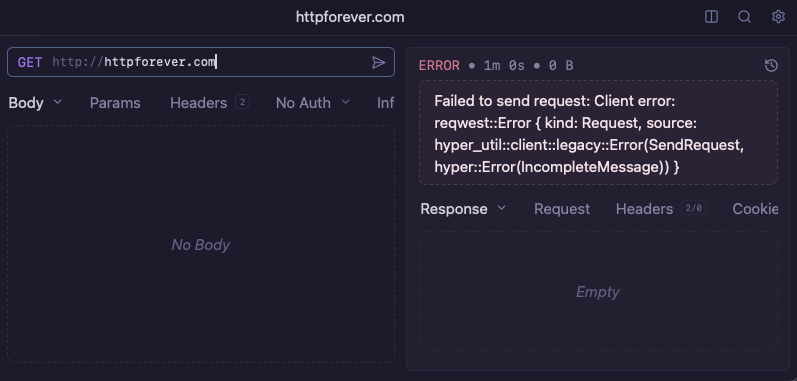
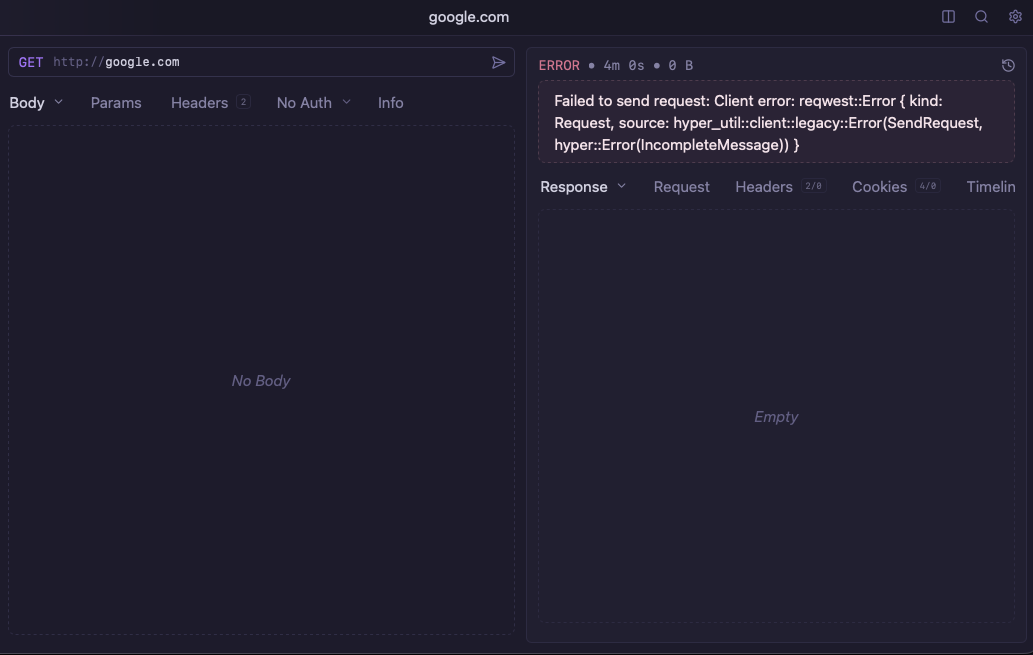
I’ve also cloned the Yaak repo to try out some previous versions (note the report version was tested using the official release binary). I checked out the git tags for the following versions, followed the DEVELOPMENT.md and all exhibited the same issue:
- 2026.3.1
- 2026.2.0 (last known working version)
- 2025.7.2 (a known good version I’d used up until 2026.2.0)
Of course, I’ve also checked these pages in multiple browsers (Firefox, Chrome and Safari), all load both HTTP and HTTPS versions (maybe somewhat ironically, even httpforever.com has a cert, although expired 😄). There was the exception of Safari which force redirected google.com from http -> https (probably due to HSTS though).
I’m also able to successfully curl all above sites and tested in the latest Insomnia version without issue too.
For additional info, M3 Pro on Tahoe 26.2. I’ve not updated to 26.3.1 yet, so I’ll do that and report back success/failure.
Do you have a proxy configured on your system? If older versions of Yaak also don’t work, this is my best initial guess as to what might be causing the issue.
You can switch Yaak to “No Proxy” to disable any automatic proxy use:
That worked instantly! I feel like fool 😅. Baffled by what must have changed to cause it to start failing, but requests are working with No proxy set.
Appreciate your hard work on this app as always! Thanks 🙂
What are you using as a system proxy? I could probably at least add an alert when a proxy is detected
It’s a work issued mac, so it’s loaded with your standard buffet variety of IT management
spywaresoftware, so I’m not particularly sure which one. But a process that stands out isUssAgentProxy, which seemingly loves localhost ports considering the amount that Activity Monitor lists, so that certainly checks out as proxy-like. It’s developed by TrustLayer which lines up too.They have a list of process paths in a support article which may help for detection. One of those paths contain “Censornet” which I’ve most certainly seen at some point in the past, so I’m quite confident this is the proxy software.
Thanks for the info! I think I’ll just add some debug steps to failed responses, to tell the user to check things like proxy settings
Sounds like a good idea! I didn’t think to check the proxy settings as it’s not normally an issue.
This has made me second guess my other bug report for file uploads though… I’ve finished work for the day, but I’ll give that a test tomorrow and leave a comment on that bug with any updates!
Updated my mac to Tahoe 26.3.1, issue still persists.
I thought I’d try some more debugging attempts using the following commands:
nc -lv 8080python3 -m http.server 8085socat -v TCP-LISTEN:8090,fork -None of them print anything after 5 mins of Yaak trying to connect on
http://localhost:{{PORT}}. Oddly though Netcatncdoes exit after cancelling the request though.However, all of them print something when using HTTPS instead
https://localhost:{{PORT}},Netcat
Python3
socat
Errors to be expected when using HTTPS to connect on the Python HTTP server of course, but it does help to show the issue just seems to be with HTTP requests. Quite an odd thing 😅