
Unable to maintain window size

Feature RequestBug
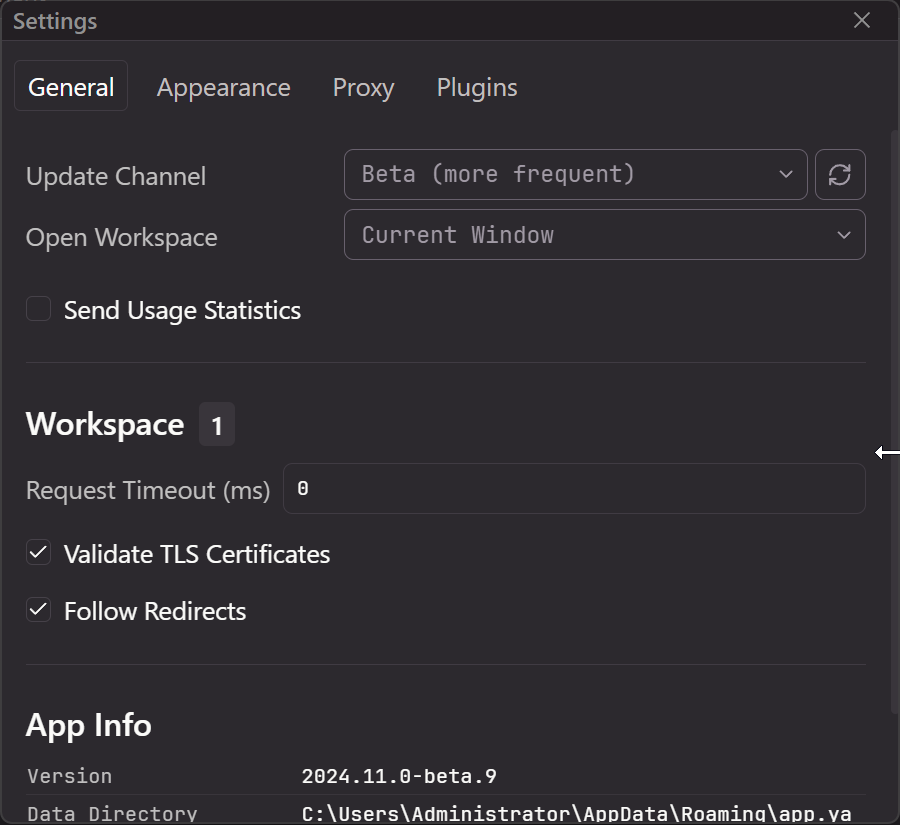
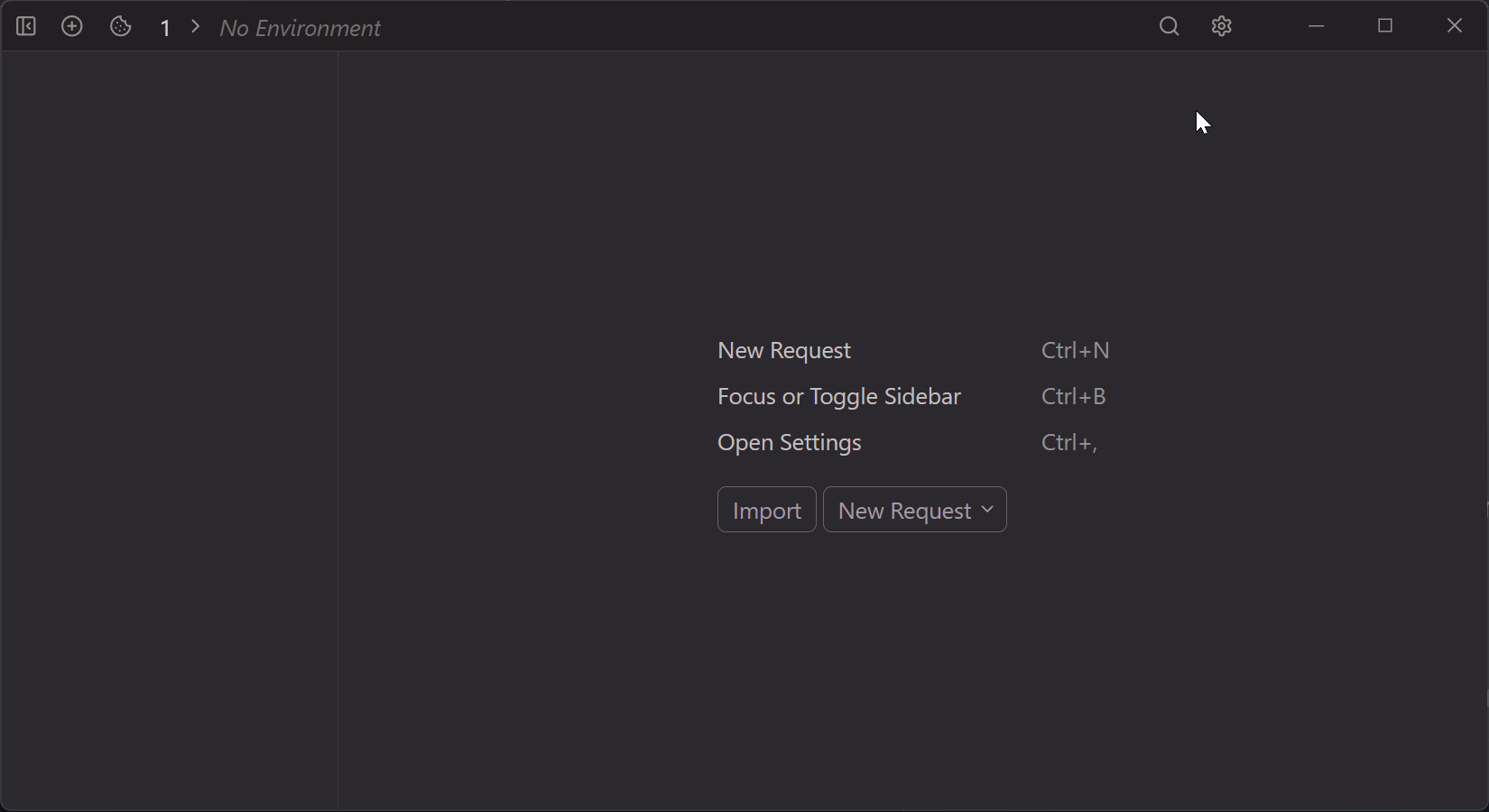
Even if you resize the default window in Windows to a larger size, it will always open in a smaller window.
Fullscreen on startup
Keep resized windows
Even if you resize the default window in Windows to a larger size, it will always open in a smaller window.
Fullscreen on startup
Keep resized windows
Sign in to leave a comment.
I confirm on Linux and Windows, with the latest beta for 2024.11.0 .
It is still the case with 2024.11.2 on Windows and Linux …
This is such a peripheral issue to the core functions of the app (which are fantastic) but is by far the biggest quality of life problem for me; it’s a day-to-day annoyance that the app can’t keep its window position (or at least size) between launches.
I’m on windows 2024.13.0 but this has been an issue since day one.
I’m experiencing a similar issue on macOS: the window size shrinks if the app was quit on a low-DPI display. For example,
When Yaak is quit on an external low-DPI monitor (27", 2560 x 1440) and relaunched, it appears as a tiny window on the MacBook Pro's high-DPI Retina display.
Even when the app is relaunched on the same low-DPI display, it shrinks in size because the app initializes on the primary high-DPI display and then moves to the currently focused display.
When Yaak is quite on the high-DPI primary display and relaunched on the same high-DPI display, the correct window size is maintained.
I’m using Version 2025.3.1 (20250528.211740) on macOS Sequoia 15.5 (24F74).
I may be misremembering but this used to be even worse on previous versions, with the window size decreasing when the app is moved between high-DPI and low-DPI displays. But at least that seems to have been resolved.
Still an issue on macOS – when I quit Yaak with a window on my old external 2560 × 1440 Thunderbolt display and restart Yaak the window size and location are both rescaled.