
Template function dialog drops nested function/variable args and Save overwrites them

Bug
Template:
${[timestamp.iso8601(date=timestamp.offset(expression='-1h')) ]}
Sending the request renders it correctly (current time - 1h).
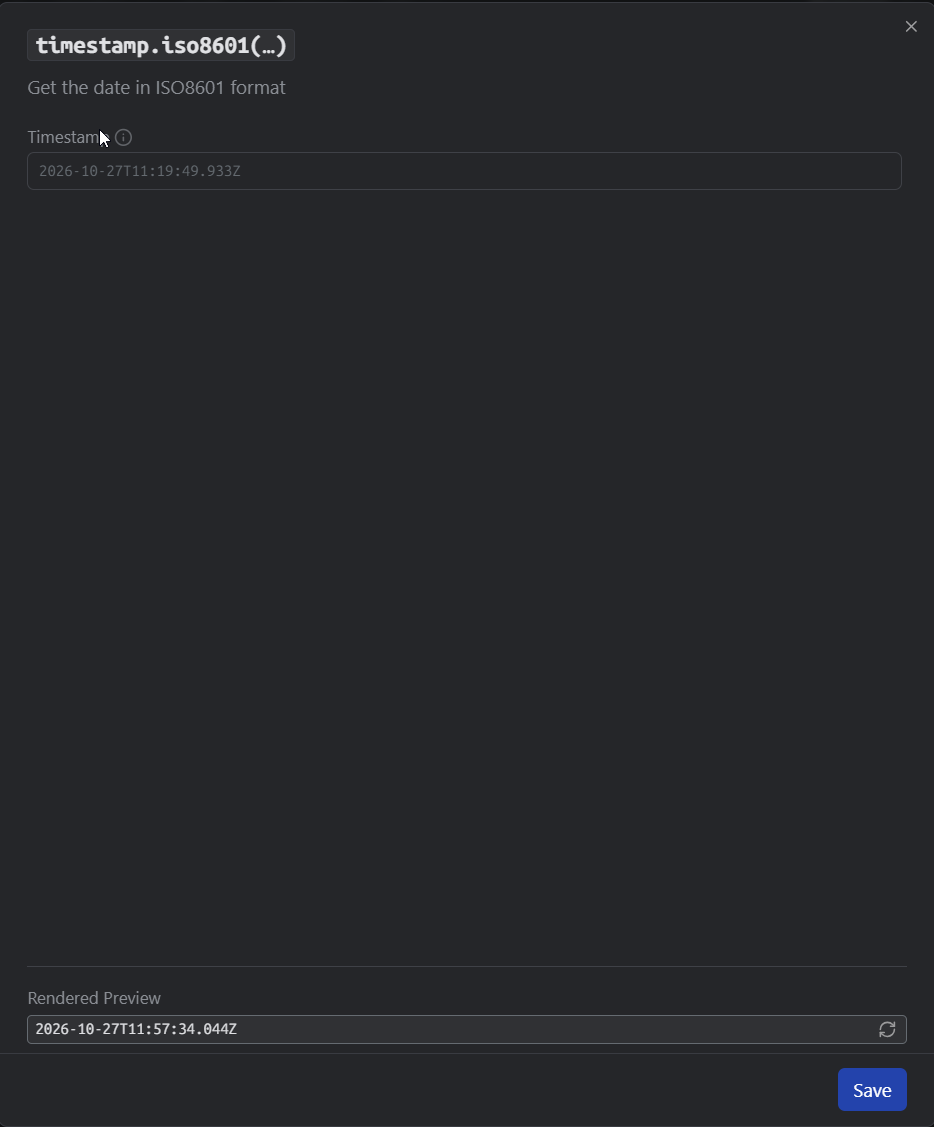
Clicking the chip opens the dialog with an empty “Timestamp” field and the preview shows the current time. Clicking Save rewrites the tag without the nested function.
Expected: the dialog shows nested fn/var args (or at least keeps them on Save)
Windows2026.8.0
Oh, and one other important thing. The template was created by an AI agent through the Yaak CLI. The agent wrote the nested call as an unquoted argument, date=timestamp.offset(…), which the parser and renderer accept. When you nest a function in the app, it is saved as a quoted string argument instead, date=’${[ timestamp.offset(…) ]}’, and the dialog loads that form correctly. The CLI agent hints (
yaak --help) say nothing about which form to use for nested calls