
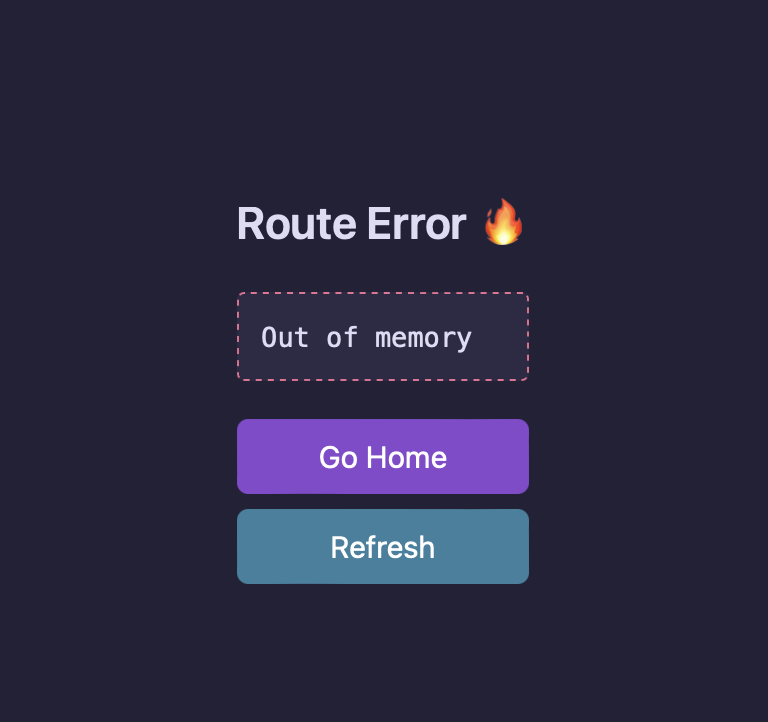
Route error / Out of memory screen
Bug
At some point I managed to trigger an out of memory error (huge json response >250mb) and now i can’t get rid of the out of memory screen. Several updates (nightlies) have been installed since then, restarted, etc… but still get’s to this screen
Mac
Large responses are hidden by default. Did you click “Show anyway” before this error happened?
yes
Are there some temp files somewhere which could be nuked, or such?
Yes, you can find the large response by doing the following (on Mac)
```
cd ~/Library/Application\ Support/app.yaak.desktop/responses
ls -lh
```
Thank you! That did the trick.
Any solution here? Experiencing the same issue.
fwiw, I managed to get past the screen. When I was clicking refresh, for a fraction of a second the error screen was gone and I was able to see the list of my requests.
Thinking that if I clicked some other requests then the problem would go away was a good idea. Took me about 30 tries to do it as there’s not much time …
Either my computer is too fast, or my hands are too slow, so I haven’t been able to do that myself.
I just fixed this so it won’t happen again after the next release.
Before, large response bodies would be blocked just at the UI level. Now, they will not be loaded at all when blocked, meaning that restarting the app after a large response freeze will restore it to a working state.
https://yaak.app/blog/2025.1-beta.1
https://yaak.app/blog/2025.1.1