
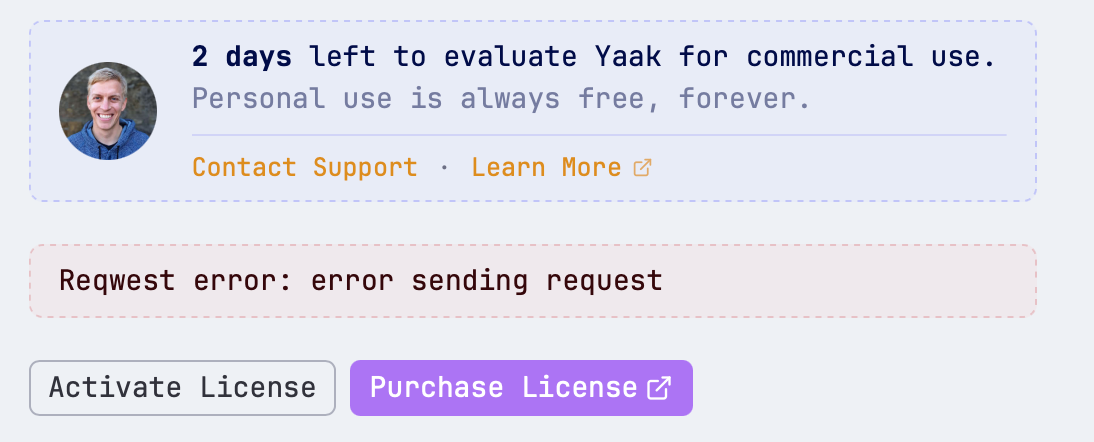
Cannot activate license
Bug
Featured answer
Jump to comment·Gregory Schier
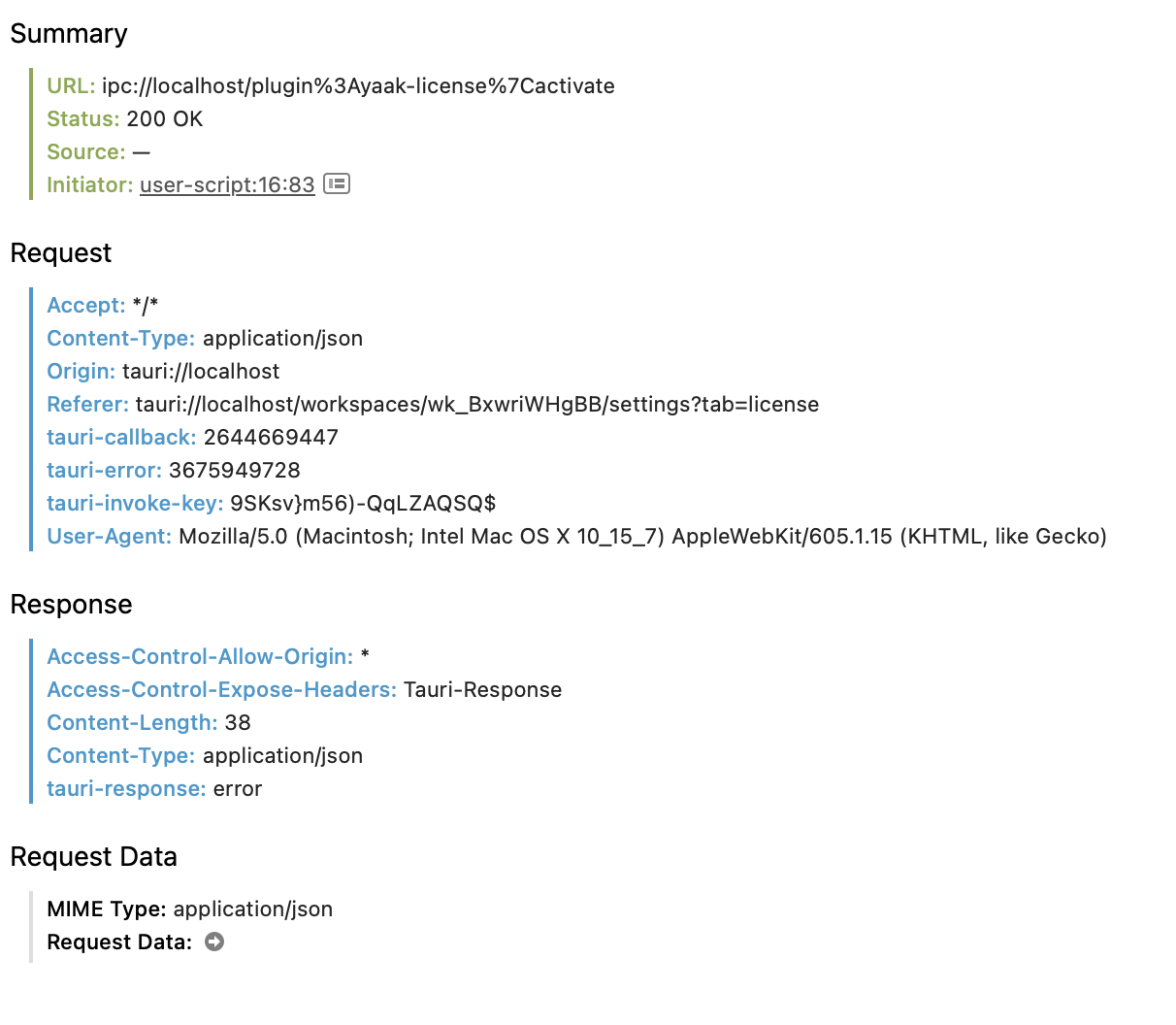
I’m behind a proxy and cannot activate my license. The log file is not showing anything useful. (Plugin updates also doesn’t work)
Mac2026.1.2
I’m behind a proxy and cannot activate my license. The log file is not showing anything useful. (Plugin updates also doesn’t work)
Sign in to leave a comment.
https://yaak.app/changelog/2026.2.1
Hmm, I will update this to use the proxy setting configured in the global app settings
Hmm, I think following Yaak’s proxy setting might be the wrong move, since it’s more so used for HTTP debugging in Yaak.
Your system proxy should actually be detected automatically. Can you provide some more info to help figure out the best path forward?
HTTP_PROXY,HTTPS_PROXY,ALL_PROXY) for Yaak to detect?I managed to activate the license.
Although I set the proxy in the global settings, Yaak doesn’t seem to use it since my proxy didn’t show Yaak trying to connect to it.
I had the environment variables set so launched Yaak from the CLI (open -a Yaak). Yaak picked up the environment variables and managed to connect to my proxy after which I activated the license.
I’ve activated my license, so this can be closed. (Although Yaak not using the proxy in the global settings is a bit curious)
Thanks for confirming your workaround! I made some improvements to system proxy detection for Yaak, so this should hopefully detect the global system proxy without the need for environment variables.