You can now review diffs before committing with the new Git diff viewer, complete OAuth2 flows in your default browser, and generate code snippets from any HTTP request with the new httpsnippet plugin. Here’s everything that changed.
The Git commit dialog now includes a visual diff viewer, so you can review exactly what changed before committing.
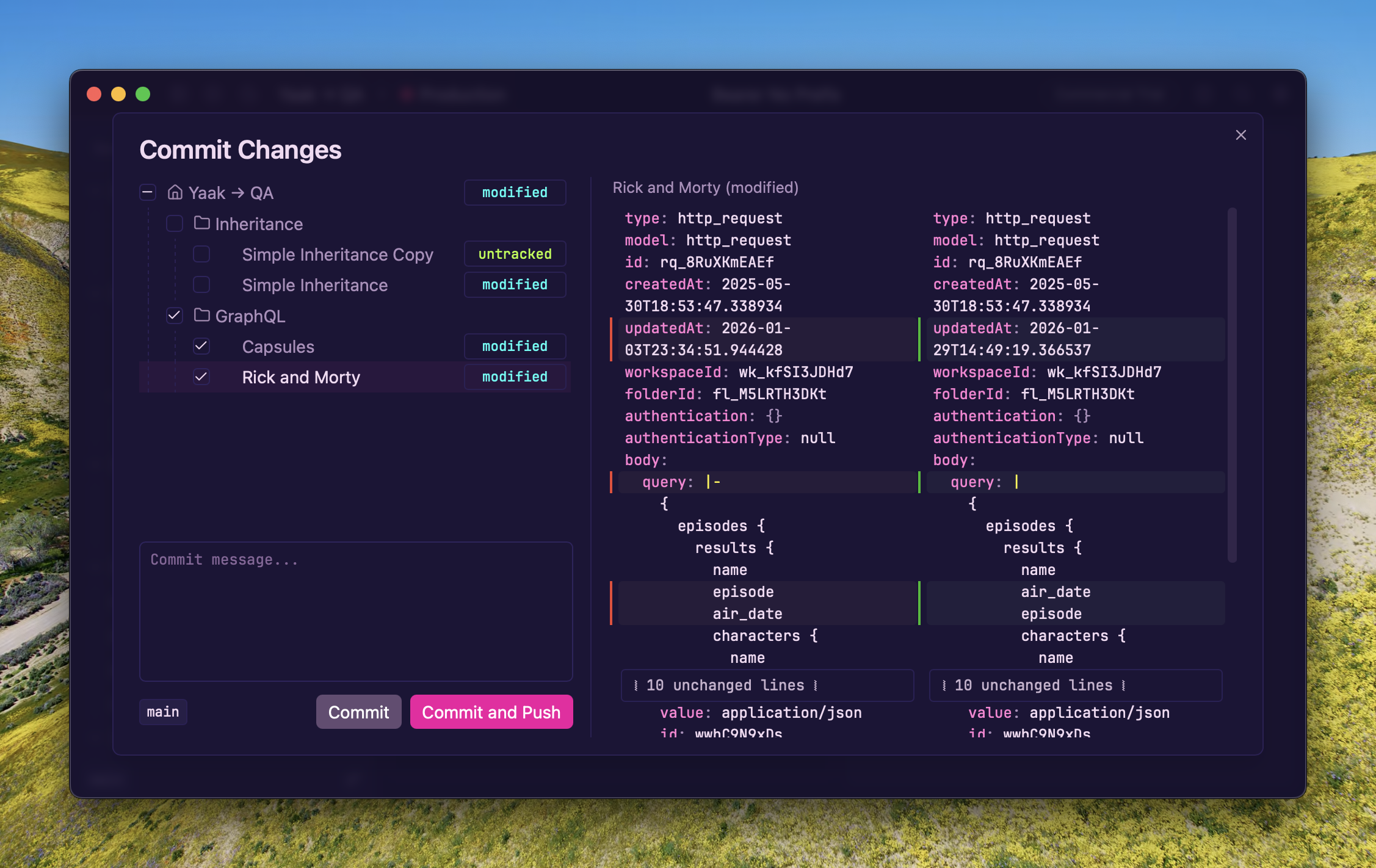
Diff viewer in the Git commit dialog
Several other Git workflow improvements ship in this release:
↗N ↙N) are shown next to the branch name in the git dropdown buttonSee also: #374
OAuth2 authorization (authorization code and implicit grants) can now be completed in an external browser instead of the embedded webview. This is useful when OAuth providers block embedded browsers or when you need access to existing browser sessions.
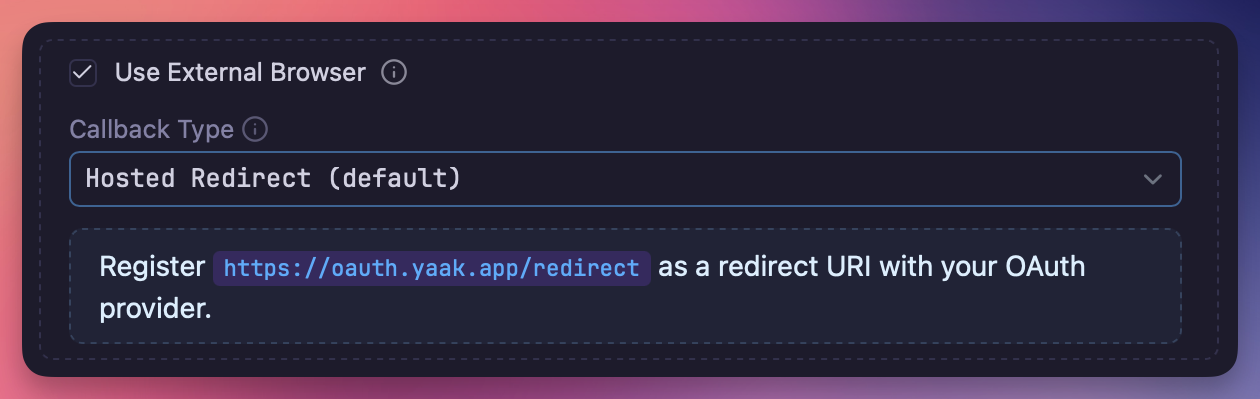
External browser checkbox in OAuth2 settings
Enable the “Use External Browser” checkbox in the OAuth2 settings to open the authorization URL in your default browser. Two callback modes are available:
oauth.yaak.app) as an intermediary
that forwards the redirect back to YaakA computed Redirect URI is displayed in the form so you know exactly which URI to register with your OAuth provider. A 5-minute timeout automatically cleans up the callback server if no response is received.
The new HTTP Snippet plugin lets you generate code snippets from any HTTP request. Select a language and library, and get a ready-to-use code snippet for your request.
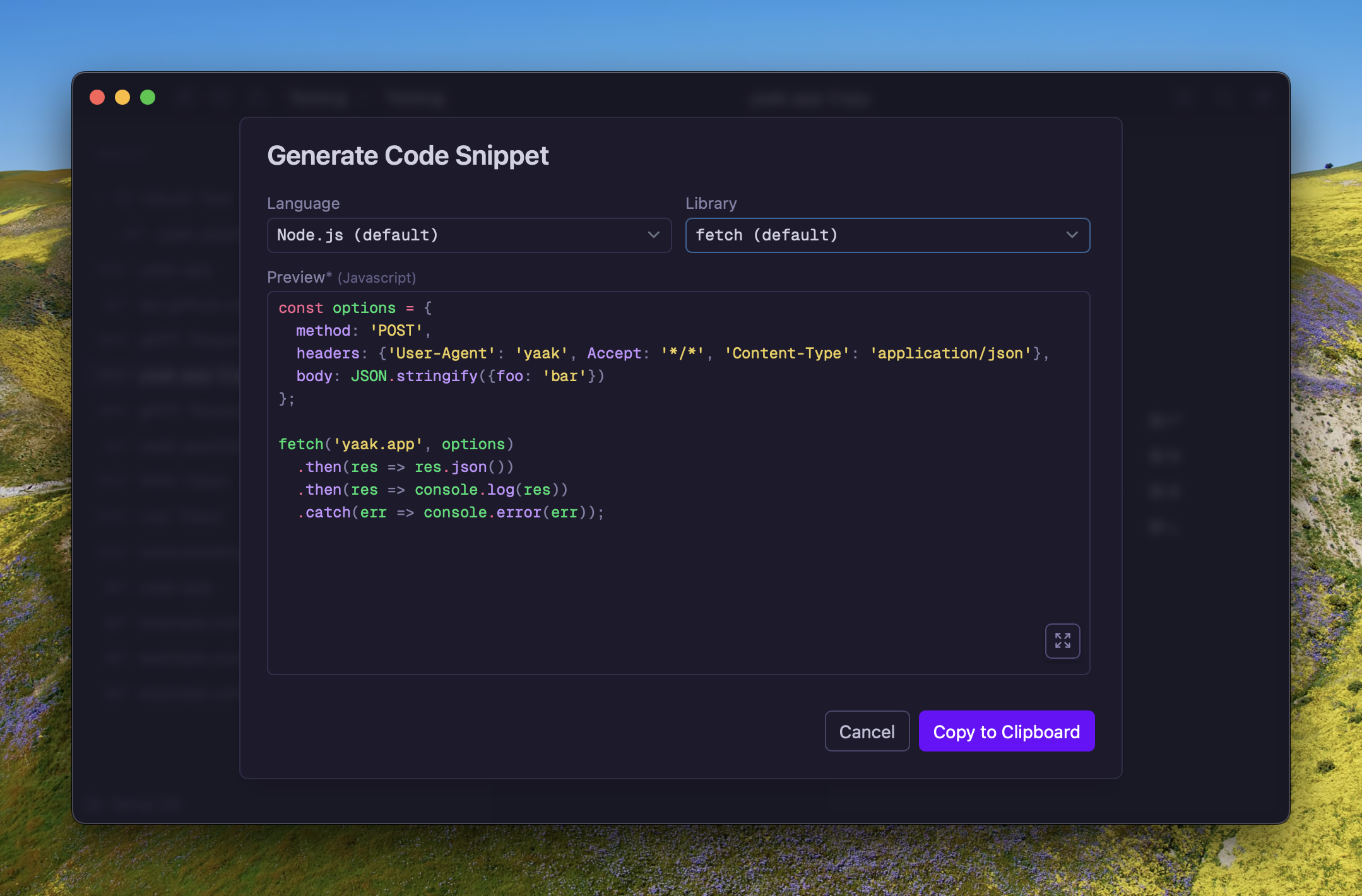
Generate code snippets from HTTP requests
Supported languages include JavaScript (fetch, axios, jQuery), Python (requests, http.client), Go, Ruby, PHP, cURL, and many more via the httpsnippet library.
This plugin also uses the new dynamic() support in the prompt.form() plugin API, which allows
form fields to update reactively when values change. For example, selecting a different language
automatically updates the available libraries and regenerates the code preview.
dynamic() support to prompt.form() plugin API(#386
)Community-purchased licenses are what power new features and fixes like this. Supporting Yaak means more updates to come, for you and your team.