This is one of the biggest updates since Yaak’s launch. The HTTP layer has been completely rewritten to give you full visibility into redirects, headers, cookies, and compression—the most requested feature with 157 votes.
Also shipping: configurable keyboard shortcuts, reorderable tabs, 30+ VSCode themes, and an experimental MCP Server plugin for AI integrations.
This was the most upvoted feedback item (157 votes). You can now view the entire request/response
flow in plain text, similar to curl -v.
The HTTP layer has been rewritten to handle redirects, compression, and cookies inside Yaak instead of delegating to the underlying HTTP library. This means Yaak now tracks the full request lifecycle.
Request headers are now captured and stored, so you can see exactly what Yaak sent.
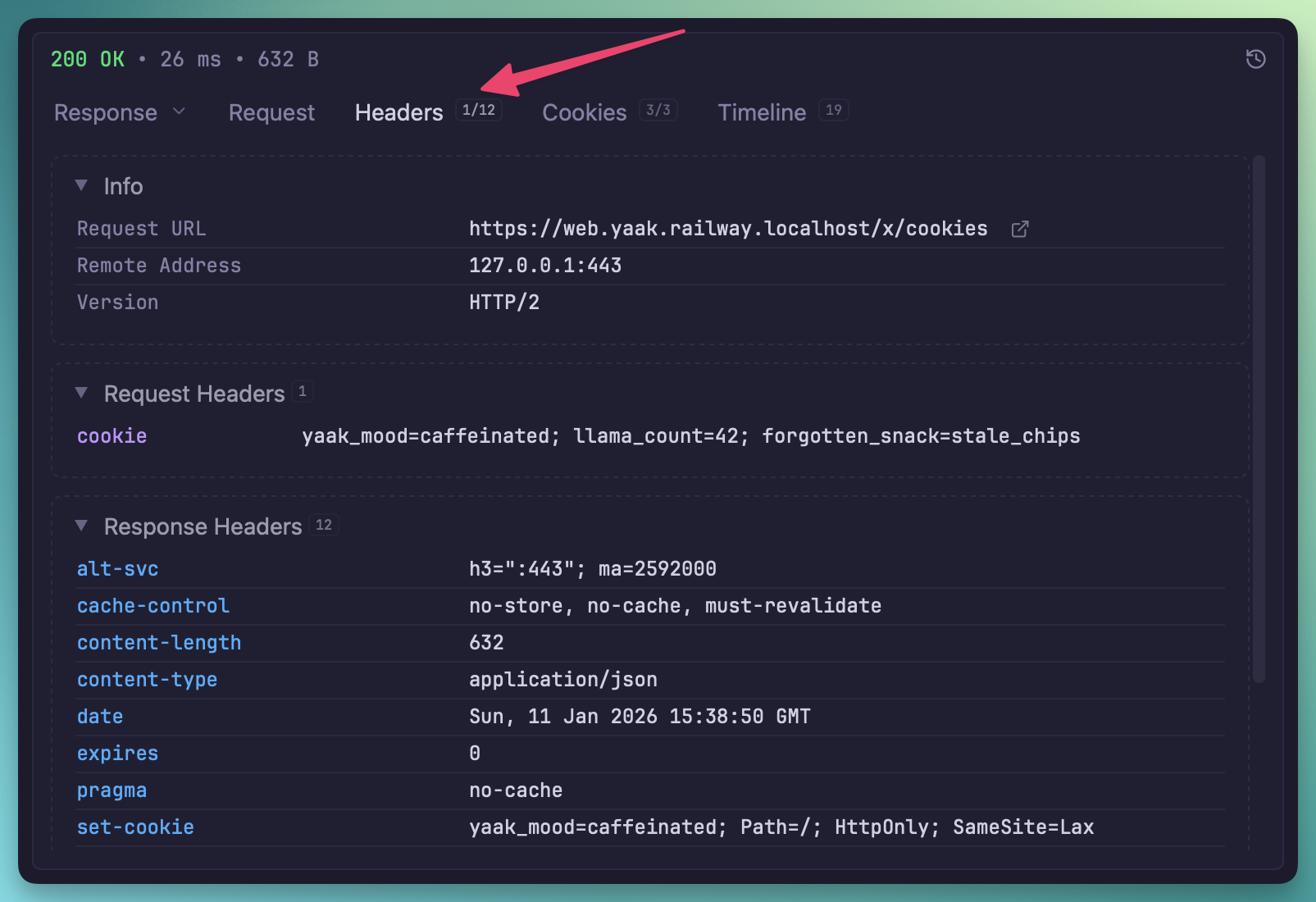
Request headers shown in the response pane
The request body is also visible in the UI.
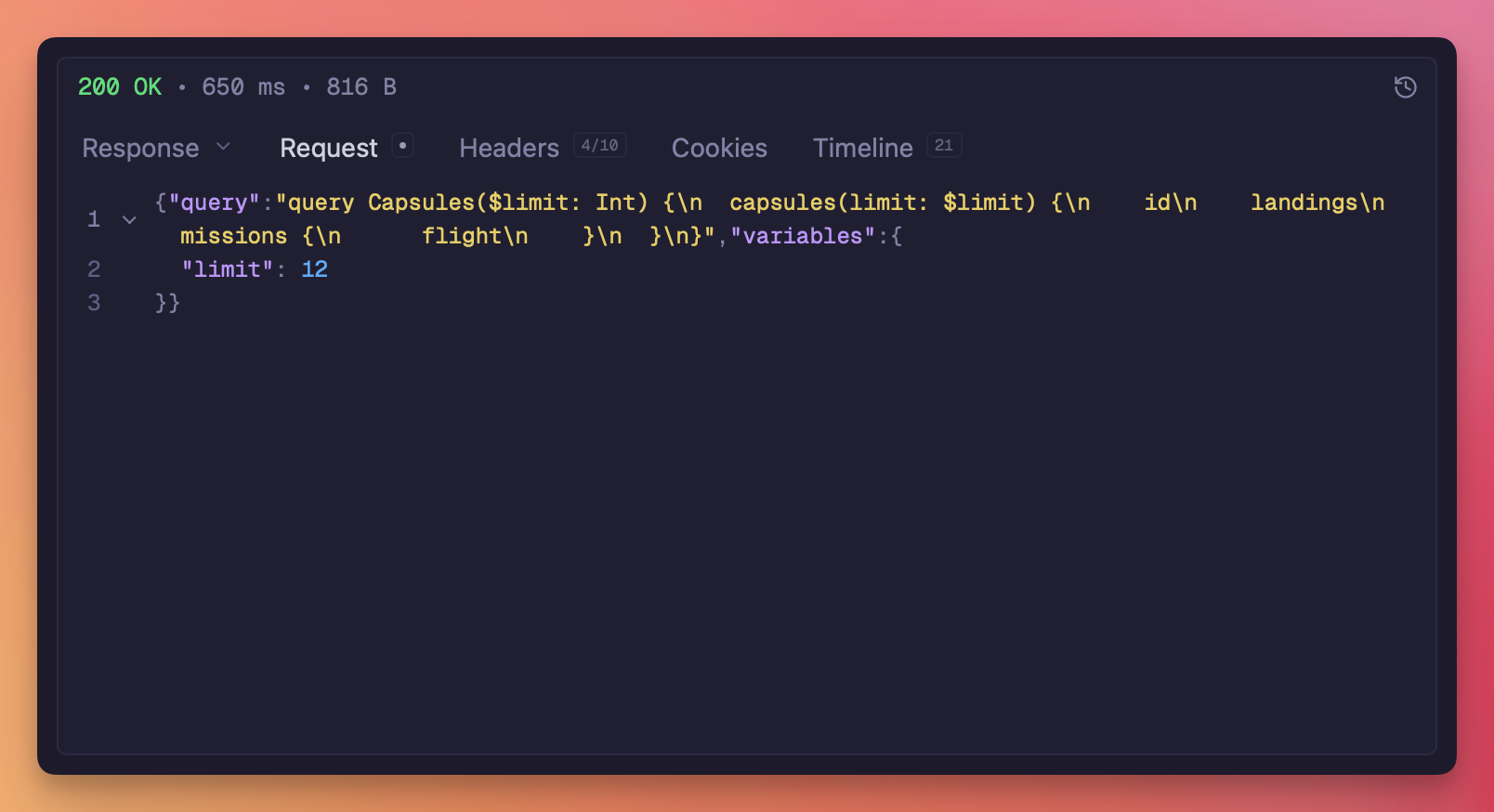
Request body shown in the response pane
The new Timeline tab shows request and response headers in collapsible sections, including the full redirect chain. Think curl -v but in a GUI.
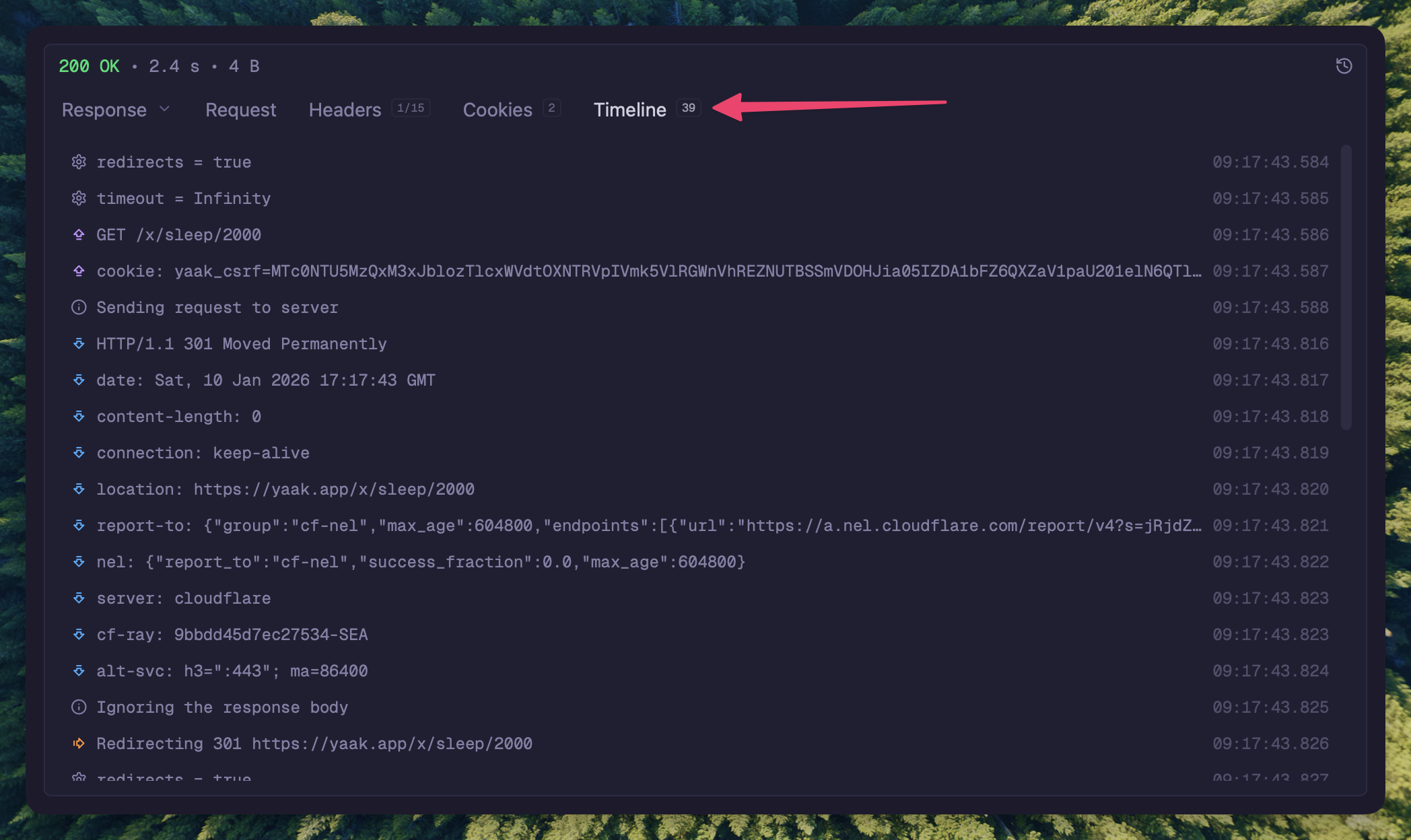
View full HTTP transaction in the response Timeline tab
The Cookies tab shows both sent and received cookies with detailed attributes (domain, path,
expires, secure, httpOnly, sameSite). Sent cookies appear in pink, received in teal. Deleted
cookies (Max-Age=0 or expired) are visually marked.
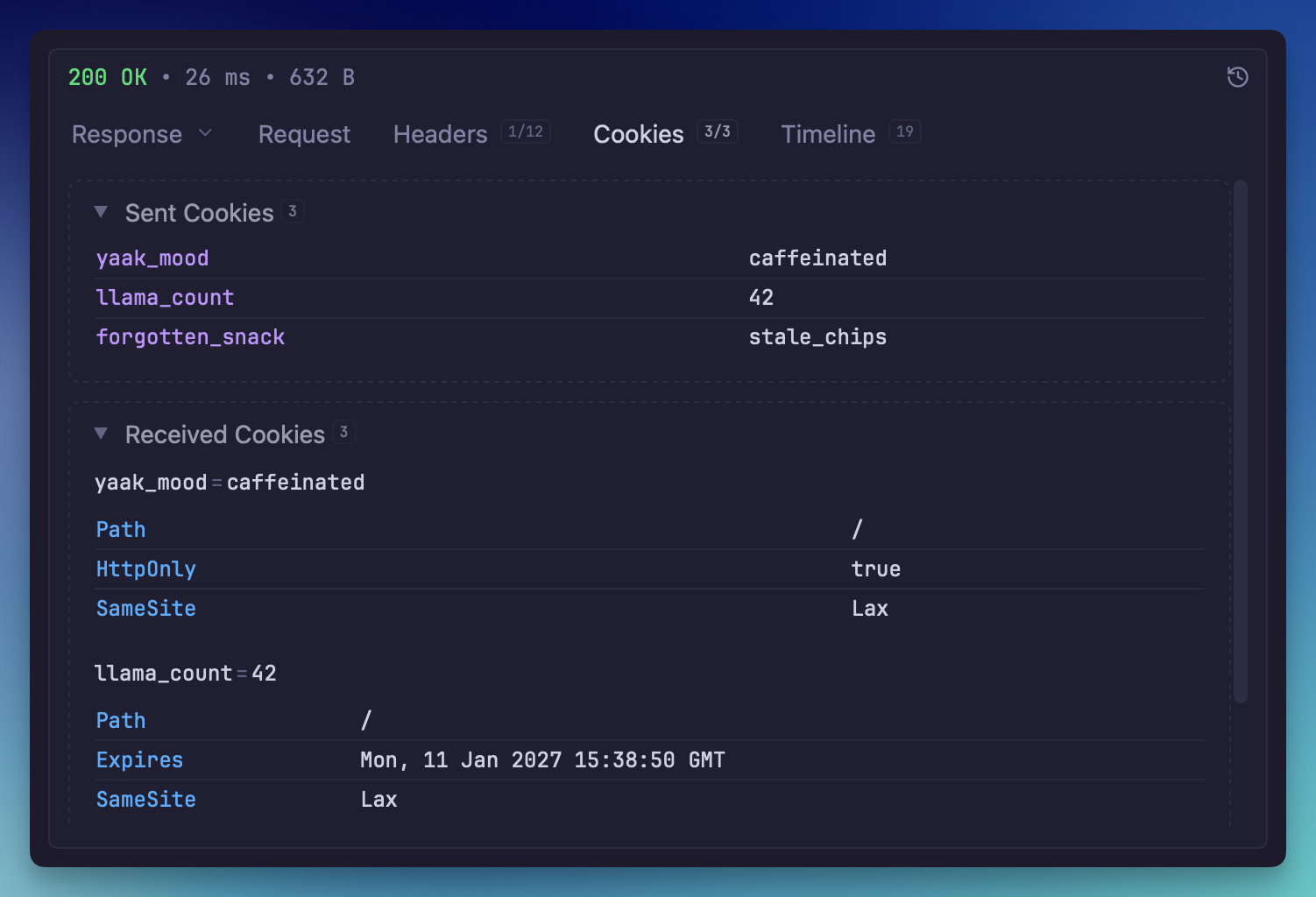
Cookies tab showing sent and received cookies
The Timeline tab now includes DNS resolution timing, so you can see how long DNS lookups take.
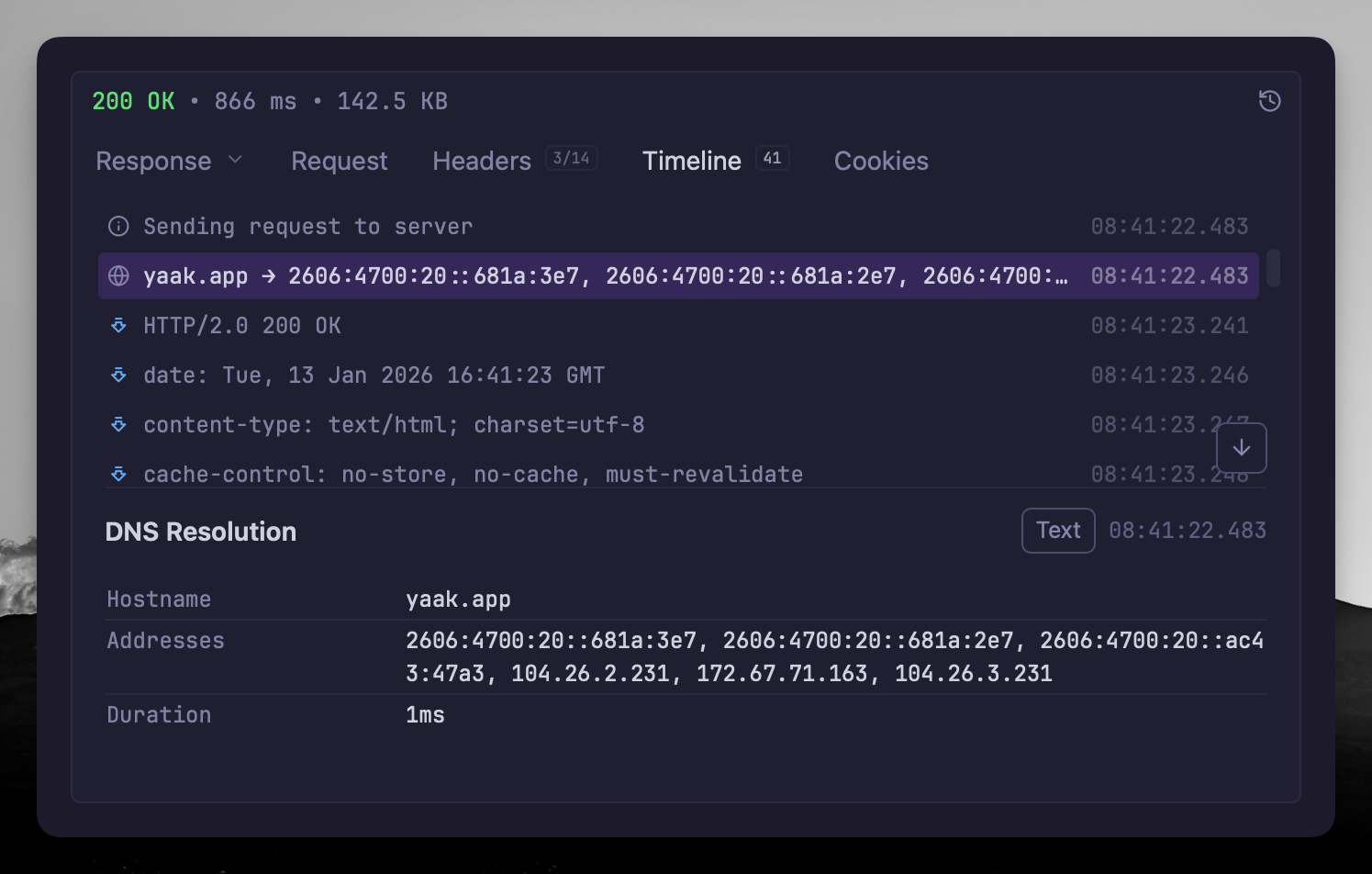
DNS resolution timing in the Timeline tab
You can also configure custom DNS resolution overrides in workspace settings to map hostnames to specific IP addresses.
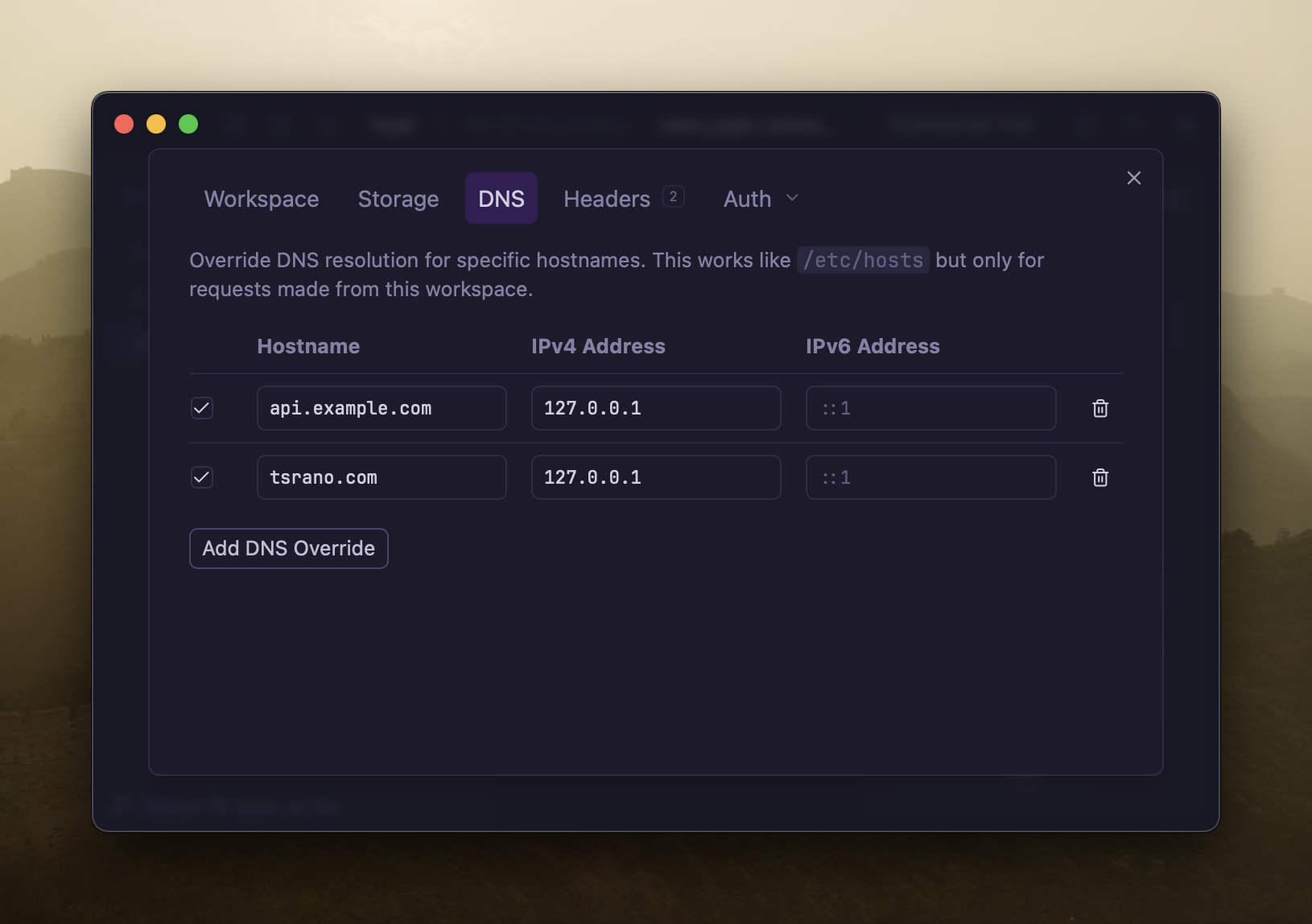
Configure DNS resolution overrides in workspace settings
Compression is now handled internally instead of by the HTTP library, so Yaak can show both
compressed and decompressed sizes in the response. This update also adds zstd support.
See also: feedback
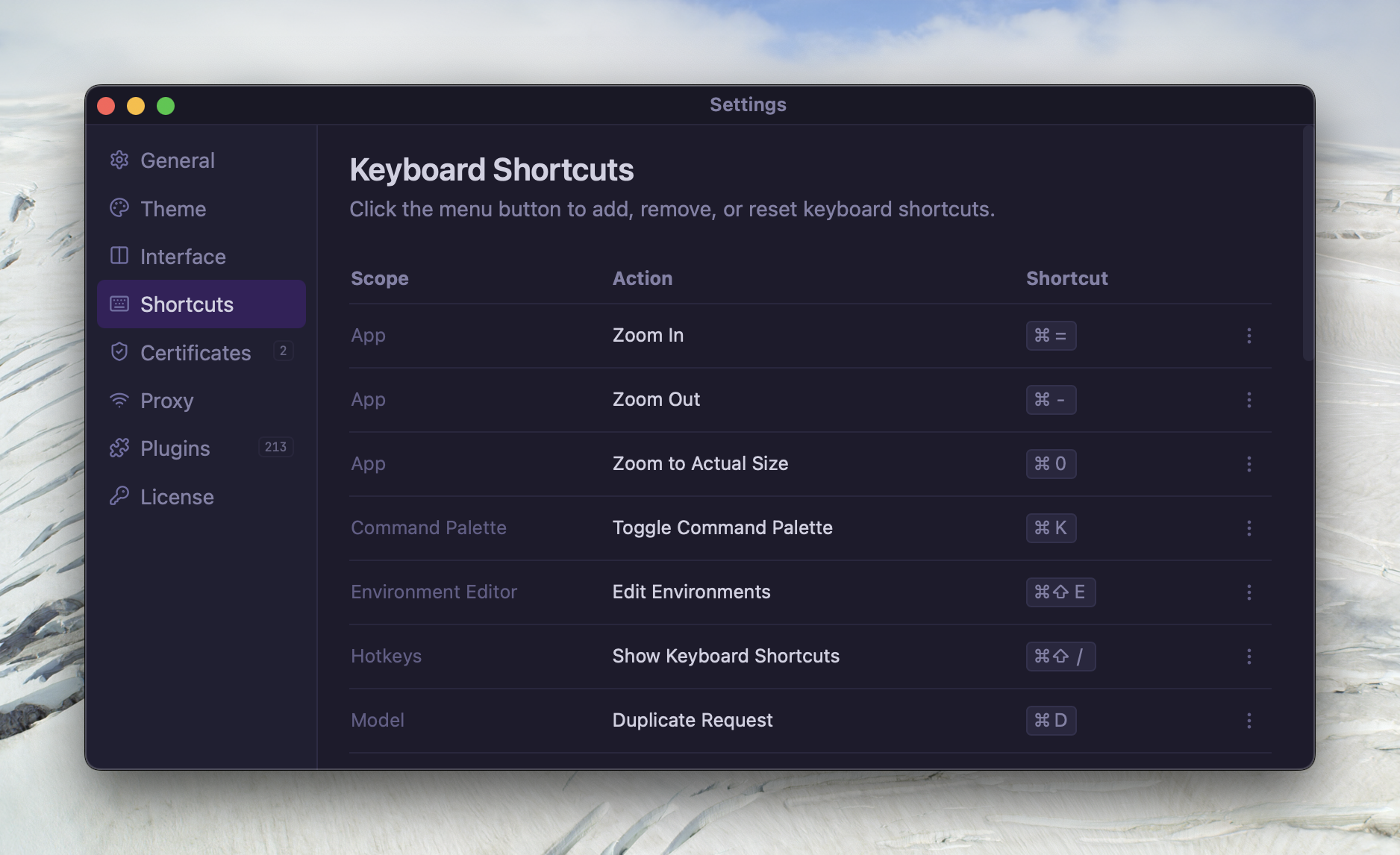
You can now customize keyboard shortcuts in Settings → Keyboard Shortcuts. The editor autocomplete trigger is also configurable.
Tabs can now be dragged to reorder them. Your arrangement persists across sessions.
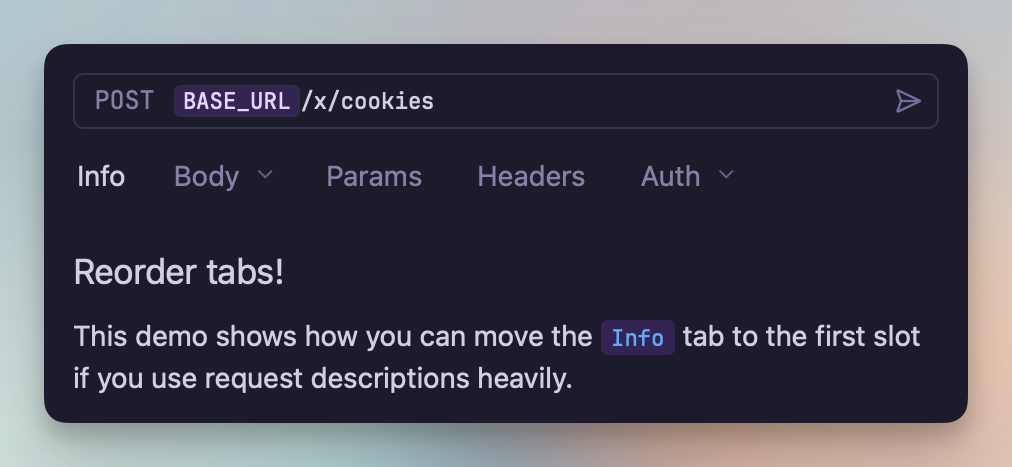
Drag tabs to reorder them
See also: #347
This release adds 30+ popular VSCode themes including Dracula, One Dark Pro, Solarized, Monokai, and GitHub’s themes.
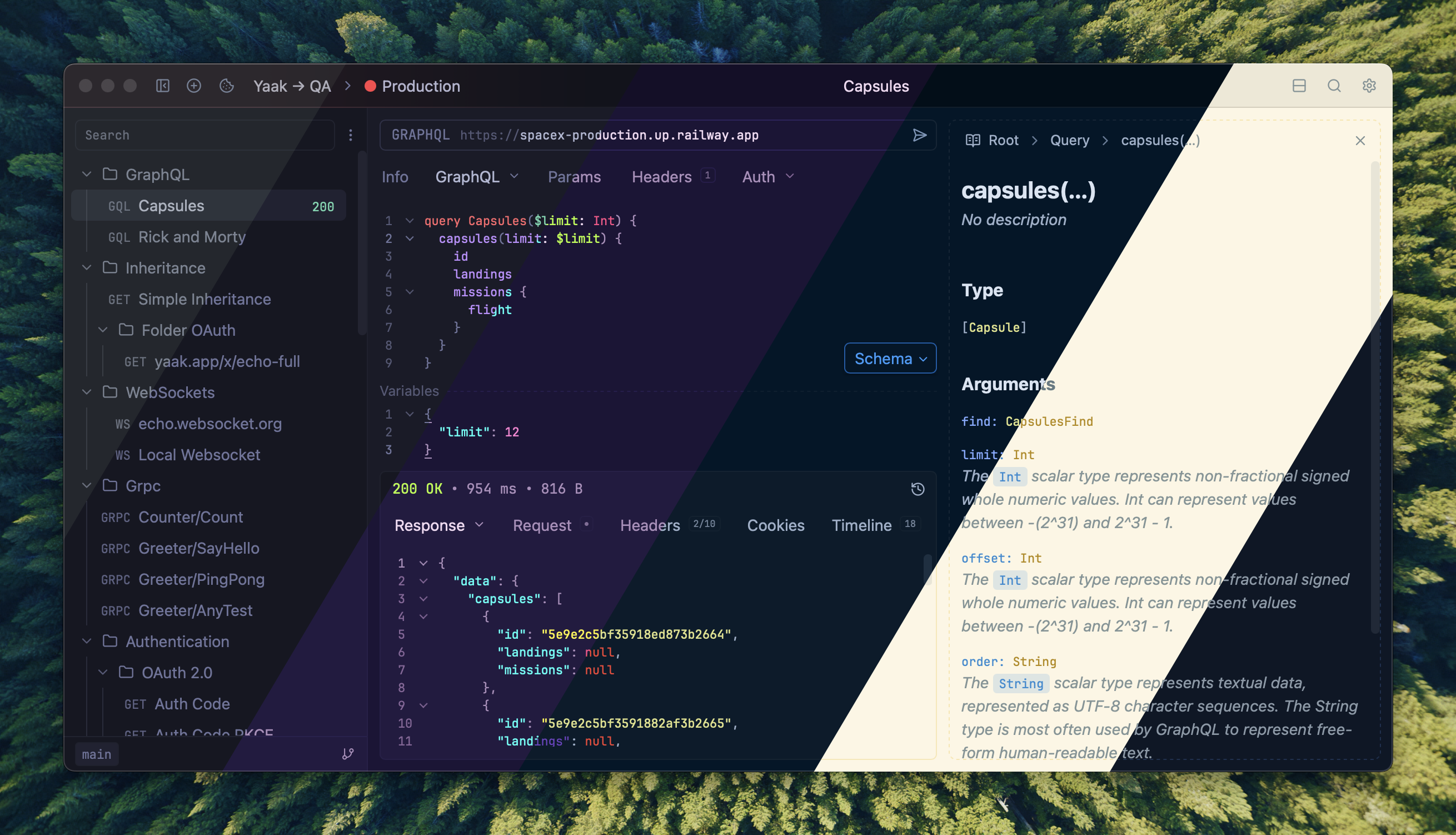
Choose from 30+ popular themes
See also: #336
The MCP Server plugin exposes your API workspace to AI assistants like Claude Desktop. It provides tools for creating, viewing, and sending HTTP requests—even supporting multiple windows.
Get started by installing the official Yaak MCP Server Plugin and following the documentation to configure it with Claude (or other apps).
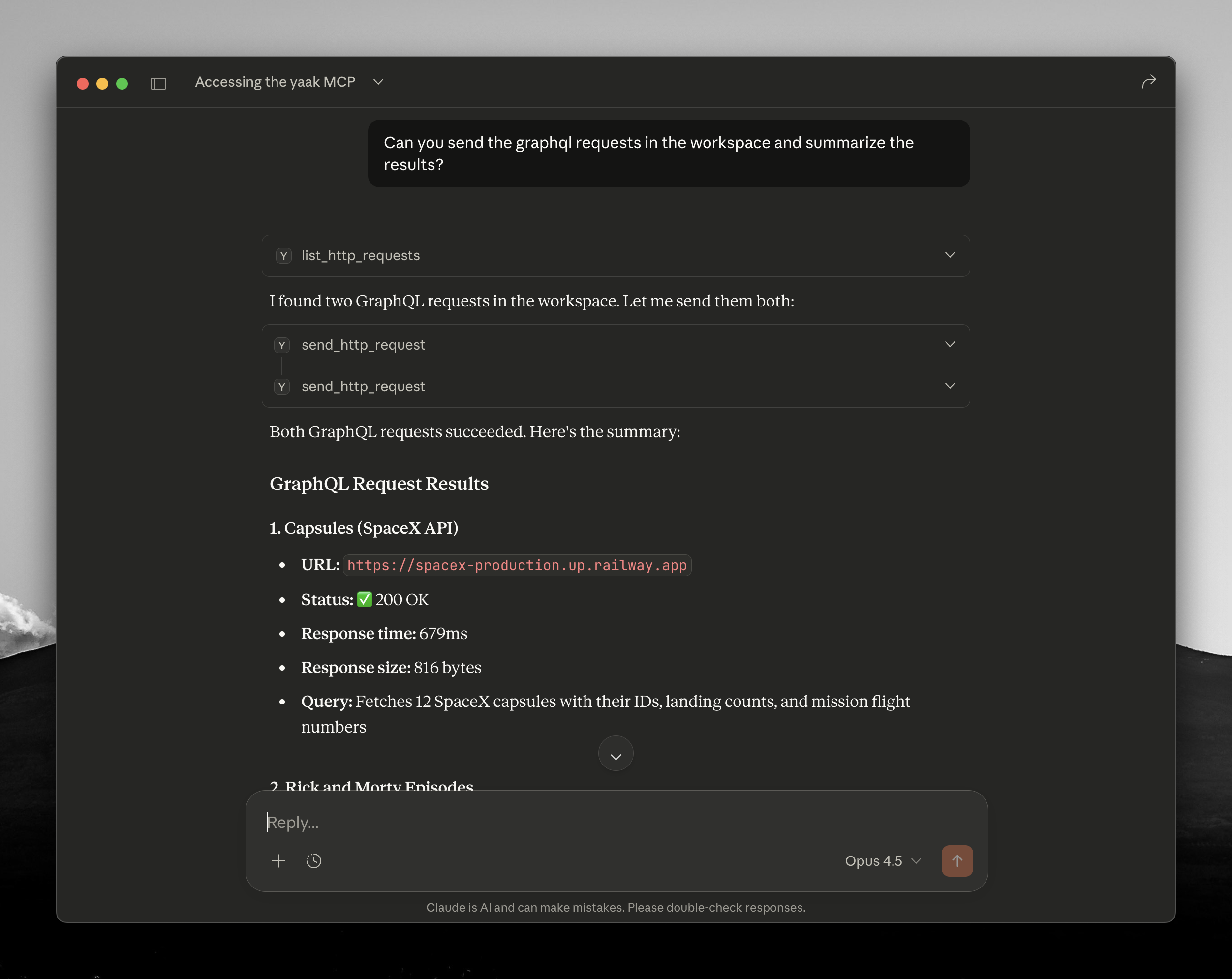
Sending requests with the MCP plugin
See also: #335
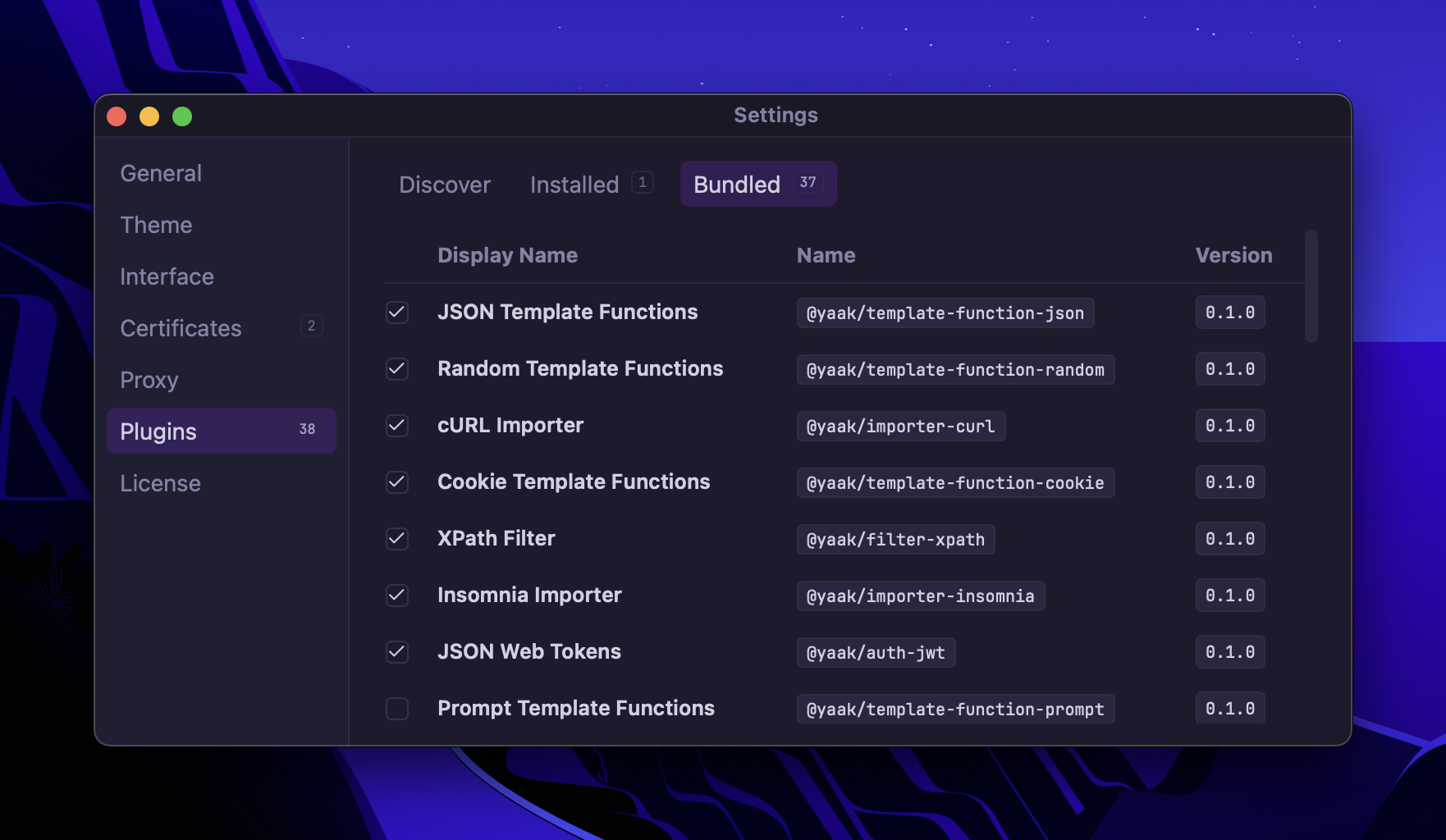
You can now disable any plugin, including the bundled ones. Disabled plugins won’t load at startup.
zstd response compression supportctx.prompt.form() plugin API for multi-field form dialogs(#359
)Set-Cookie headers in responses--data-raw multipart parsing(feedback
, #331
)${var} format(feedback
, #330
)Community-purchased licenses are what power new features and fixes like this. Supporting Yaak means more updates to come, for you and your team.