If you found Yaak during the recent Postman outage, hello! 👋
A bunch of you asked to be able to import Postman environments, so you can now do that in this release.
Along with that, there’s a brand-new multi-select sidebar, TTL for request chaining, AWS v4 authentication, and a bunch more goodies. 🎁
It looks mostly the same, but under the hood it’s rebuilt from scratch to support multi-select for re-ordering and context menu actions. You can also now drag items into closed folders (finally 🎉).
Closes Multi-select (batch delete)
You can now import Postman environments into your currently active Yaak workspace.
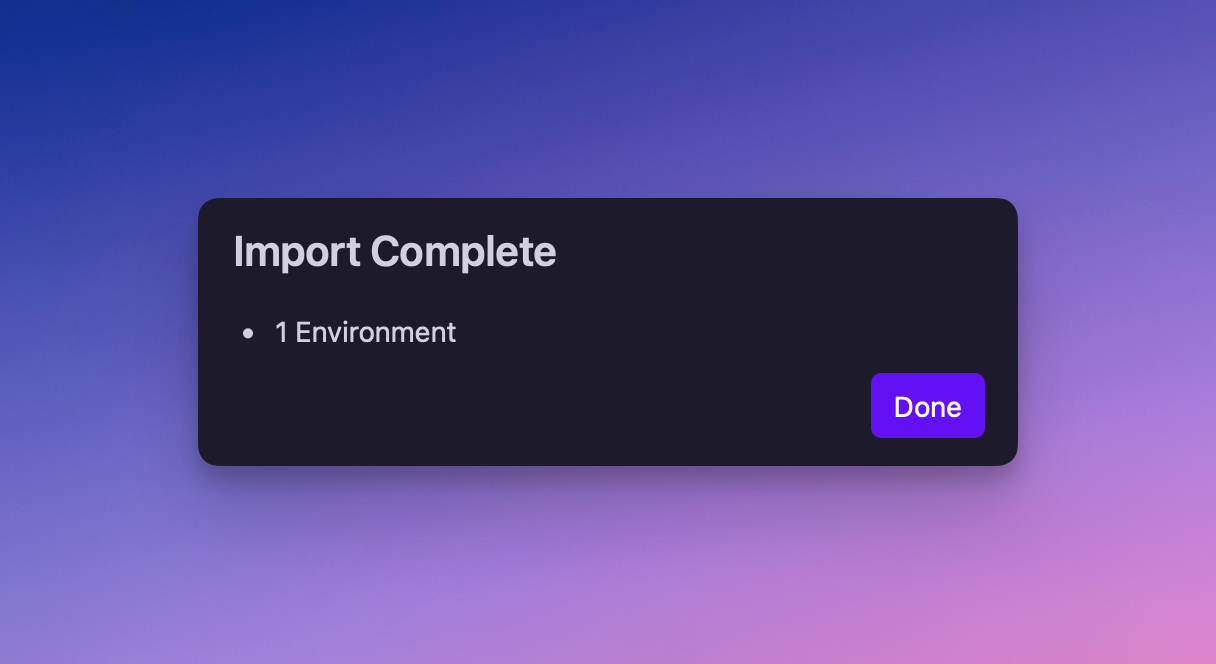
Confirmation dialog for importing Postman environments
Closes Import Postman environments
You can now drag-n-drop files into any “Select File” input within Yaak, so you don’t have to go hunting for files in the file explorer.
Request Chaining now
supports a new “When Expired” behavior that allows you to resend the dependent request
when the response is older than n seconds.
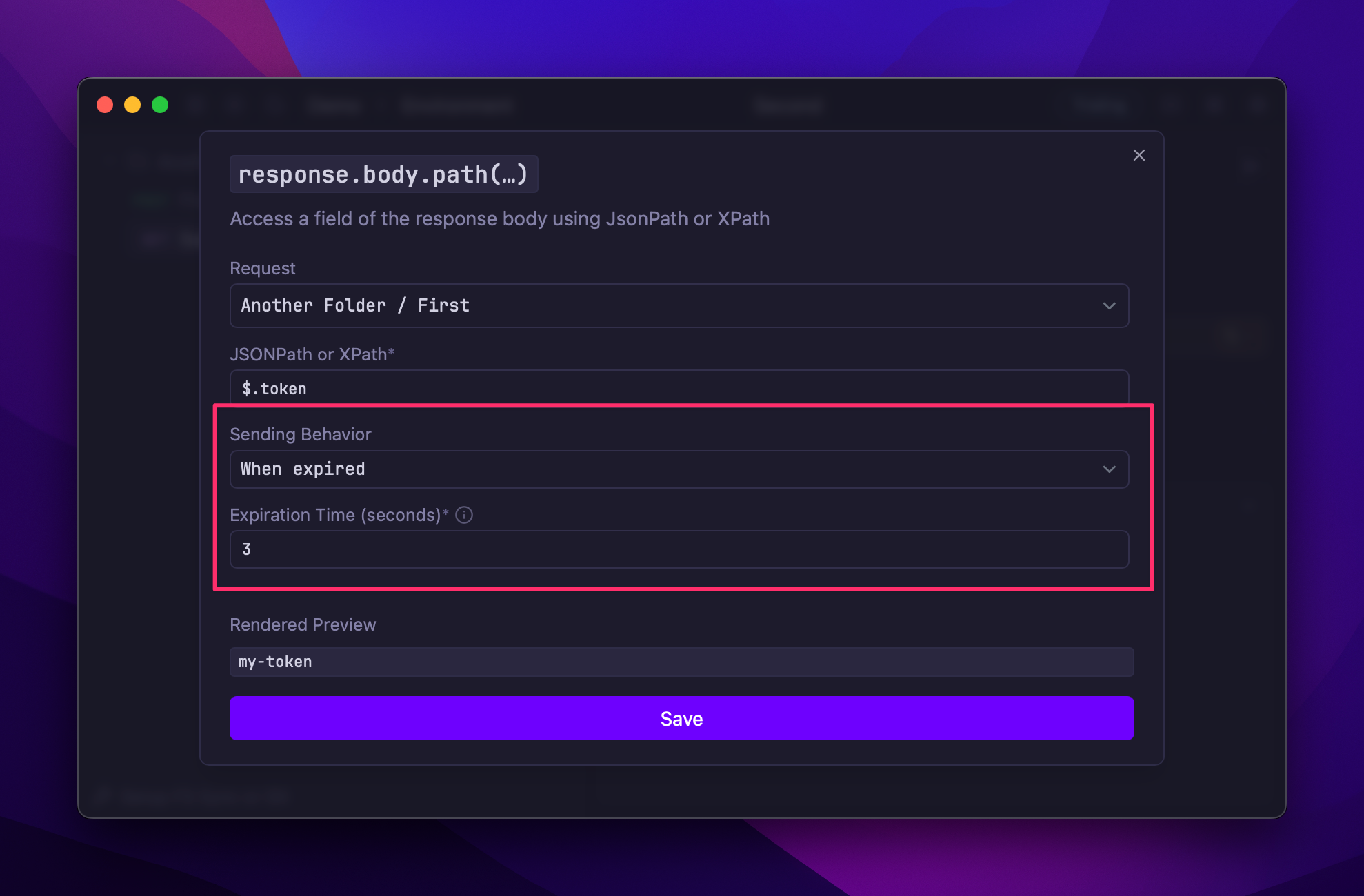
Setting a TTL of 3 seconds in a request chain
Closes TTL option for request chaining
It’s now possible to use AWS Signature v4 Authentication for any request, for usage with APIs like S3.
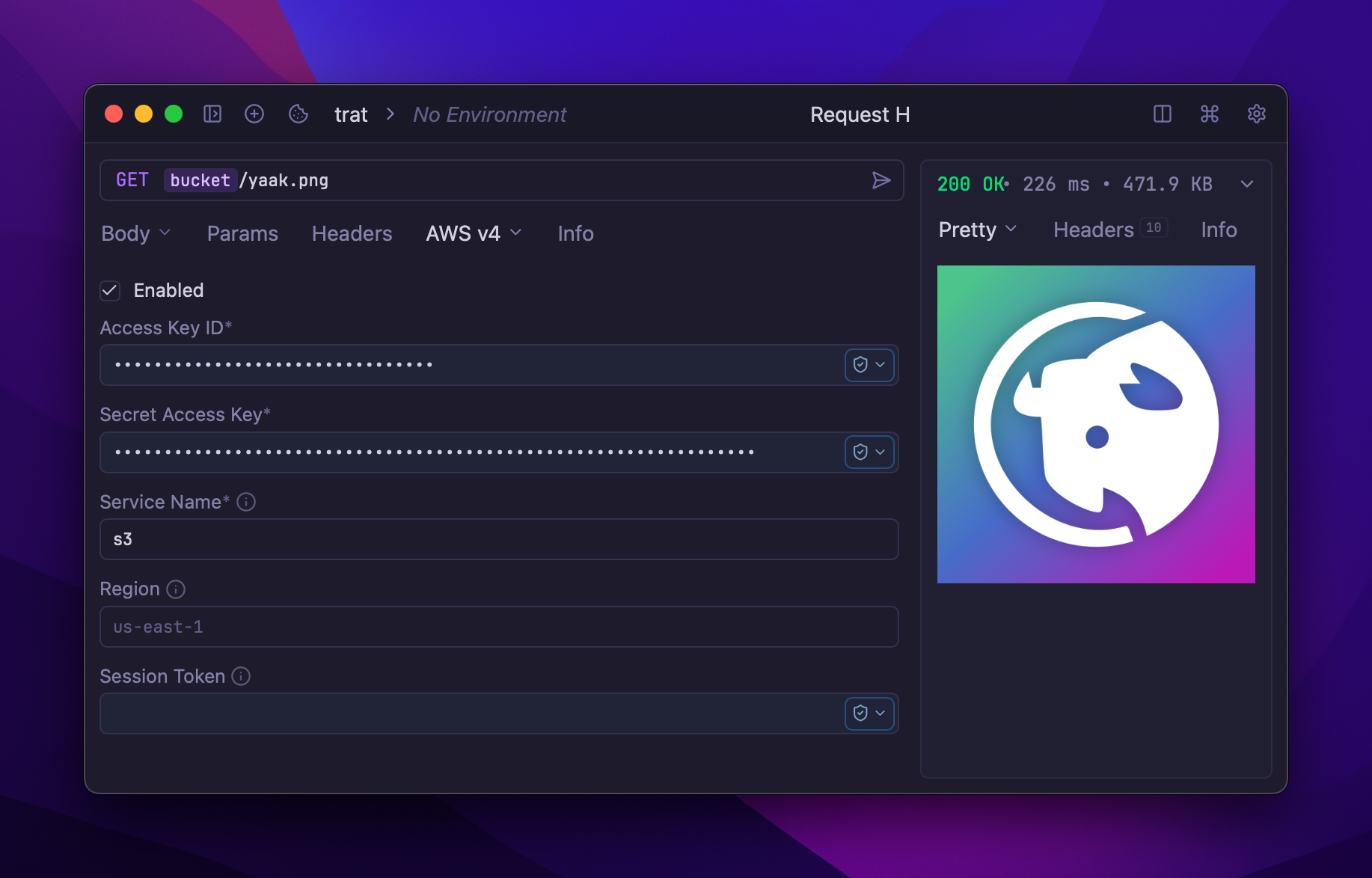
Fetching a private S3 file via Yaak
Closes AWS signature v4 auth
Yaak now automatically highlights matching brackets in code editors. Simple. Useful. That’s Yaak.
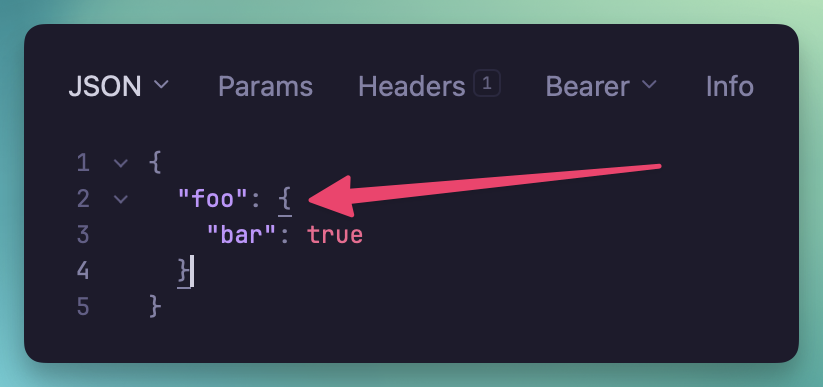
Matched brackets are underlined by default
secure() valuesfs.readFile encoding by @Ty3uK
in #267Community-purchased licenses are what power new features and fixes like this. Supporting Yaak means more updates to come, for you and your team.