This release introduces folder variables, a keychain access template function for secure credential handling, and high-contrast themes to improve readability.
You’ll also find a new toggle for horizontal / vertical layout switching, along with a refreshed update experience that doesn’t interrupt your focus.
You can now create (or override) environment variables for all requests within a folder,
by navigating to Folder > Settings > Variables.
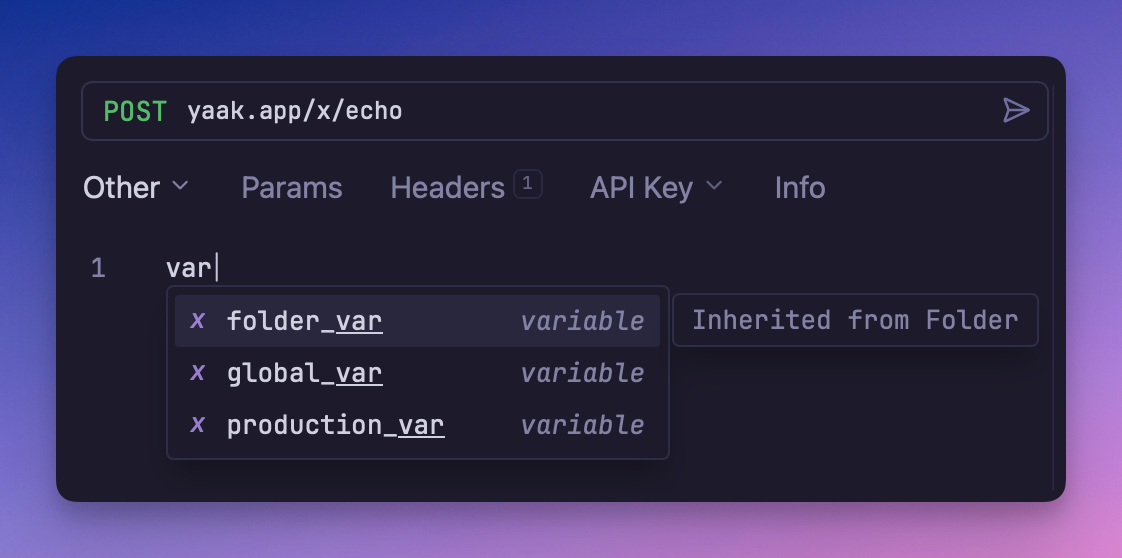
Autocomplete displaying the source of a variable
This makes it easy to scope values like URL paths, resource IDs, and other values to all
requests inside a folder, like https://api.example.com/users/${[user_id]}
See also: feedback
Yaak now ships with a keychain(...) template function that lets you pull secrets straight
from your operating system’s keychain.
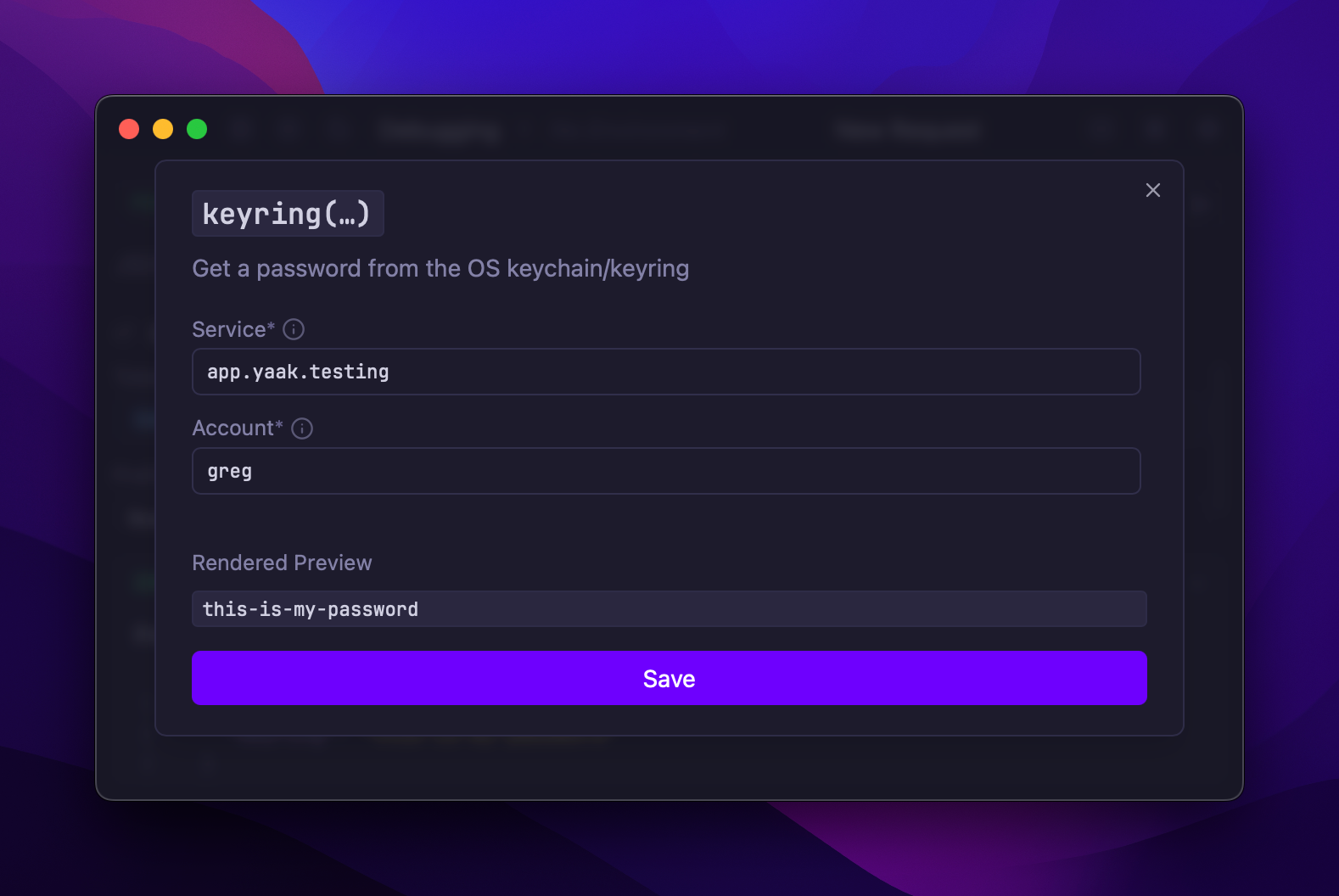
Configuring the new keychain template function
This means you can reference credentials that are already on your system instead of duplicating them inside Yaak.
See also: feedback
You can now toggle between horizontal and vertical layouts by clicking on the “layout” icon in the top-right corner of the window.
Yaak previously tried to automatically select the correct layout based on window size, but it wasn’t always the desired outcome. Many of you wanted the ability to use the vertical layout at large window sizes as well. Now you can!
See also: feedback
For those needing stronger visual contrast, Yaak now includes two new high-contrast themes for both light and dark modes.
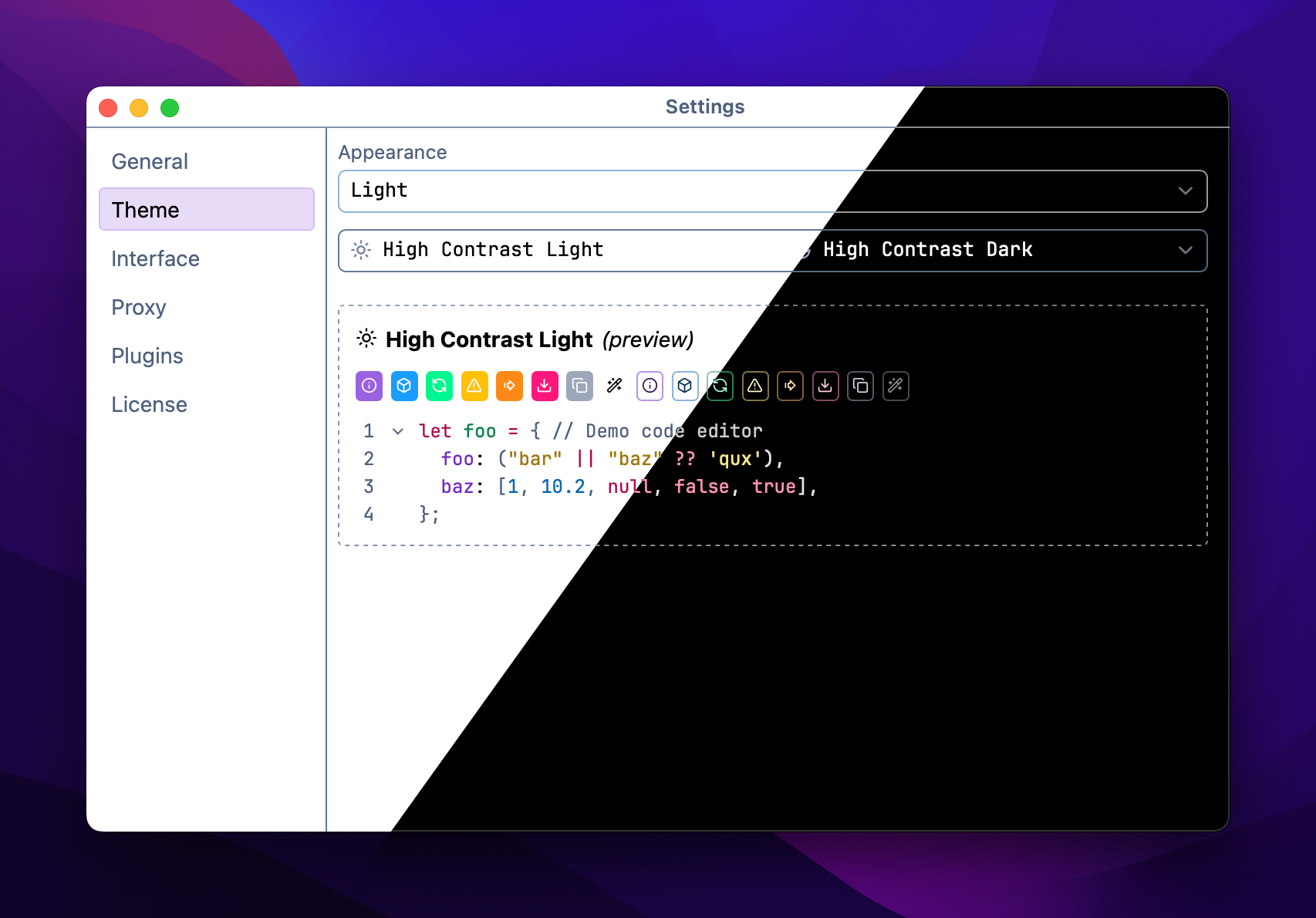
New dark and light high-contrast themes
Enable the new themes by going to Settings > Themes and enabling one of the following:
Hight Contrast LightHigh Contrast DarkAs a bonus, the contrast of the default light theme has also been increased.
See also: feedback
Say goodbye to the annoying “Update Available” alert that disrupts your focus, and say hello to a better-integrated update experience.
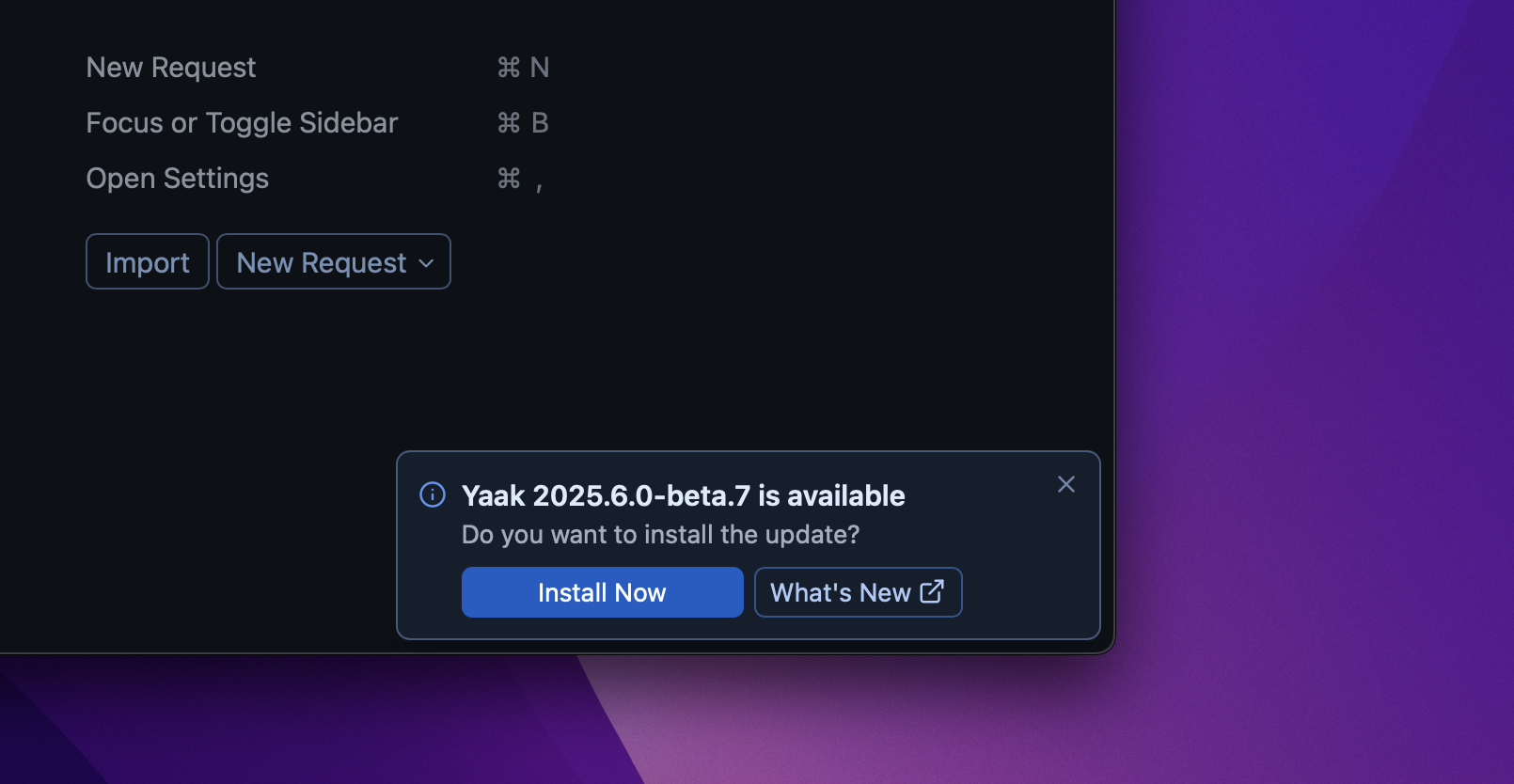
New in-app update notification
The new updater:
Restarting the app after an update is also now fixed in this release.
See also: feedback
Community-purchased licenses are what power new features and fixes like this. Supporting Yaak means more updates to come, for you and your team.