How’s that saying go? “All good features come in threes?” Never mind… 😅
Here are the three big things included in this release.
Plus a pile of fixes based on your feedback. Let’s dig in.
It was previously possible to create custom plugins for yourself, but there was no easy way to discover or share them. Now you can browse and install plugins directly from Yaak’s settings dialog!
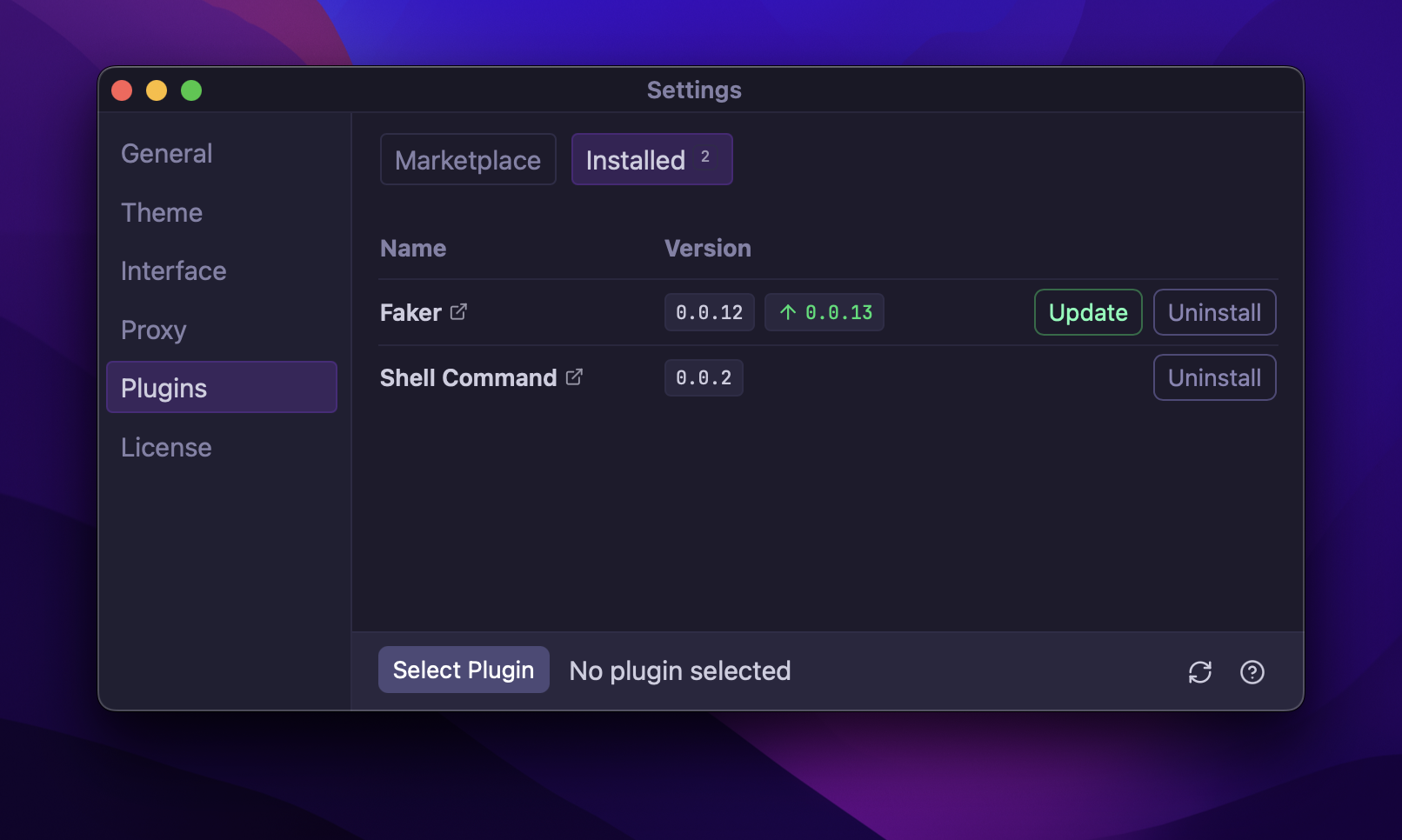
Install community plugins from Settings → Plugins
Plugins also show up on the Plugins Directory on this website. It’s still early, so if you have an idea and want to submit your own, visit the Quick Start Guide. To learn how.
The following plugin types are currently supported:
Most plugins are only a couple dozen lines of TypeScript, and can be published in less than 5 minutes using the Yaak CLI.
See also: feedback
You can now browse your GraphQL schema directly inside Yaak!
The GraphQL Docs Explorer makes it easy to navigate types, fields, queries, mutations, and arguments all without leaving the request tab.
It’s perfect for exploring unfamiliar APIs or refreshing your memory without having to use an external tool like GraphiQL.
Shout out to Mr0Bread for the initial implementation
in #208
See also: feedback
You can now embed a “run button” on any web page (like your API docs) that will prompt the user to import it into Yaak when clicked.
Create your own button by visiting yaak.app/button/new.

Clicking the button will open Yaak and prompt to import
Creating a button requires the following:
See also: feedback
There’s a new “API Key” authentication type to easily add an API key as a custom header or query parameter.
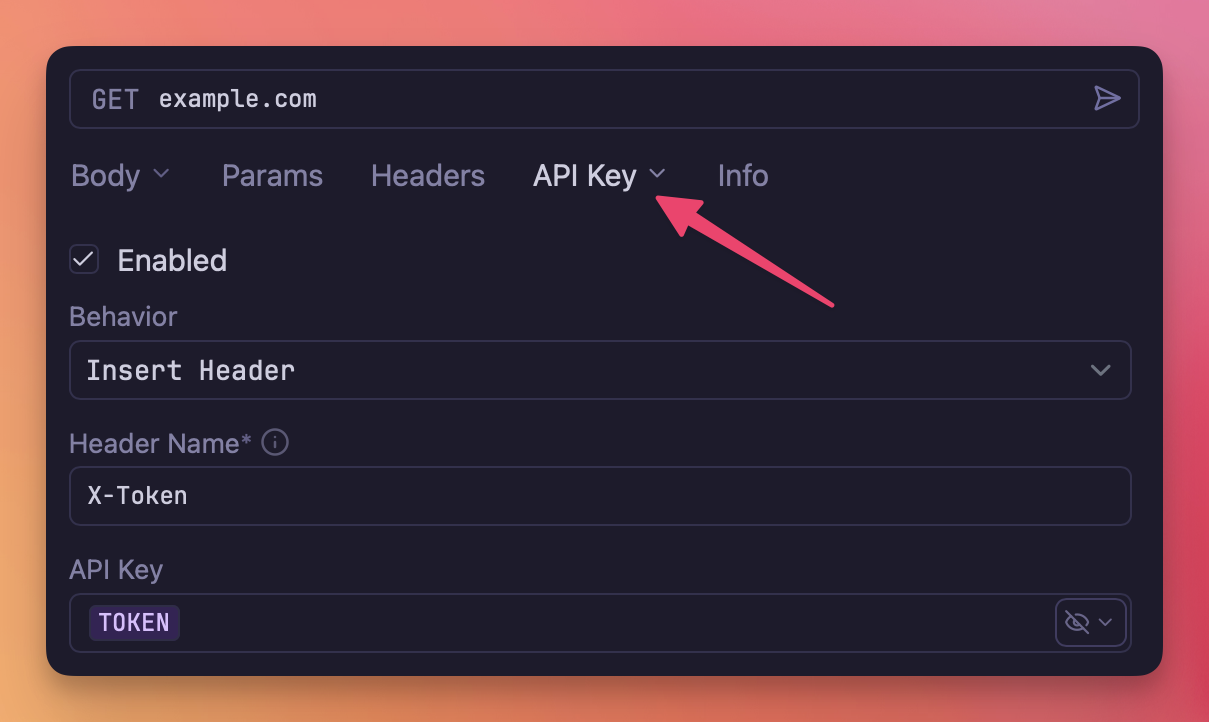
Authenticate requests with an API ke
See also: feedback
timestamp.* template functions (#244(#244
)request.param template function (#242(#242
)regex.match and regex.replace template functionsjson.minify() template functiontype(feedback
)--url-query (too new) from curl generate (#239(#239
)Community-purchased licenses are what power new features and fixes like this. Supporting Yaak means more updates to come, for you and your team.