This release focuses on making Yaak feel more at home in real-world teams and environments: better Git integration, Windows authentication, first-class 1Password support, smarter template functions, and a big batch of UI polish.
Before jumping into features, I’m happy to announce new native ARM builds for Linux and Windows! Head over to Downloads to get started.
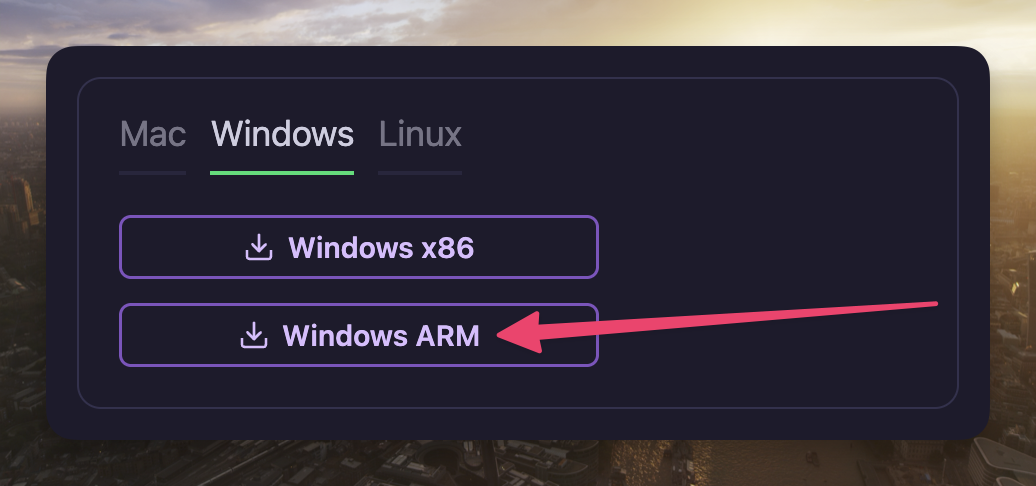
Download the ARM installers from the Yaak website
Yaak already provides end-to-end encryption for sharing secrets securely, but this still required copying secrets from 1Password or other tools. Now you can use the official 1Password template function to access secrets directly from Yaak!
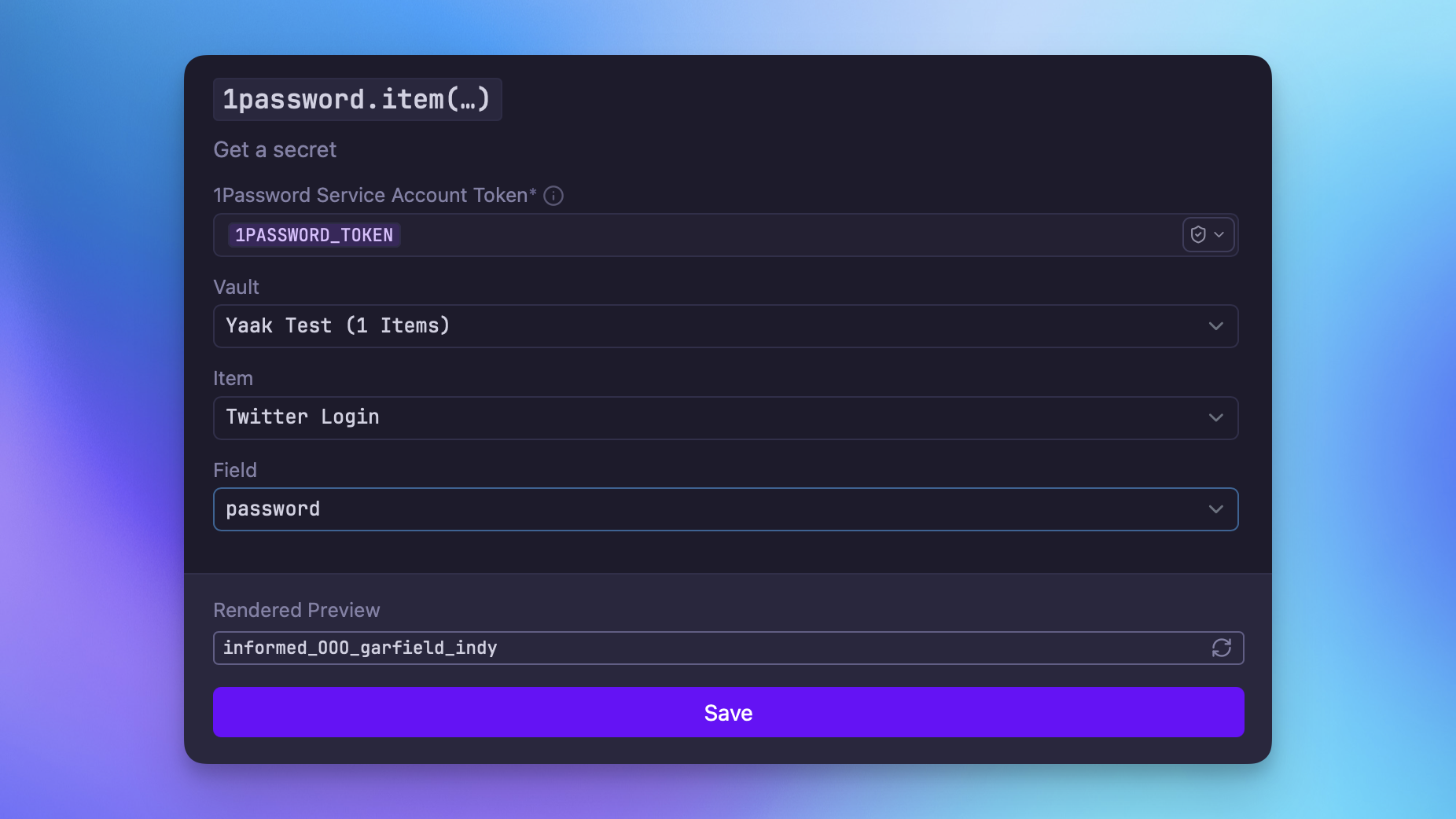
Access secrets directly from Yaak using the 1password.item() function
This function is implemented as
a bundled plugin
and uses the official @1password/sdk JS package
to interact securely with 1Password. The only requirement is to create a new
service account from the 1Password website (Developer → Service Accounts) and copy the generated
API key into Yaak.
✅ Closes 1Password template function
It is now possible to enable authentication based on variables within the active environment. This makes it easy to interact with APIs that require authentication in production but not in development.
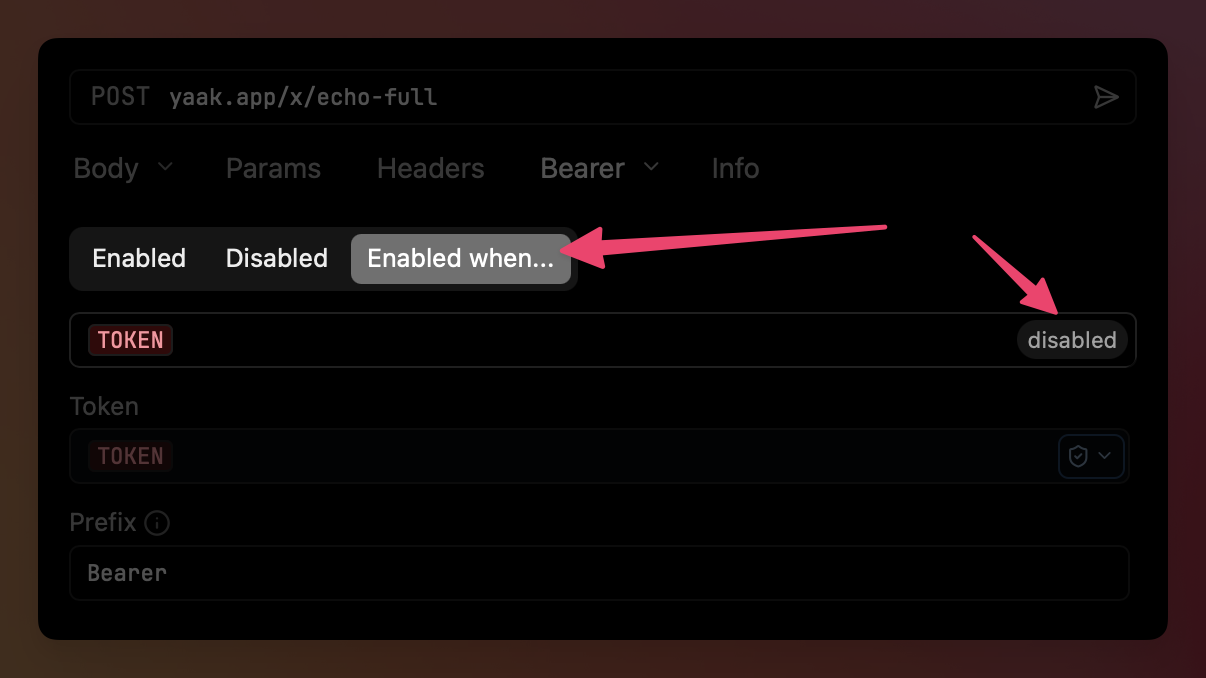
Enable authentication conditionally with the new “Enabled When…” option
When the new Enabled When… option is selected, an input appears where you can enter any template expression. If the expression renders to a non-empty string, authentication will be enabled. If it errors or renders to an empty string, authentication will be disabled.
Closes Buggy interaction of env variable and disabled API key
Yaak now provides autocomplete for headers in the request.headers() and
response.headers() template functions, making it easier to find the right header
for any request or response. Simply start typing, or press Control+Space, to see
available headers.
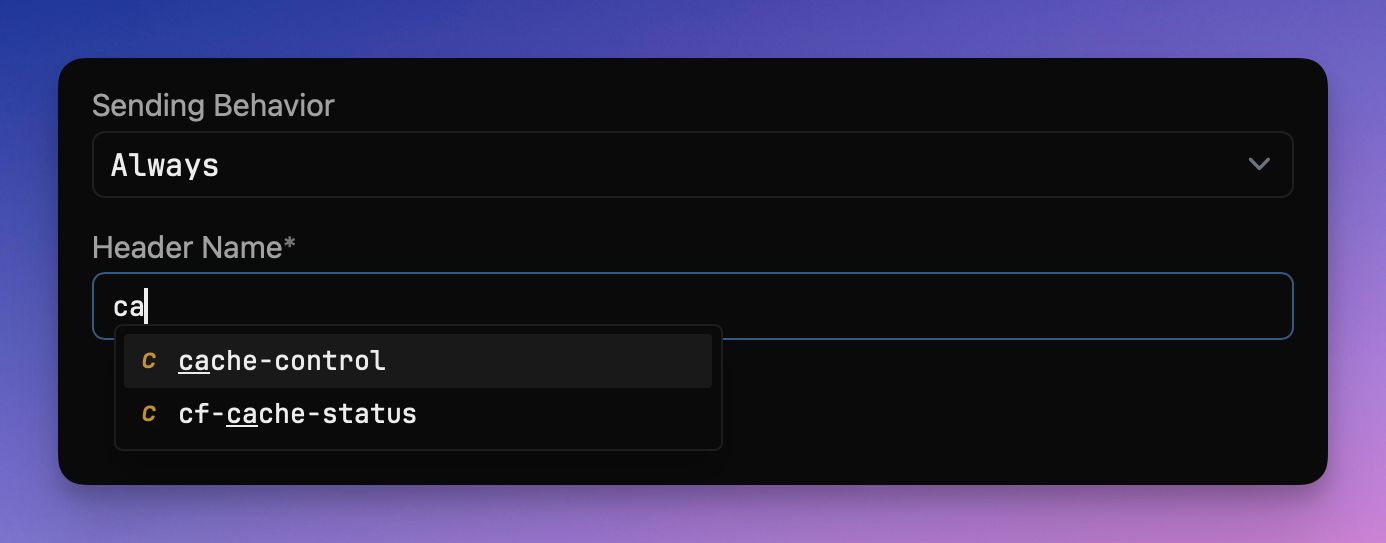
Header autocomplete for request.headers() and response.headers()
The prompt.* template functions let you ask for input on every request—useful
when you require a unique value each time.
This release adds the ability to persist these values across multiple requests.
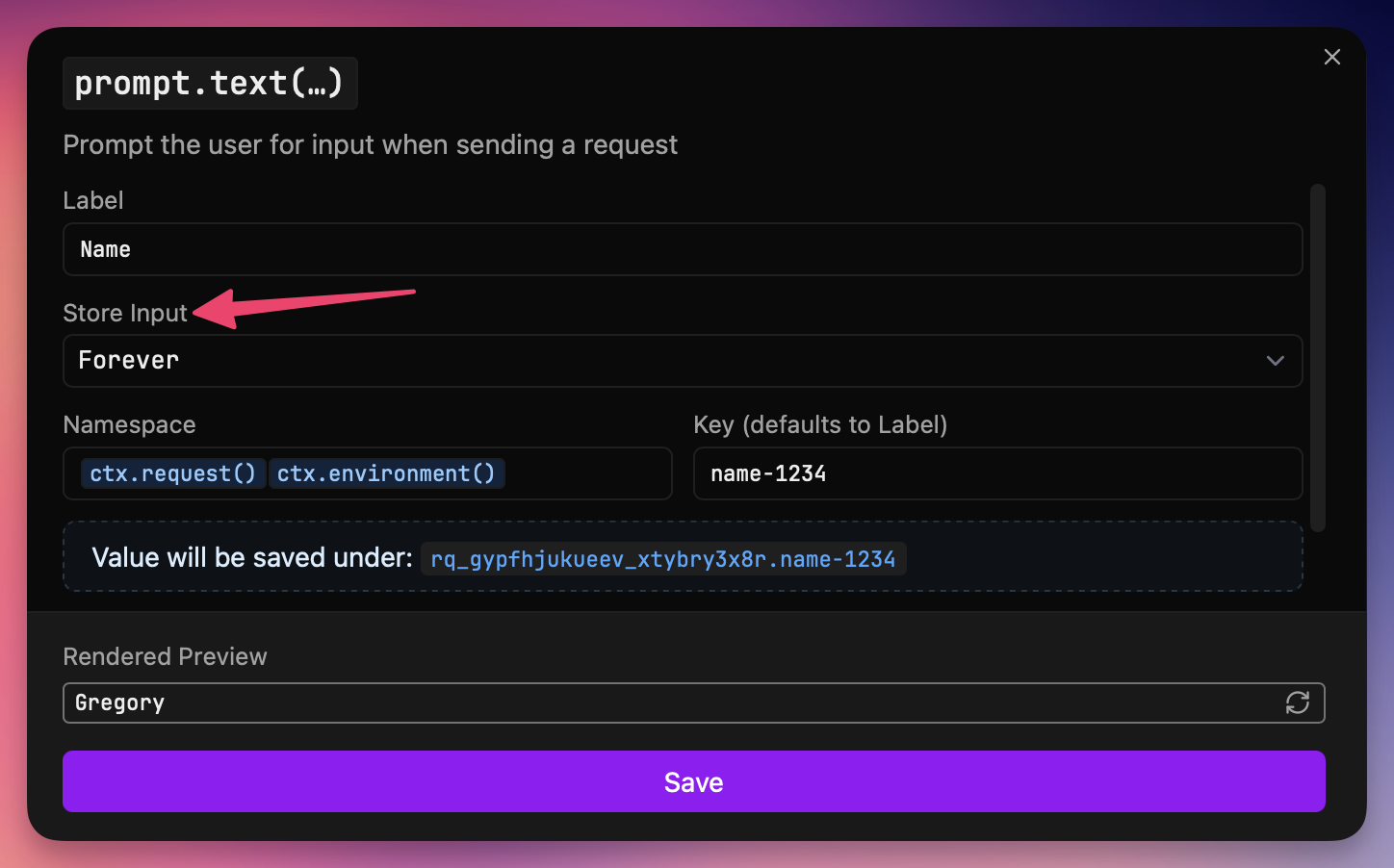
You can now:
This release brings a batch of improvements to working with Git:
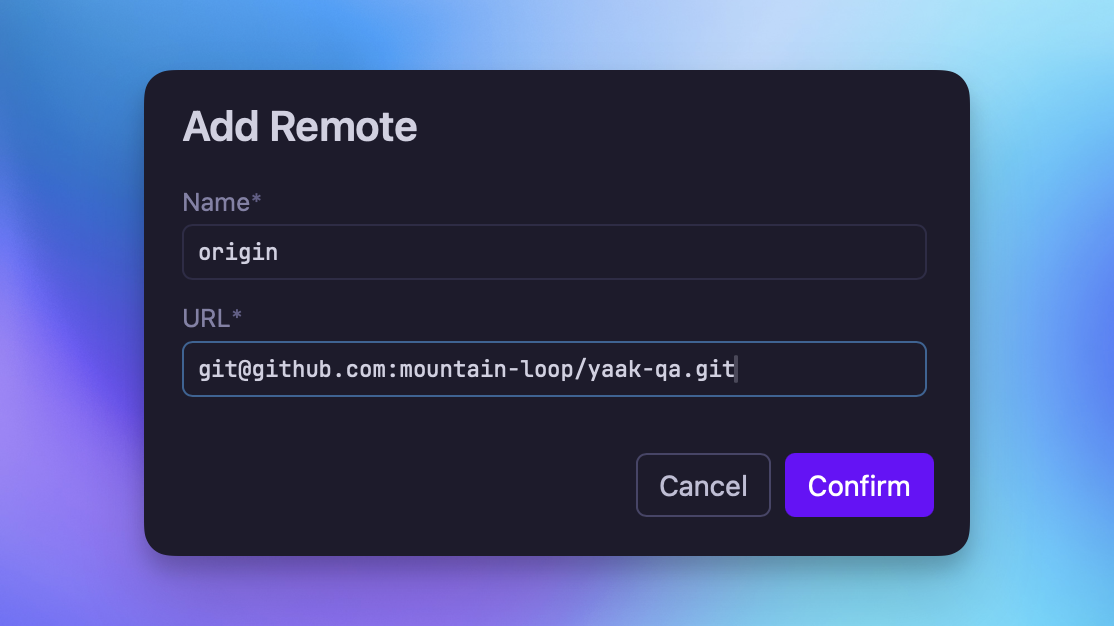
Yaak prompts to add a remote if none are configured yet
✅ Closes Defer to host’s git installation for commit/fetch/push/pull operations
Yaak now automatically lints JSON in the request body (and other fields) and displays any errors. Linting is template-aware, so you can still use template functions inside JSON.
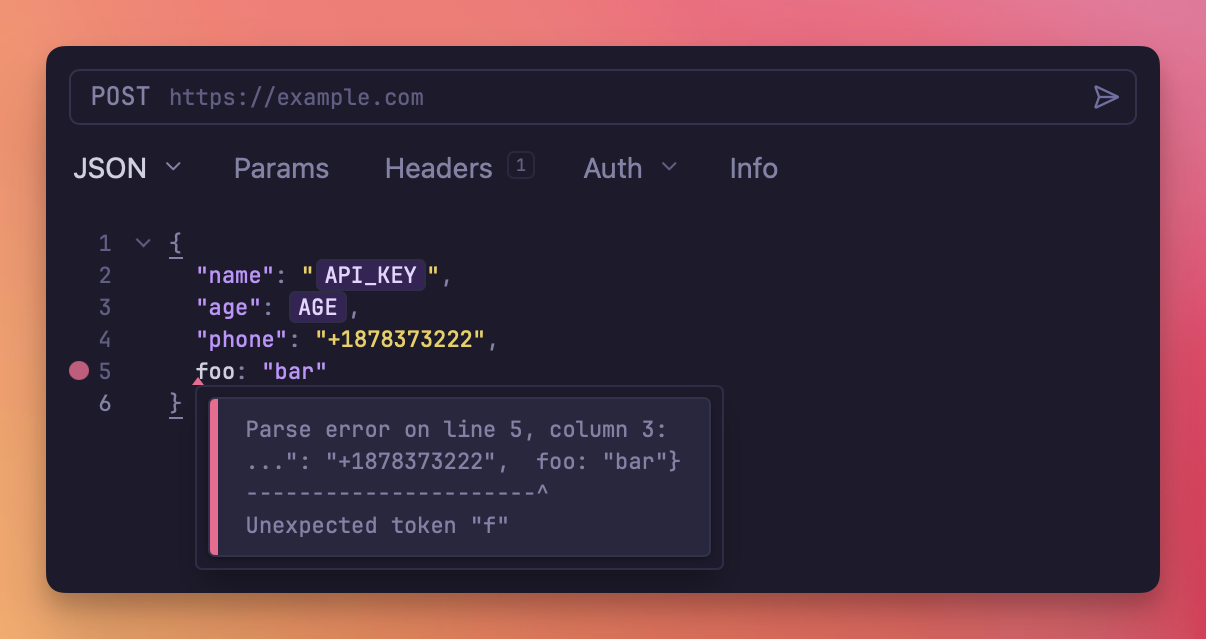
JSON errors are displayed anywhere JSON is edited in Yaak
Yaak now supports Windows NTLM authentication! Not much more to say—go try it out and let me know if you run into any issues.
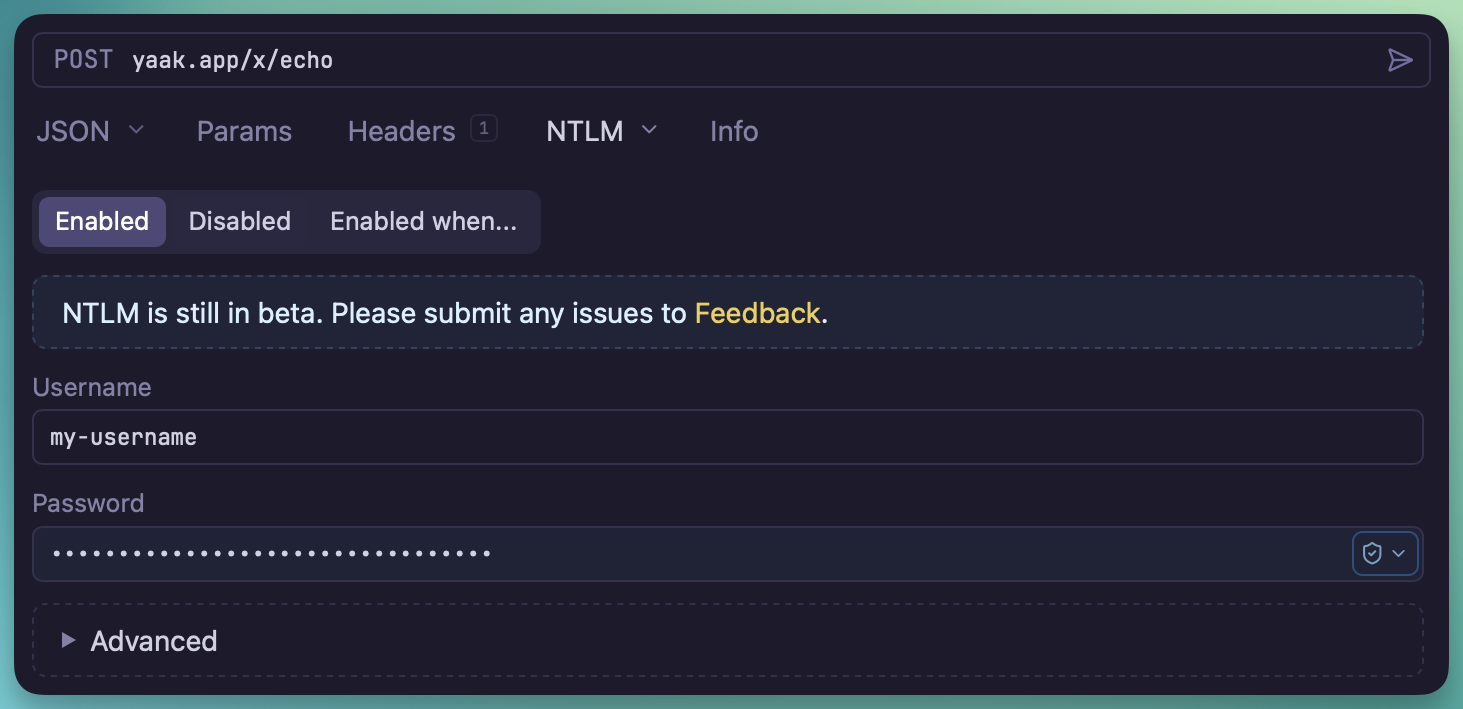
Configure NTLM at the request/folder/workspace level
✅ Closes Support Windows authentication
The new Triangle theme is for those who love pure-black backgrounds—based on the Vercel dashboard.
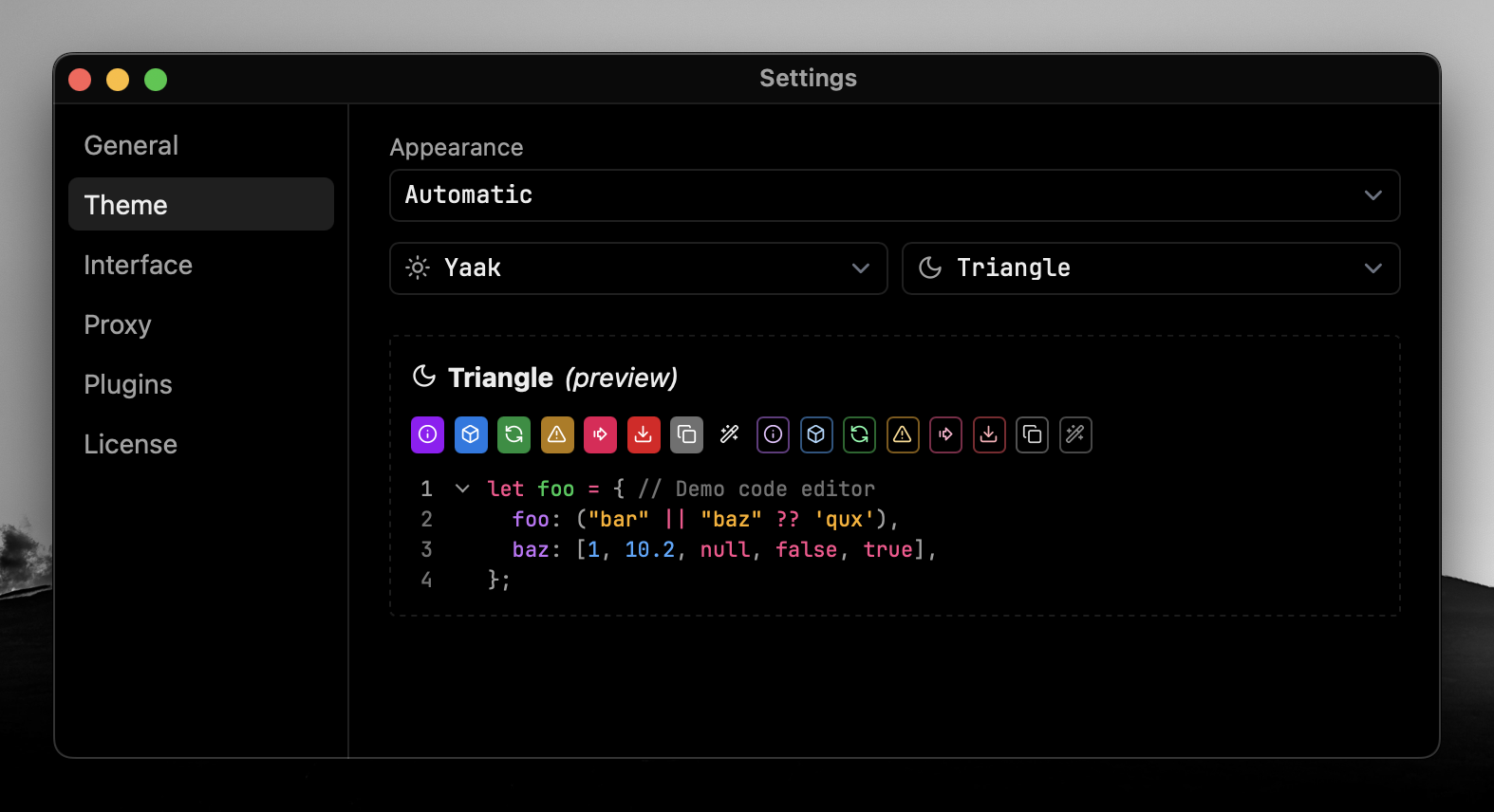
The new Triangle theme features a pure black background
The template function plugin API now supports a new previewArgs parameter. When
configured, the values of these preview arguments are displayed inside the template
function tag—providing more context when scanning requests.
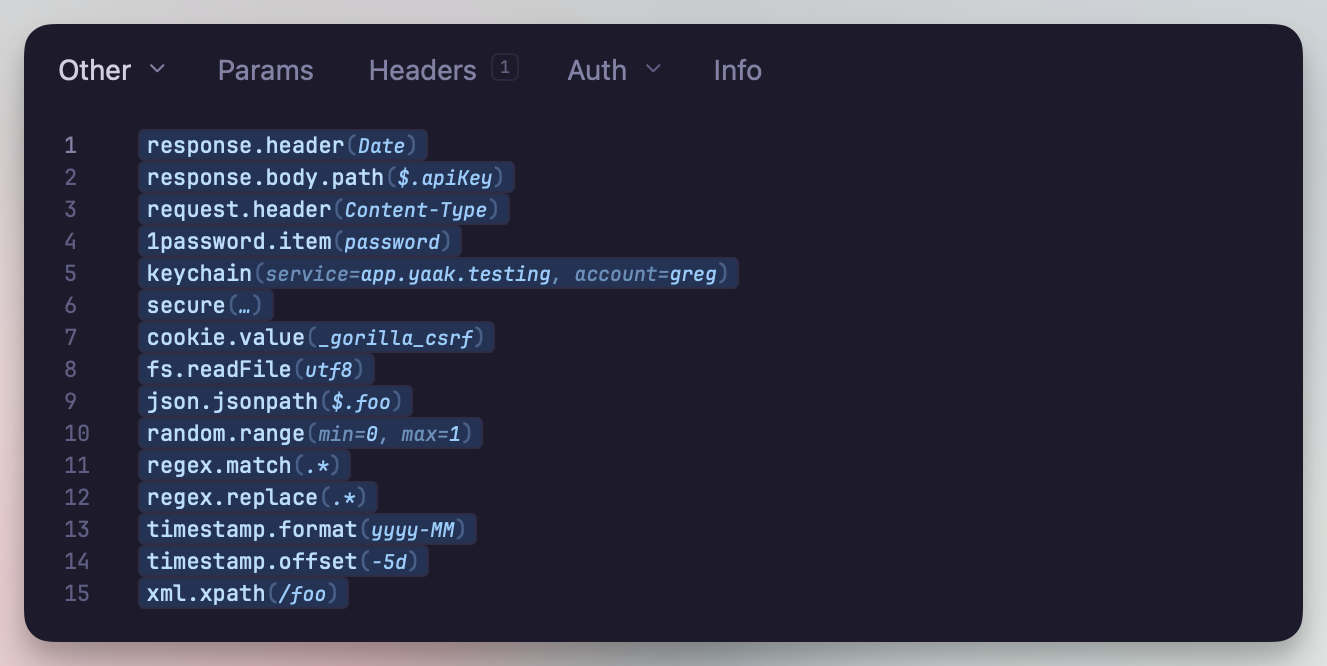
Preview template function arguments directly in the tag
When uploading multi-part files, it’s now possible to override the file name in the request body. Previously, the name was always derived from the selected file, which wasn’t always desirable.
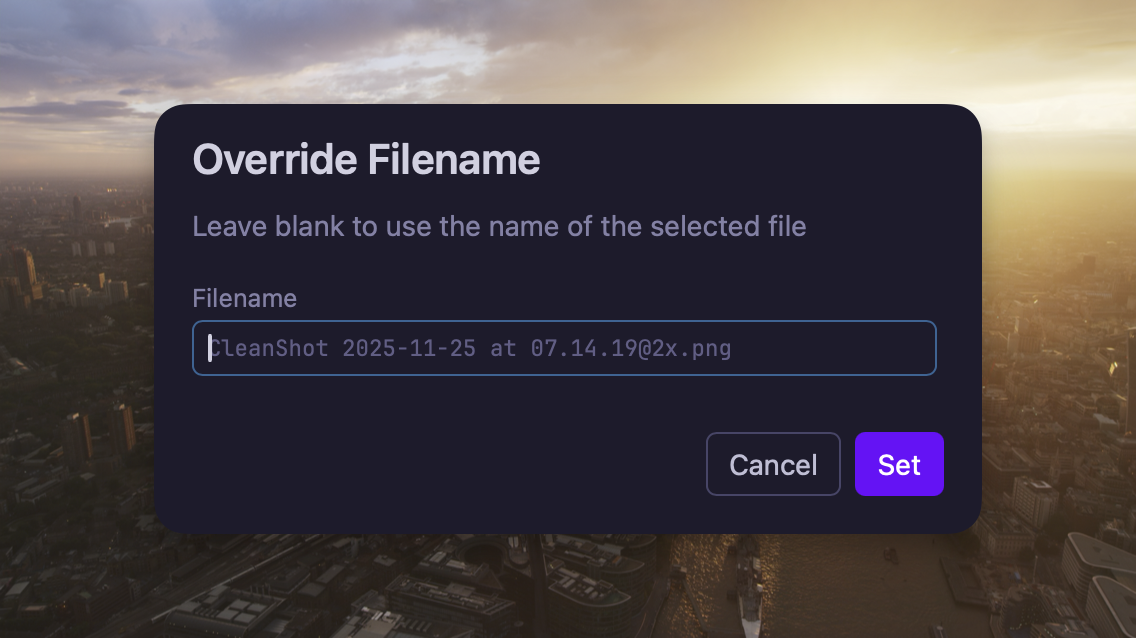
Override file name for multi-part form files
request.body.path template functiongit binary for commit/fetch/push/pull operationshttp Git remotesprompt.* value persistence optionsAny type for reflectionkeychain() template functionfrom_mins with stable from_secs by @hezhizhenCommunity-purchased licenses are what power new features and fixes like this. Supporting Yaak means more updates to come, for you and your team.